Booking Hearing Tests by Audiologist and Booth
Tests, fittings, fitting adjustments and follow-ups are booked against a named audiologist and a sound booth. The day reads by person and by room, and patients receive a text reminder. A cancelled slot returns to the diary, ready for the next booking. Referral letters travel with the visit.
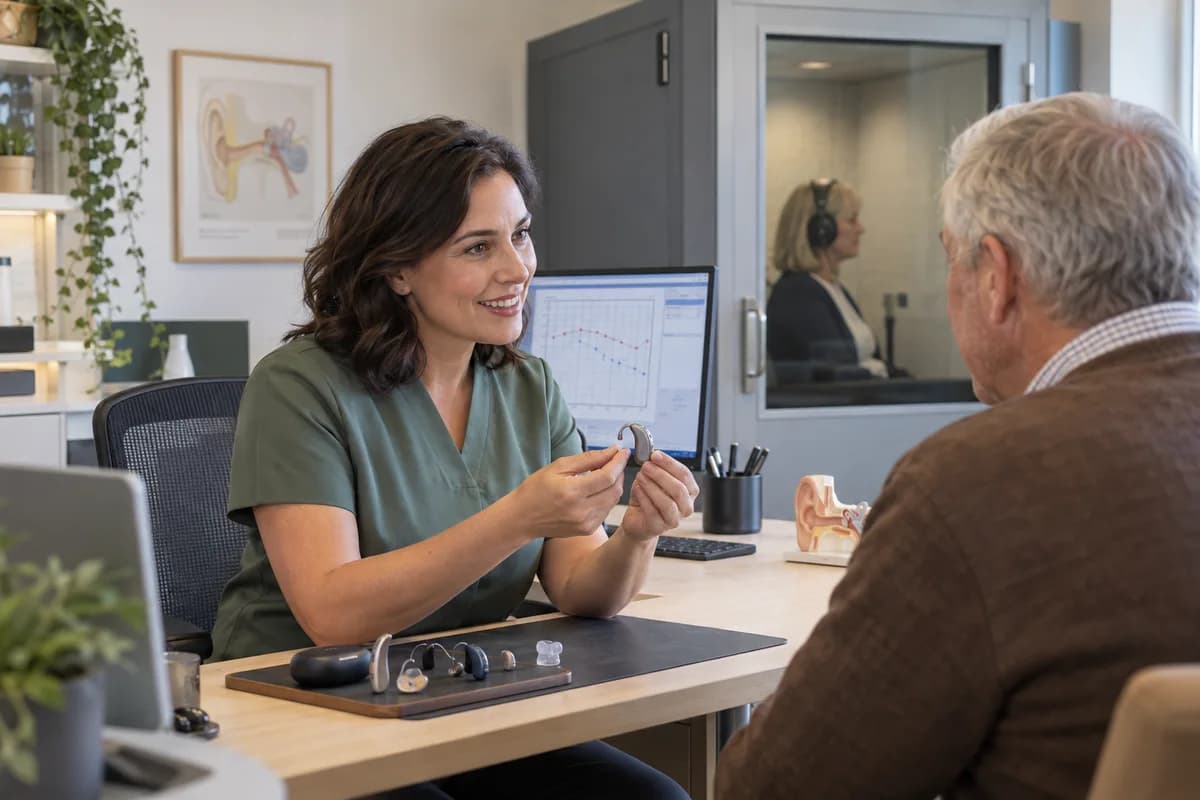
What a hearing clinic diary entry records
Each diary entry is more than a time on a page. It names the visit type, the audiologist, the booth and the patient. Where a family doctor or specialist sent the patient, the referral letter is attached to the booking. The letter opens from the entry.
A working day at the diary and booth
A hearing clinic fills its diary from several directions, by phone, through the website and from referring doctors. All of it lands on one screen. Here is how reception, dispensers and audiologists work from it through a normal day, from the first call to the closing follow-up.
Who sees the diary and what each person reads
Each role opens the same diary but looks at a different slice of it. Nobody scrolls past other people’s work. Slices are set by role, and GullySystem staff change them on request.
Decisions to settle before the diary goes live
A few choices shape how the diary behaves on the first morning. Agree them with GullySystem staff before set-up begins. Write the answers down for the desk, so a new member of staff finds the rules in one place.
How the diary connects to the clinic record
A booking is the first step of a patient’s record, and every later feature picks up from it. Visits are handed on, and dates are taken back, from other parts of the product. Nothing is typed twice by two people. Here is what flows each way.
- Patient history and referrals supply the referral letter
- Audiograms and test files attach to the visit date
- Trials and adjustments set the follow-up booking
- Recalls and warranty reminders fill the diary with retests
- Quotations and part payments start after the fitting visit
Where the booking diary stops
The diary books visits and reminds patients. It does not run the audiometer, decide how long a clinical visit should last or replace a rota for staff leave. Text message charges belong to the messaging provider. A practice that only tests hearing and never sells a device may be content with filed audiograms and a paper appointment diary.
Frequently asked questions
Can reception see which booth is free now?
Each booth sits beside its audiologist on the diary screen, so reception sees what is in use and what is open. A booth marked busy is not given to a second patient by accident. The booth shows as taken.
What happens to a slot when a patient cancels?
The slot goes back into the diary for the next booking. Reception can offer it to someone waiting for an earlier date. The cancelled visit stays on the patient’s own record. A later caller sees it as a cancellation.
Do patients get a reminder by text?
Reminders go to the patient by text. The clinic pays the messaging provider’s charges. Reception sees whether a reminder was sent and who still needs a call. That list drives the morning’s phone work at the desk.
Can a referral letter be attached to a booking?
Yes, when a family doctor or an ear, nose and throat clinic refers a patient, the letter is attached as the visit is booked. The audiologist opens it from the same booking. It is there before the test.
Can our current diary be moved across?
Patients and fitted devices are brought across from your current software or ledger. Whether open bookings are loaded or typed in is agreed at set-up. Reception reviews a sample first. The paper diary stays until then.
How this feature fits the system.
Audiology Clinic Management Software: the parts that work with this feature, the trades that use it and the ways to put it in place.
Appointments by audiologist and booth
Tests, fittings and follow-ups are booked by audiologist and sound booth, and reminders cut down the visits patients forget.
Appointment SchedulingAudiograms and test files
Files exported from the audiometer attach to the patient and the date of the test, so results open from the record.
Document ManagementDevice and serial register
Each device is held by serial number with its side, fitting date and warranty end, so a repair claim starts from the record.
Batch and Serial TrackingTell us what you need.
Tell us what your team does today, where work gets stuck and what you want to change.
What happens after you share your requirements
- We review your brief and the systems you already use.
- We clarify the workflow, missing information and the work to consider first.
- The proposed scope sets out the deliverables, responsibilities and dependencies.
- Review the scope and commercial terms before deciding whether to proceed.
Start with your requirements
Describe your current process, the people involved and the change you need. Start with the details you know; we can clarify the rest together.
Share your requirements