Item master and job-lot receiving for discount stores
Every closeout carton in a discount store gets one record in the item master. A buyer or stockroom clerk enters the job lot and assigns your own code. The landed cost for each pallet and carton goes in, with the supplier’s stock number kept beside it. The shop floor then sells from it.
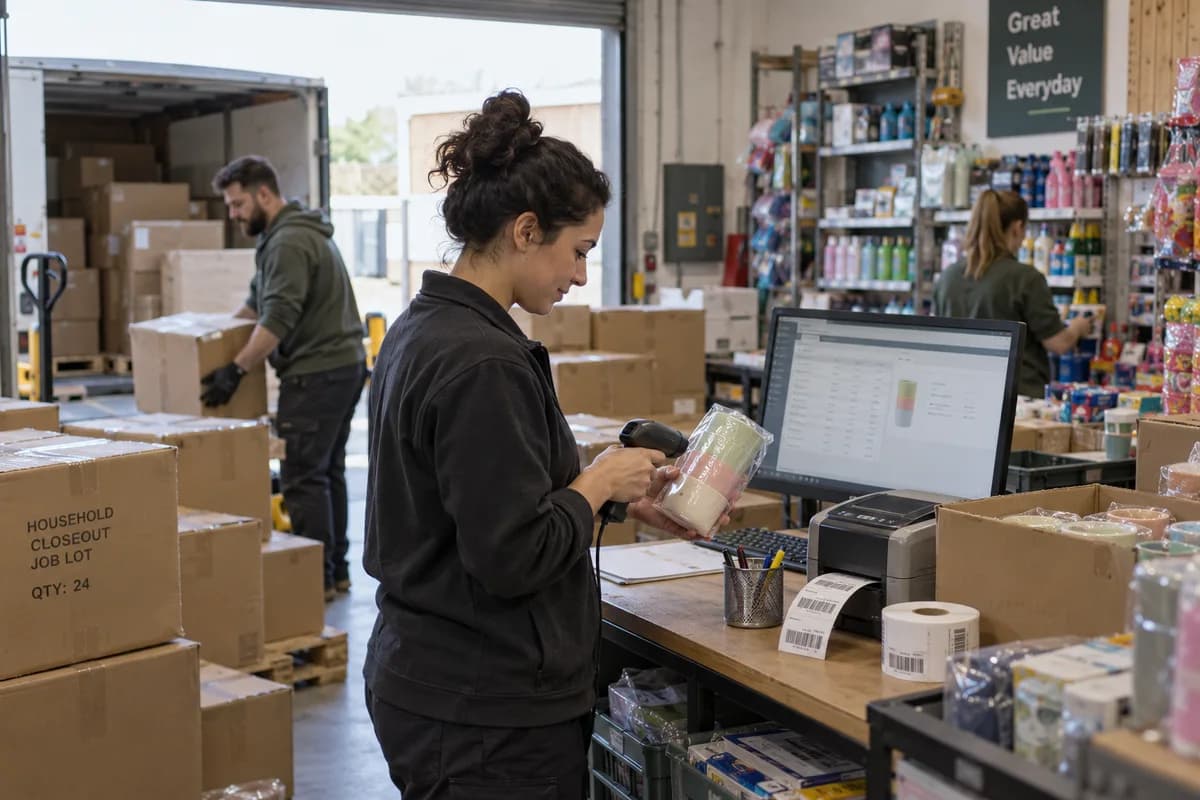
What the item record keeps for a job lot
A closeout lot arrives with paperwork that rarely matches your shelves. This record holds your own code, a plain name, the supplier’s stock number, the landed cost and the pallet and carton counts side by side. Staff read one screen, not three.
Receiving a closeout pallet, hour by hour
Pallets do not wait for a quiet moment. The van backs up to the stockroom, the packing list comes off the top carton, and the buyer may be on a call. The record is built in the order the work happens.
Who reads and edits the item master
Four people handle the record before a till sees it. The stockroom, the buying desk and the shop floor do not read it alike.
Decisions to settle before the item list loads
Setting this up well is easier than repairing it later. Four choices matter before any carton is entered. They are best agreed with the owner, the buyer and the stockroom lead at one table.
How the item master feeds the other features
Every other feature in the product reads the item record, so a careful entry here saves correction later on the shop floor. The item master takes goods in from supplier orders and hands codes onward to labels, prices, the till, counts and transfers. These are its nearest neighbours.
- Takes ordered quantities from supplier orders and receipts
- Hands new codes to barcode printing and shelf labels
- Waits for price tiers by store to set each price
- Supplies item name and code to till billing
- Gives aisle counts and branch transfers their expected stock
Where the item master stops for a discount store
The item master records what the goods are and what they cost to land. It does not set your selling price, value your stock for the accounts or settle a dispute with a supplier. It is not a ledger. Freight charges and any tax treatment of a lot stay with the owner and the accountant. A stall with a few dozen lines needs only a notebook.
Frequently asked questions
What do we enter when a carton has no label?
Enter the lot as received. Give the carton one of your codes and a name staff will recognise. The supplier’s stock number, if there is one, stays beside it. A barcode can then be printed for that carton.
How do we cost one mop head from a pallet?
Record the landed cost for the pallet and the carton count. Both sit side by side on the item. That gives a cost for one unit. How stock is valued in the accounts is for the accountant to decide.
Does a second delivery of the same line create a duplicate?
Not when the existing item is picked from the list. The new lot is received against that code with its own cost. A duplicate appears only when someone keys a fresh item by hand. That is why edit rights matter.
Can the stockroom note crushed cartons at receiving?
Counts are made against the supplier’s packing list, and a crushed or short carton is noted at the loading door. The note stays on the receipt. The buyer sees it when raising a return with the supplier.
Which fields should we load for existing stock?
Load the basics first. Take your current codes, names and item groups, the supplier’s stock number where you have one, and a landed cost for each line. Gondola counts for opening stock come separately, before go-live.
How this feature fits the system.
Discount Store Management Software: the parts that work with this feature, the trades that use it and the ways to put it in place.
Item master and job-lot receiving
Every closeout lot becomes items with your own codes and landed cost, so one mop head no longer sits under two names.
Product ManagementBarcodes and shelf labels
Cartons that arrive without a code get a printed barcode, and shelf-edge strips print from the very price the till reads.
Barcodes and LabelsPrice tiers by store
A price change is dated and reaches each store’s till together, instead of being copied by hand onto laminated signs.
Price Lists and SchemesTell us what you need.
Tell us what your team does today, where work gets stuck and what you want to change.
What happens after you share your requirements
- We review your brief and the systems you already use.
- We clarify the workflow, missing information and the work to consider first.
- The proposed scope sets out the deliverables, responsibilities and dependencies.
- Review the scope and commercial terms before deciding whether to proceed.
Start with your requirements
Describe your current process, the people involved and the change you need. Start with the details you know; we can clarify the rest together.
Share your requirements