Price thousands of low-cost lines, rotate deal stock and count every till without guesswork.
Discount stores sell household goods, toiletries, stationery, party items and seasonal stock at very low unit prices. The discount store product holds the price tiers, deal bundles, closeout lots and shelf counts behind each till. Managers see which lines earn their space and which are ageing.
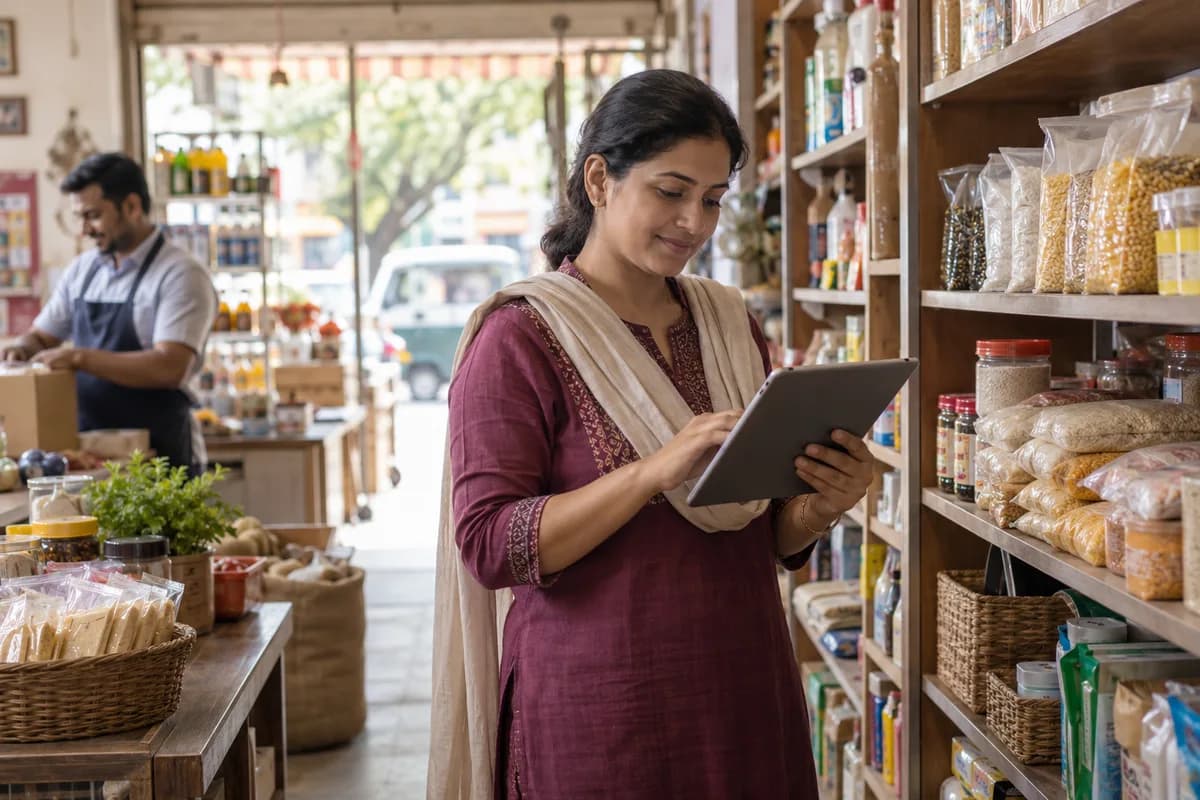
A discount store lives on volume. Thousands of cheap lines, many bought as job lots or closeouts, move through a few tills and a stockroom. Margin per item is thin. A wrong shelf price or a lost carton matters.
Most stores run the tills on one system, the stockroom on a sheet, and promotions on handwritten shelf signs. The manager rarely sees which lines earn their space. Slow lines sit quietly.
A buyer takes a job lot from a closeout wholesaler or a manufacturer clearing surplus, and the pallets arrive without a barcode on half the cartons. Nobody is surprised. Staff in the stockroom count them against the delivery note, price them by hand with a gun and carry them out to the aisle. Seasonal stock for festivals, back to school or summer comes in waves, and the leftovers must be cleared before the next wave lands. Space is short.
Cashiers scan at the tills, apply multi-buy deals such as three for a set price, and take cash, card or wallet payments. A supervisor handles voids, price overrides and returns of faulty items. Every override is logged. At close, the shift lead counts each drawer against the till report and writes the difference on a slip.
Owners with several branches move stock between stores on a van. The store that ran out is often told only after its shelf has sat empty for several days.
What goes wrong for discount stores without a proper system.
What we would build for discount stores.
Named the way your team already talks about the work. We start with whichever part the audit shows is costing you most.
A requirements checklist for discount stores.
What to cover, which reports to ask for and what to put to every vendor, ready to print or save as a PDF.
A product already built for discount stores.
It is adapted to how your business works before it goes live, and anything your trade needs that it lacks is added then.
Discount Store Management Software
Job-lot receiving, price tiers, multi-buy deals, till billing, aisle counts, seasonal stock and branch transfers for discount stores.
The business modules discount stores use most.
Each one is also available on its own, or inside a system built for you.
The services behind it.
ERP, CRM and Business Software Implementation
One record of stock, orders, customers and accounts, set up so your team opens it every day.
Learn moreData Migration and Moving Off Spreadsheets
Data migration and spreadsheet replacement covers auditing existing files, cleaning and deduplicating records, loading them into a new system and reconciling the result against known totals. A parallel run of both systems comes before cutover. The original files are kept as they were.
Learn moreBusiness Process Automation
Approvals, reminders, follow-ups and reports that run on their own instead of on someone remembering.
Learn moreHow the work runs from Bengaluru for your city.
- 1
The audit, by call
A screen-share and a look at the sheets, Tally reports and WhatsApp groups your team uses. No travel needed.
- 2
A written proposal
Scope, what we build first and the cost, agreed in writing before anything starts.
- 3
Build in short rounds
Working screens shared every few weeks. Your team tests them from your own office.
- 4
Go-live, in person when it helps
For data migration and training we can come to your city. Travel is agreed in advance.
- 5
Support online
Fixes, changes and hosting handled remotely by the same team that built it.
Software we have built and run.
We only name clients whose work is published. These are systems our team designed, built and supports.
PetSeva: matching owners to the right vet, at any hour
A two-sided veterinary platform where vets are searchable by specialisation and bookable outside clinic hours. It now carries more than 2,000 veterinary doctors.
Read the case study Paying guest accommodationSAM Atithi Pavathi: bed-level occupancy as the source of truth
PG management software where allocation, rates and invoices are derived from bed-level occupancy and not maintained in parallel spreadsheets.
Read the case study School transport servicesSAM Tours: school transport on a single ledger
Registration, fee collection, routing and finance write to the same records, closing the gap between journeys run and fees collected.
Read the case studyQuestions discount stores ask before they call.
Can we create items quickly when a closeout lot has no barcodes?
Yes. You enter the lot once with its cost, assign your own codes and print labels. Cartons without a supplier barcode get one of yours before they reach the aisle.
Does it handle three-for-a-price style deals at the till?
Yes. The deal is a rule on the item or group, with a start and end date. The till applies it when the cartons are scanned, and the report shows what the deal earned.
Can one owner run several stores and a stockroom?
Yes. Each store keeps its own prices, tills and counts, and the owner reads them together. Transfers between stores and the main stockroom are recorded with a note.
Will it print tax invoices for the customers who ask for one?
Yes. Tax settings for each country are configured and reviewed during implementation. Most counter sales need only a till receipt, and a full invoice is raised when asked.
What happens in the free technology audit?
We look at the software, spreadsheets and WhatsApp groups your business runs on today and write down what works, what slows your team down and what is missing. A demo login, a screen-share or a few screenshots are enough to start. You get a report ordered by priority, and there is no obligation to hire us afterwards.
How much will the software cost?
We don’t publish a price, because it depends on what the system has to do. The audit settles the scope, and the cost goes into a written proposal before any work starts.
Related industries.
- Appliance and electronics dealers
- Auctioneers
- Battery dealers
- Building material suppliers
- Clothing stores
- Corporate gifting companies
- Department stores
- E-commerce fulfilment centres
- Electrical goods dealers
- Electronic components distributors
- Florists and flower shops
- FMCG distributors
- Furniture showrooms
- Home furnishing stores
- Home theatre and AV dealers
- Industrial tools distributors
- Jewellers
- Kirana and grocery stores
- Lighting stores
- Medical equipment dealers
- Office and cleaning supply dealers
- Outdoor and sports goods stores
- Paint dealers
- Pet stores
- Pharmaceutical distributors
- Plumbing material dealers
- Surgical and medical supplies distributors
- Tile and sanitaryware showrooms
- Uniform suppliers
- UPS and power backup dealers
- Water purifier dealers
Part of a wider group.
Tell us how your business runs today.
A few lines on your spreadsheets, software and WhatsApp groups is enough. We reply the same working day.
- No obligation
- A reply within one business day
- Your details stay private
Start with your requirements
Seven short steps that tell us what you need. An engineer reads them before getting in touch.
Share your requirements