Online escape room booking by slot
Online booking and slots puts each escape room on a public page with its slot times, group sizes and rates. Customers pick a free slot and pay a deposit or the full amount. Front-desk staff, managers and the owner then see each booking land on the room calendar. That all happens before the team arrives.
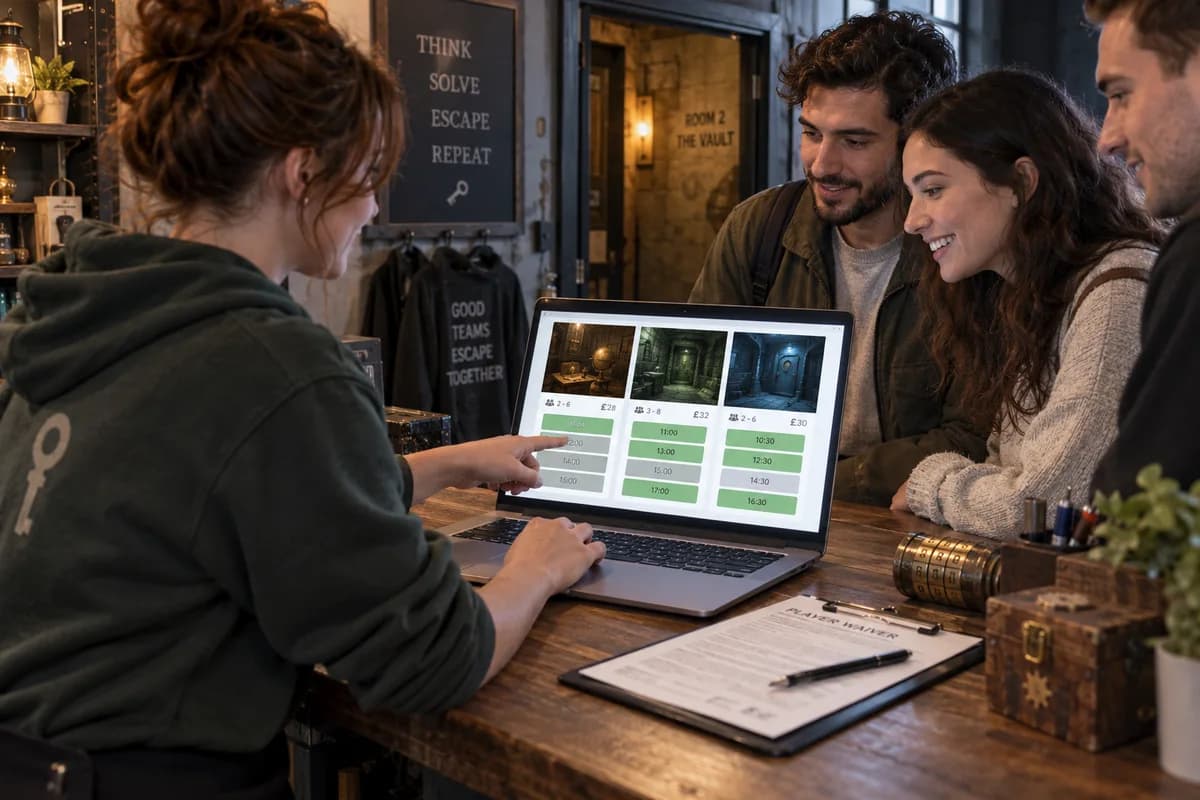
What the escape room booking page records
Each room is published with details the owner keys in once. Customers read them before paying. Staff read the same details at the counter. Together they describe what is for sale in every slot of the day, room by room.
A booking page through an escape room day
Bookings arrive while the venue is closed as well as open. Customers book late at night, staff sell the remaining slots at the counter, and the owner reads the result the next morning. The page earns its place at these moments.
Who sees what on the escape room booking page
Customers see slots and prices. Staff see the booking behind each slot. Each role gets the view suited to its job, and nobody has to ask another person for a figure.
Decisions to settle before escape room booking opens
The booking page is built from your own room list and rate sheet, so a few choices need an owner before launch. Settle them with the duty manager. The first week of online bookings will then match what happens at the counter.
How online booking connects to other features
A booking made on the page is the start of a record that other features pick up. The slot is taken from the room calendar, the payment goes to the booking, and the customer receives a message. Each hand-off is listed below. Staff then know where to look next.
- Takes free slots from the room calendar and reset windows
- Takes group size rates from the pricing sheet
- Hands the deposit to deposits, payments and receipts
- Applies voucher balances and promo codes entered at booking
- Hands the booking to reminders and customer messages
Where online escape room booking stops
Slots on the page already exist on the calendar. This feature does not create rooms, fix the opening hours or decide what to charge. Those stay with the owner. A single room that takes a few bookings a week can manage on a shared calendar and a payment link. Tax treatment of takings stays with the accountant.
Frequently asked questions
Can customers book a room without calling the venue?
A visitor picks the room, a free slot and a team size, then pays. The booking lands on the room calendar straight away. Staff step in only if plans change. They can move the booking to a different time.
Can a room be hidden from the booking page?
A manager can pause one room, one day or one slot. Customers then see only what is still on sale. Paused slots stay on the calendar. Staff can still use them directly for walk-ins and callers.
What happens when a group is larger than the room allows?
Head counts are checked against the room’s limits. A party over the largest team is not accepted for that room. The customer is steered towards a private event quote instead, which suits a larger group better.
Does the page show different rates for different hours?
The rate comes from the rate sheet for that room, group size and hour. Peak and off-peak slots show their own figures. Customers therefore pay exactly what the counter would quote them on the same day.
Can a customer pay only a deposit online?
That is the venue’s choice. The venue decides whether a deposit or the full amount is taken at booking. The balance is then recorded against the same booking, and staff see what remains due before the team enters.
How this feature fits the system.
Escape Room Management Software: the parts that work with this feature, the trades that use it and the ways to put it in place.
Online booking and slots
Customers see only the slots still free for each room and group size, then pay a deposit or the whole amount on the page.
Online Booking PortalRoom calendar and reset windows
Every room sits on one calendar with its reset gap held between teams, so staff cannot sell a slot into a cleaning window.
Resource and Room BookingDeposits, payments and receipts
Deposits, balances at the counter and refunds are posted to the booking, and each payment produces a receipt the customer can keep.
Receipts ManagementTell us what you need.
Tell us what your team does today, where work gets stuck and what you want to change.
What happens after you share your requirements
- We review your brief and the systems you already use.
- We clarify the workflow, missing information and the work to consider first.
- The proposed scope sets out the deliverables, responsibilities and dependencies.
- Review the scope and commercial terms before deciding whether to proceed.
Start with your requirements
Describe your current process, the people involved and the change you need. Start with the details you know; we can clarify the rest together.
Share your requirements