Fence enquiries and site visits for fencing contractors
Every fence starts as a request from a farm manager, a builder or a homeowner. This feature logs each enquiry with its source and address and books the estimator’s visit. Run lengths, slope notes, peg positions and boundary photographs then stay on the client’s file. Estimators and the office use it before any quotation is priced.
What a fence enquiry record holds
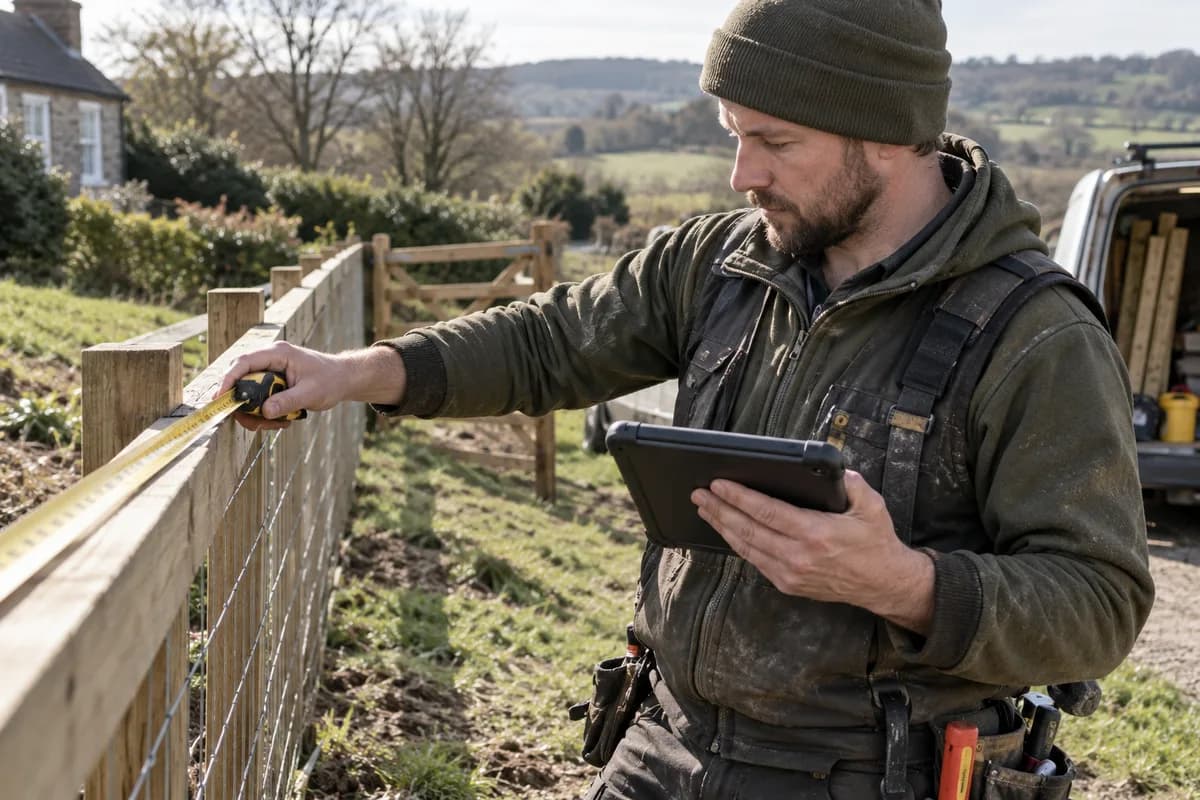
An enquiry record starts with who asked and how they found the firm. The site visit then adds the measured facts. Each field is one the estimator needs later, so the quotation never relies on memory of a walk along a muddy boundary.
From first call to site visit
The enquiry list is worked by several people in a week. Someone takes the call, someone books the walk, and someone sets out with a tape and a phone. Each step is written on the record. The next person picks up from there.
Who reads the enquiry file and sees what
Everyone sees the same enquiry, but not for the same reason. Each role opens it to answer a different question, from who is visiting today to whether a lead has gone cold. The view differs by role.
Set-up choices for enquiries and site visits
Four choices shape how the enquiry list behaves on the first morning. Settle them with the owner and the lead estimator, because each one decides who may edit a visit record and what an old enquiry looks like. Write the answers down.
Where enquiry records pass on to other work
This file is the front door of the fence record. What the estimator enters at the visit is read again by the quotation and the job sheet. The figures are written once at the boundary and carried forward. The links below show where the facts travel.
- Run lengths and gate openings feed the quotation by run
- Boundary photographs and peg notes go to the crew job sheet
- An accepted quotation turns the enquiry into a fence job
- Visit dates become the day fitters are told about
- Repair calls years on open against this original client file
What enquiry records leave to you
The feature keeps what was asked and what was seen on site. It does not price the fence, decide who owns a boundary or settle a dispute with a neighbour. Those stay with the owner and, where land is contested, with a surveyor or legal adviser. It is a record, not a ruling. A lone installer with few enquiries a month can keep this on a notepad.
Frequently asked questions
Can one enquiry cover several fences at one address?
Yes, a farm may want mesh along the lane and timber near the house. Each wish is noted on the same enquiry with its own rough length and height. At the visit, every run is measured.
What if the visit finds the boundary unclear?
Photographs of the pegs go on the client’s file, and the doubt is written beside the run it affects. The quotation waits for the client’s word. Where ownership is disputed, a surveyor or legal adviser decides, not the software.
Do we log every phone call as an enquiry?
Log every call that could lead to fence work, however small. A wrong number needs no record. A question about a leaning post belongs on a repair ticket, tied to the original fence, not on this list.
How do estimators match photographs to the right run?
Each photograph is saved on the client’s file with a note naming the run and the peg it shows. Back at the office the quotation is priced with the pictures open beside the figures. Keep the notes short.
What happens to enquiries that never become jobs?
They stay on file with their source, the visit date and the estimator’s notes. The file remains if the quotation is lost. A later call from the same client then starts with the earlier measurements and photographs.
How this feature fits the system.
Fencing Contractor Management Software: the parts that work with this feature, the trades that use it and the ways to put it in place.
Enquiries and site visits
Each fence enquiry is logged with source and address, the site visit is booked, and run measurements and boundary photographs stay on the client record.
Lead ManagementQuotations by run and gate
Quotations are priced by the metre from the firm’s rates for each fence type, gate and fitting, and every revision stays in the open list.
Estimate/Quotation ManagementFence jobs and crew schedule
A job sheet gathers the runs, gates, material and crew for one fence, with locator marks and boundary notes the leader reads before digging.
Work Order ManagementTell us what you need.
Tell us what your team does today, where work gets stuck and what you want to change.
What happens after you share your requirements
- We review your brief and the systems you already use.
- We clarify the workflow, missing information and the work to consider first.
- The proposed scope sets out the deliverables, responsibilities and dependencies.
- Review the scope and commercial terms before deciding whether to proceed.
Start with your requirements
Describe your current process, the people involved and the change you need. Start with the details you know; we can clarify the rest together.
Share your requirements