Call intake and dispatch for garage door repairs
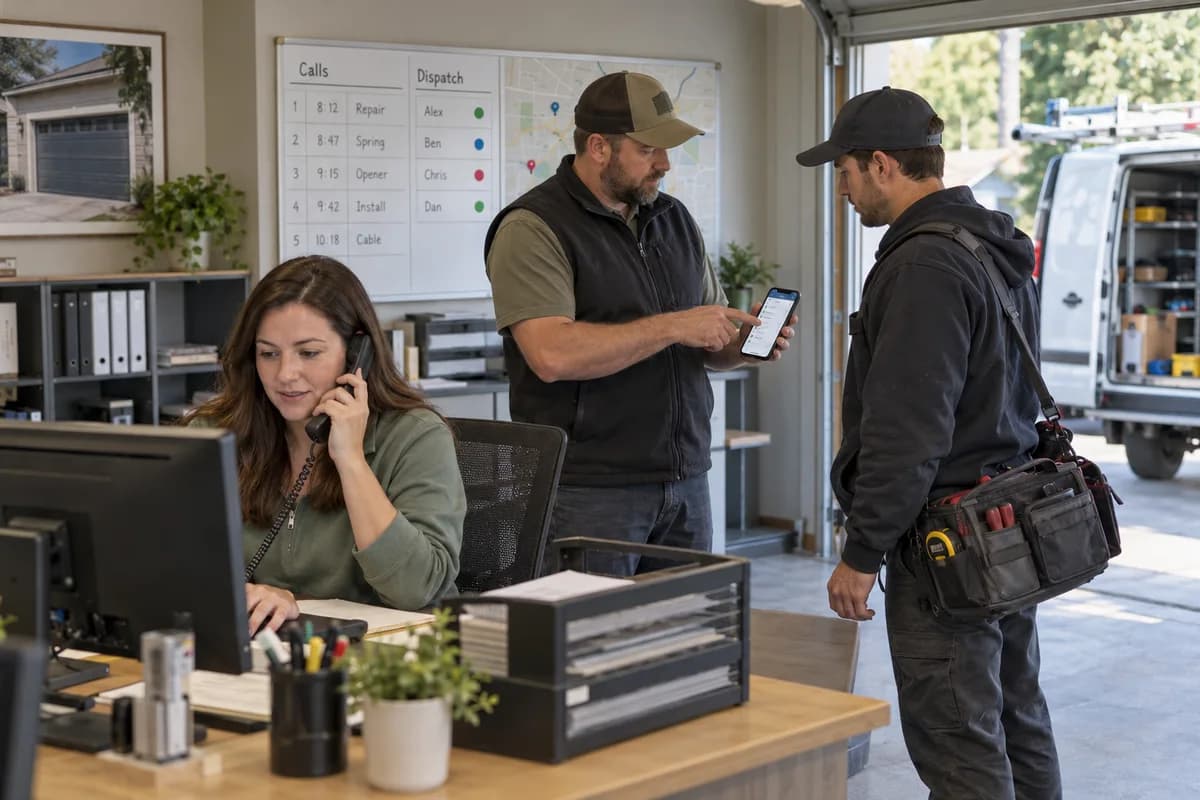
Every repair call is logged with its address, door type and fault, then placed on one call board. Dispatch sees which technicians are free in each area and sends the job sheet to a phone. A snapped spring or a frayed cable rises above routine work. Routine bookings wait.
What a garage door repair call records
A call is the first record a garage door firm creates, and every later job hangs from it. It is written once, at the desk, while the caller is still on the line. Each call carries the fields below. Dispatch reads them before choosing a technician.
A repair day on the call board
Calls do not arrive in order of importance. The board has to absorb a spring failure at breakfast, a booked repair that overruns and a message left overnight. Here is how four ordinary moments look at the dispatch desk, from the first call to an overrun.
Who works the call board and what shows
Several people work from the board, and each needs a different view of the same calls. Four roles are described here. What each one sees is agreed with you at set-up. Nobody scrolls past work that is not theirs.
Decisions about calls before set-up
Call intake is simple to start and hard to tidy later, so a few choices belong in the first meeting. They decide who may touch a call, what is optional and which report to watch. Dispatch and the owner can settle them together.
How the call board connects to other work
The call is the start of the repair story, so it hands to and takes from the other features. Dispatch cannot work alone. Without links to the door record, the van and the customer notice, the board is only a list. Five links come up on the first day.
- Takes make, spring and opener from door and opener records
- Hands the job sheet to the technician’s phone
- Checks van stock before a spring call is assigned
- Passes a door past repair to quotations
- Feeds the arrival window into customer messages
Where call intake and dispatch stops
The board records calls and shows who is free. It does not track phones or vehicles. Nearest means the area a technician covers. Dispatch still decides who takes a late spring call. Advice on whether a door is safe to use stays with the technician and the owner. A single technician taking a few calls a week can manage with a phone and a notebook.
Frequently asked questions
What must a call record before dispatch can use it?
At minimum the address and the reported fault. Door type, access notes and urgency help dispatch choose, but you decide which fields are required. One with only a name and number can still be saved and filled in later.
Who decides which calls count as urgent?
The office sets the flag when the call is taken, and dispatch may change it. The faults that rise on their own are agreed at set-up. A snapped spring and a frayed cable start the list. Anything else is your call.
How are repeat calls to one door handled?
A new call is attached to the same door record, so the technician sees earlier visits on the job sheet. Repeat faults stand out. Staff can mention the pattern to the customer, and sales can see when a door has had enough repairs.
Can a sales enquiry use the same board?
Yes. An enquiry is logged like a call, with its address and what the customer wants. Sales staff pick it up from the board and start a site measure. Nobody asks the customer the same things again.
What happens if a technician cannot finish a call?
The technician records what was found and what is missing on the job sheet, and the call stays open. Dispatch then books a return visit or reassigns it. The short part is named on the record.
How this feature fits the system.
Garage Door Company Management Software: the parts that work with this feature, the trades that use it and the ways to put it in place.
Call intake and dispatch
Each repair call becomes a numbered ticket with an address, a door type, a fault and an owner, so dispatch knows which calls remain open.
Ticket ManagementCall intake and dispatch
The day’s calls and installs are placed against technicians by area and availability, and each one receives a job sheet on the phone.
Technician SchedulingDoor and opener records
Each door is held as an asset with its make, size, spring type and opener model, and every service visit made to it is listed beneath.
Asset AMC TrackingTell us what you need.
Tell us what your team does today, where work gets stuck and what you want to change.
What happens after you share your requirements
- We review your brief and the systems you already use.
- We clarify the workflow, missing information and the work to consider first.
- The proposed scope sets out the deliverables, responsibilities and dependencies.
- Review the scope and commercial terms before deciding whether to proceed.
Start with your requirements
Describe your current process, the people involved and the change you need. Start with the details you know; we can clarify the rest together.
Share your requirements