Tenant, landlord and flat records for handymen
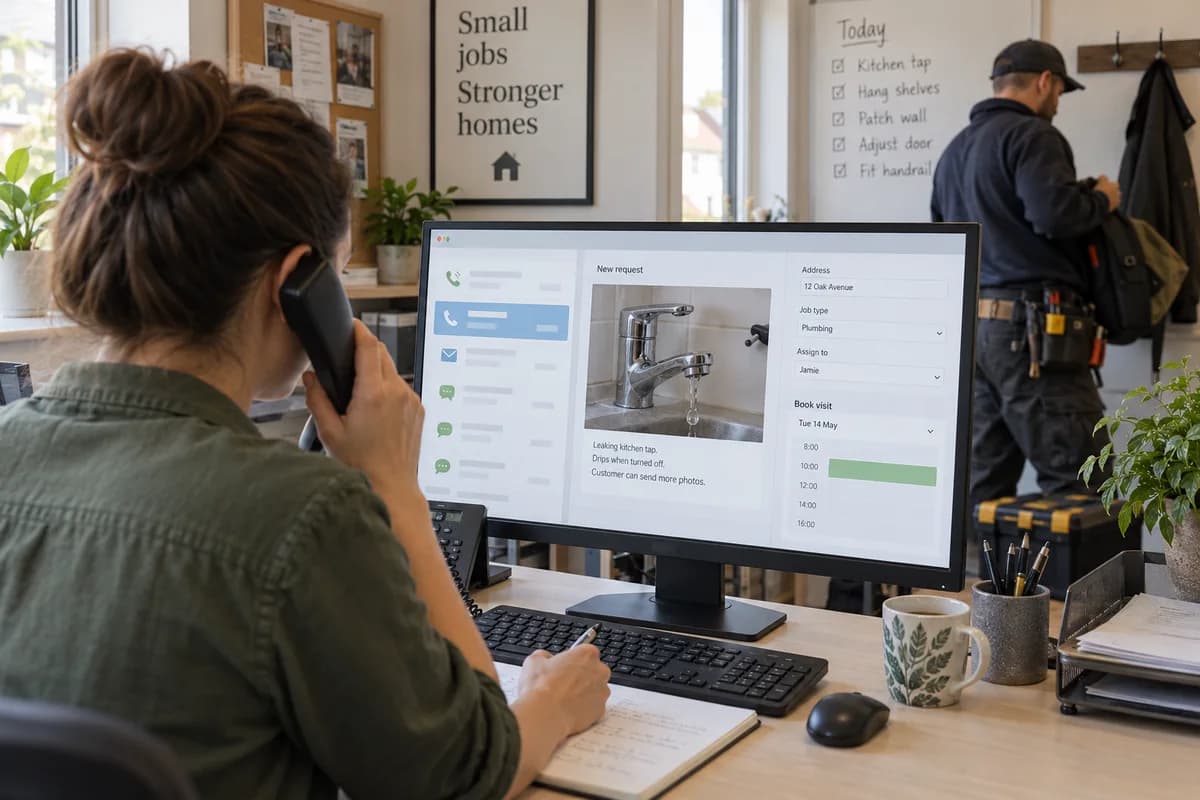
Each tenant, landlord, letting agent and flat has its own file, holding contact details, key safe codes and parking notes. It also keeps the history of every call-out made there. Whoever answers the phone opens one record and sees who is asking, which flat it concerns and what was last fixed.
What a tenant and flat file holds
The flat is the anchor of each file. A tenant, a landlord and a letting agent can all be linked to one address and told apart. Every call-out ever made there sits underneath, newest first, with its photographs and parts.
A week of calls answered from one file
Records matter at the moments when someone needs an answer quickly, and the office has no time to search. The phone rings, a handyman stands at a locked door, and a landlord asks about an old repair. Each moment below starts with the same file.
Who opens a file and what shows
Visibility follows the job. Office staff see the whole file, handymen see the flat they are going to, and landlords see their own properties. Nobody sees another landlord’s tenants or key codes.
Decisions to settle for customer and flat files
Records are only as good as the first import and the rules that follow. Settle who edits, what is withheld and how the old register arrives. Do it before the first stop opens.
How the file feeds the rest of the product
Customer and property records sit underneath the rest of the product. Every other feature asks it who and where. A booking, a quote, a visit and an invoice each take their details from the file. A correction made once reaches the next job without anyone passing on a message.
- Request intake and booking picks the customer and flat from here
- Daily schedule and dispatch shows access notes with each stop
- Task list and quotations address the quote to the right person
- Invoices and receipts use the billing contact and carry the balance
- Landlord and agent accounts group flats under their owner or agent
Where the property file stops
The file stores facts about people and places. It does not check that a key safe code is still right, verify a tenancy or decide who is responsible for a repair. Those stay with the landlord, the agent and the owner. A firm with a handful of regular customers can keep them in an address book.
Frequently asked questions
Can one landlord own several flats on separate files?
Any number of flats can sit under one landlord. Each flat keeps its own history. Access notes stay per flat too. The landlord’s own page lists them together, which is what a statement later draws on.
What if a tenant changes while the flat stays?
The old tenant is kept in the history and the new one is added to the same flat. Past call-outs remain under the flat. Contact details change, but the key safe notes stay until the office edits them.
Are key safe codes visible to everyone in the firm?
Access is a set-up choice. The handset shows the code with each stop, and the office decides which staff may also read or edit it. Agree this before go-live. A leaked code opens a door, so treat it with care.
Can we search by street or telephone number?
Search by name, number or street opens the flat’s file. A caller who gives only a street still lands in the right place. Tidy spellings at import time. Two spellings of one road would split a history.
Does it store photographs of the flat itself?
Photographs sit with the visit. A picture of a stained ceiling belongs to the call-out that fixed it. The flat’s file lists those call-outs in date order, so the pictures are quick to reach when a landlord asks.
How this feature fits the system.
Handyman Management Software: the parts that work with this feature, the trades that use it and the ways to put it in place.
Request intake and booking
Each request is logged with its channel, address and photographs, so nothing is lost between calls, forms and messages.
Lead ManagementTask list and quotations
Quotes are built from fixed-price tasks and hourly rates, sent to the customer for acceptance, and every revision stays on file.
Estimate/Quotation ManagementDaily schedule and dispatch
Stops are matched to each handyman by skill and area, and the day’s list opens on his phone with access notes.
Technician SchedulingTell us what you need.
Tell us what your team does today, where work gets stuck and what you want to change.
What happens after you share your requirements
- We review your brief and the systems you already use.
- We clarify the workflow, missing information and the work to consider first.
- The proposed scope sets out the deliverables, responsibilities and dependencies.
- Review the scope and commercial terms before deciding whether to proceed.
Start with your requirements
Describe your current process, the people involved and the change you need. Start with the details you know; we can clarify the rest together.
Share your requirements