Daily schedule and dispatch for handymen
Each handyman’s day is planned by trade skill, postcode and travel gap, so a morning of shelf fixing and curtain poles stays in one district. Staff assign the stops, and the handset shows each address with its access notes. Handymen mark every visit done as they leave.
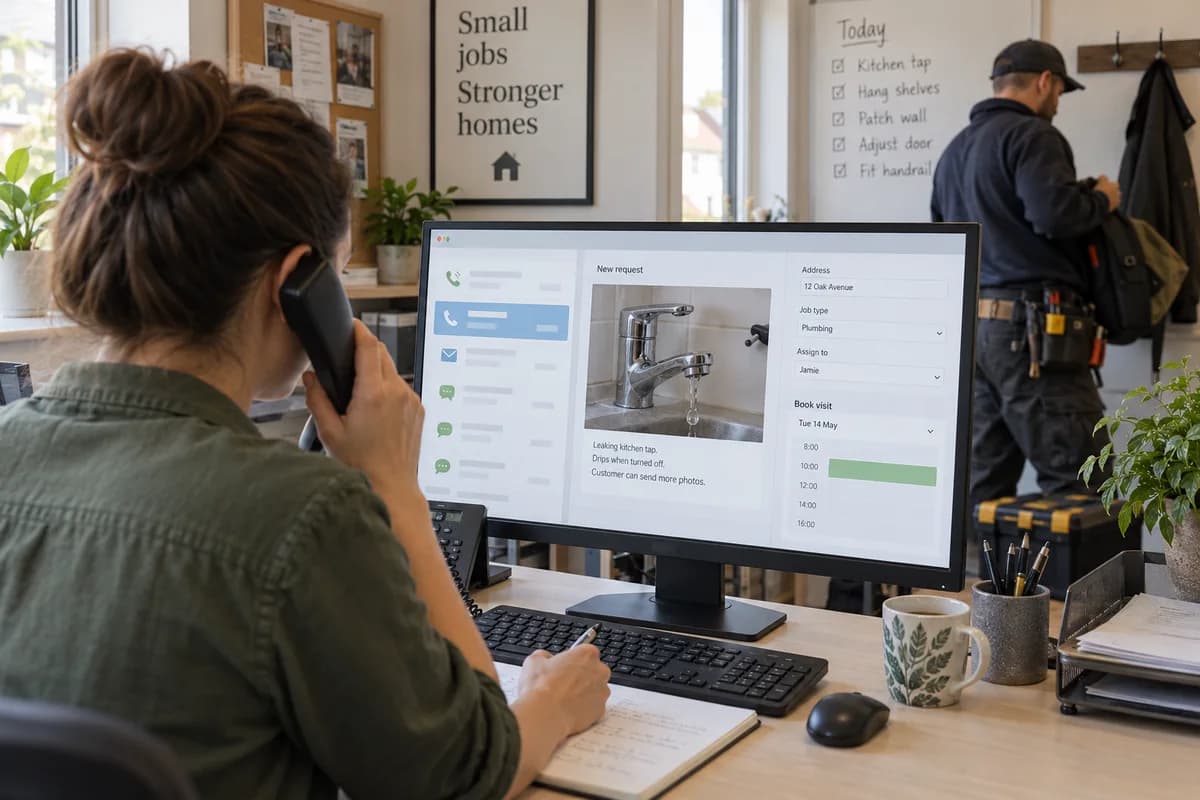
What a handyman’s day plan holds
A day plan is a list of stops for one handyman, in the order the office expects to drive them. Every stop is a booked job carrying its address, its slot and the skill it needs. Travel gaps are shown.
Dispatching a day, a stop at a time
Dispatch runs in three beats: planning the evening before, adjusting at the start of the day and reshuffling when the day moves. Each step has one owner, from the office lead to the handyman at the door. Nobody needs a telephone round of the vans. Jobs booked at intake are waiting in the pool.
What each role sees on the day plan
One plan, four readers. The owner reads totals, the office moves stops, handymen read their own day, and landlords see when a visit is booked. Each view is cut to the job.
Decisions to settle before dispatch starts
Dispatch rules are a few firm decisions. Agree them with the office lead and a senior handyman, then record them. Doing so spares everyone arguments over who may move whose stop.
How the day plan links to other features
The schedule is where bookings turn into movement. It takes accepted work and requests from earlier steps and hands the day’s stops to the handset. When a visit closes, the record moves on to stock and invoicing. Return trips come back to it as new stops.
- Request intake and booking supplies the waiting jobs and slots
- Accepted quotes enter the diary as booked jobs
- Customer messages send arrival windows once a stop is set
- Visit notes and photographs open from each stop
- Follow-ups and return visits appear as fresh stops in the plan
Where scheduling and dispatch stop
The schedule places stops. It does not track vans or phones, find the fastest road or predict how long a job will take. Those judgements stay with the office and the handyman. Pay, holiday cover and who works Saturdays are owner decisions. A firm with one or two handymen can plan on a wall calendar.
Frequently asked questions
Can the office move a stop after the day starts?
A stop can move at any point. The new order reaches the handset when it has a connection. In a basement flat with no signal, the change waits. For anything urgent, ring the handyman. Moves are dated.
How does the office match skills to jobs?
Each handyman’s skills are recorded at set-up, from tile regrouting to flat-pack assembly. Jobs list the skill they need. Staff choose from the matching names. Someone qualified but busy in another district appears with the travel gap.
Can handymen see tomorrow’s stops tonight?
Once tomorrow’s plan is set, a handyman can read ahead and pack the van. Photographs of each fault suggest which fixings to take. Late changes still arrive on the handset. Reading ahead helps packing, and the van leaves with the right silicone and hinges.
What happens when a handyman is off sick?
Staff open that day’s plan and reassign each stop to someone with the right skill and a free gap. Stops no one can take go back to the waiting pool. Affected customers receive a new arrival window.
Can a block of flats be planned together?
Several repairs in one block can sit together in one handyman’s day, since the flats share a postcode. A morning in one building leaves almost no travel gap. Staff group them on the plan. Agents’ snag lists suit this pattern well.
How this feature fits the system.
Handyman Management Software: the parts that work with this feature, the trades that use it and the ways to put it in place.
Request intake and booking
Each request is logged with its channel, address and photographs, so nothing is lost between calls, forms and messages.
Lead ManagementTask list and quotations
Quotes are built from fixed-price tasks and hourly rates, sent to the customer for acceptance, and every revision stays on file.
Estimate/Quotation ManagementDaily schedule and dispatch
Stops are matched to each handyman by skill and area, and the day’s list opens on his phone with access notes.
Technician SchedulingTell us what you need.
Tell us what your team does today, where work gets stuck and what you want to change.
What happens after you share your requirements
- We review your brief and the systems you already use.
- We clarify the workflow, missing information and the work to consider first.
- The proposed scope sets out the deliverables, responsibilities and dependencies.
- Review the scope and commercial terms before deciding whether to proceed.
Start with your requirements
Describe your current process, the people involved and the change you need. Start with the details you know; we can clarify the rest together.
Share your requirements