Task list and quotations for handyman jobs
Common jobs such as door hanging, tap washers and flat-pack assembly sit in a task list with a price or hourly rate. Larger work is quoted line by line, with a minimum call-out and any travel charge. Customers accept, ask for changes or decline, and every revision is kept.
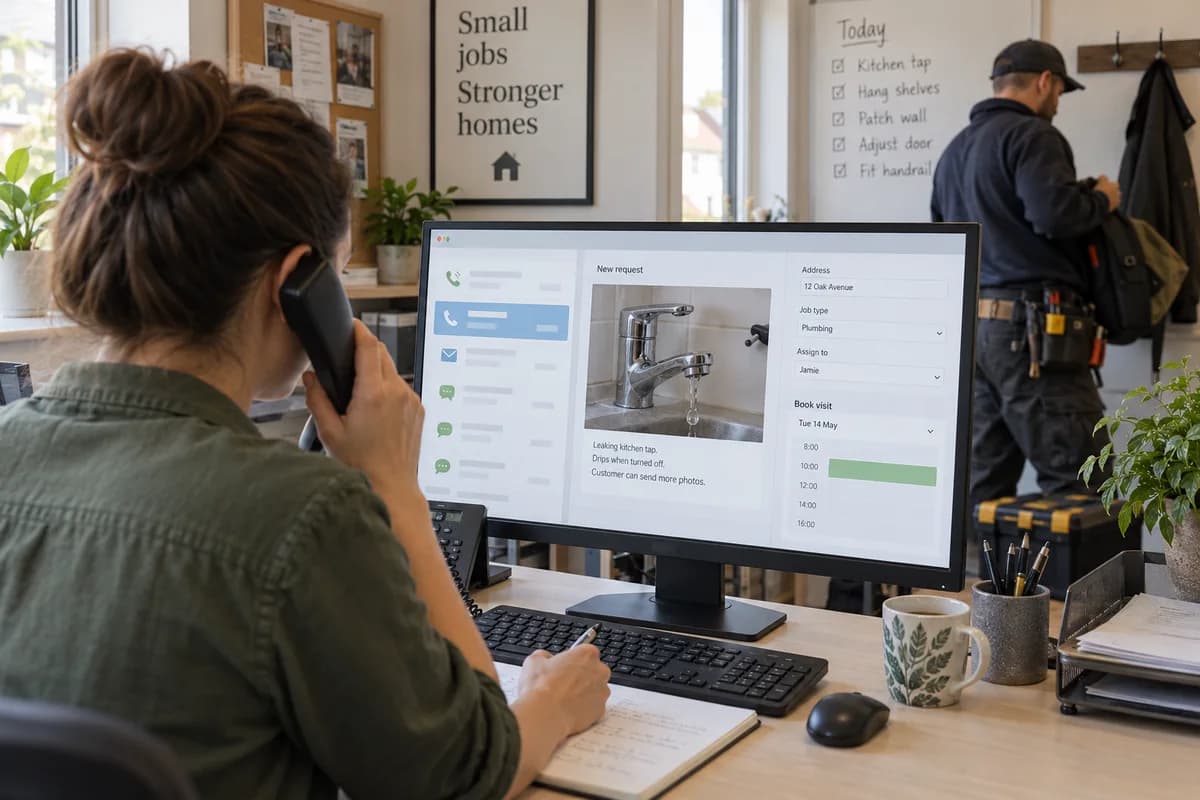
What the task list and quotes record
Your own price book is the task list. Each line names a job, its price or hourly rate and the minimum call-out that applies. Quotes are built from those lines plus anything outside the list. It keeps its status and its revisions.
Pricing jobs across a working week
Quoting happens at the desk, on the telephone and sometimes at the door. Simple questions are answered from the list, and the quote screen handles the rest. Handyman firms get small requests all day, and a quick price decides whether the customer books. Four moments show how.
Who builds, reads and accepts a quote
Four sets of hands touch every quote. The office builds it, a handyman may report that the job is bigger than described, the owner watches the totals, and the customer decides. Each sees a different part.
Decisions to settle before quoting starts
Prices shape every quote. Settle the rules first. The firm’s own list is loaded at set-up, and later changes go through GullySystem staff. Decide who may depart from it. A price changed after the quote is sent should leave a trace.
How quotes connect to the rest of the product
A quote sits between the request and the booking. It takes the customer and flat from the records and the fault from intake. Once accepted, it hands a priced job to the diary, and its lines are the reference for the invoice. Revisions stay with it.
- Request intake and booking supplies the fault and photographs
- Customer and property records name the person and flat
- Daily schedule and dispatch books accepted work into a slot
- Invoices and receipts start from the accepted quote lines
- Landlord and agent accounts check the approval limit
Where task list pricing stops
The task list holds your prices. It does not set them, survey a job or promise that a fixed price covers hidden damage behind a wall. Those judgements stay with the owner. Tax treatment of a quote belongs to your accountant. A handyman who gives the same few prices to every customer can use a printed rate card.
Frequently asked questions
Can a quote cover both labour and parts?
Labour and parts sit on separate lines, so the customer sees each. Plasterboard, hinges and silicone are named. Hours are priced from your hourly rate. A short job still carries the minimum call-out. Tax lines follow your country’s rules.
What if a customer wants the quote changed?
A change produces a revised quote, and the earlier one stays on file. Both show their dates. Nothing is overwritten. If the customer returns to the first price, the record shows what was offered and when.
Do customers accept quotes by email or text?
Quotes go out by email, SMS or a messaging app, depending on what you set up. The customer’s reply is recorded on the quote. Wording is agreed with you at set-up. Nobody retypes the message.
How are travel and minimum call-out charges handled?
Both are recorded as you charge them today. A short job takes the minimum call-out. Travel appears as its own line where you bill it that way. Rates are changed on request by GullySystem staff.
Can a landlord approve quotes without phoning the office?
A landlord or agent can approve a quote that falls under the agreed limit. Larger quotes wait for a named person to accept. The approval is dated on the quote. Limits are set per flat.
How this feature fits the system.
Handyman Management Software: the parts that work with this feature, the trades that use it and the ways to put it in place.
Request intake and booking
Each request is logged with its channel, address and photographs, so nothing is lost between calls, forms and messages.
Lead ManagementTask list and quotations
Quotes are built from fixed-price tasks and hourly rates, sent to the customer for acceptance, and every revision stays on file.
Estimate/Quotation ManagementDaily schedule and dispatch
Stops are matched to each handyman by skill and area, and the day’s list opens on his phone with access notes.
Technician SchedulingTell us what you need.
Tell us what your team does today, where work gets stuck and what you want to change.
What happens after you share your requirements
- We review your brief and the systems you already use.
- We clarify the workflow, missing information and the work to consider first.
- The proposed scope sets out the deliverables, responsibilities and dependencies.
- Review the scope and commercial terms before deciding whether to proceed.
Start with your requirements
Describe your current process, the people involved and the change you need. Start with the details you know; we can clarify the rest together.
Share your requirements