Visit notes and photographs for handyman work
Every handyman visit gets a dated record of the work done, the hours spent, the plasterboard, paint or fixings used, and photographs from before and after. It closes with the tenant’s sign-off where required. Invoices, disputes and later call-outs all draw on that one record.
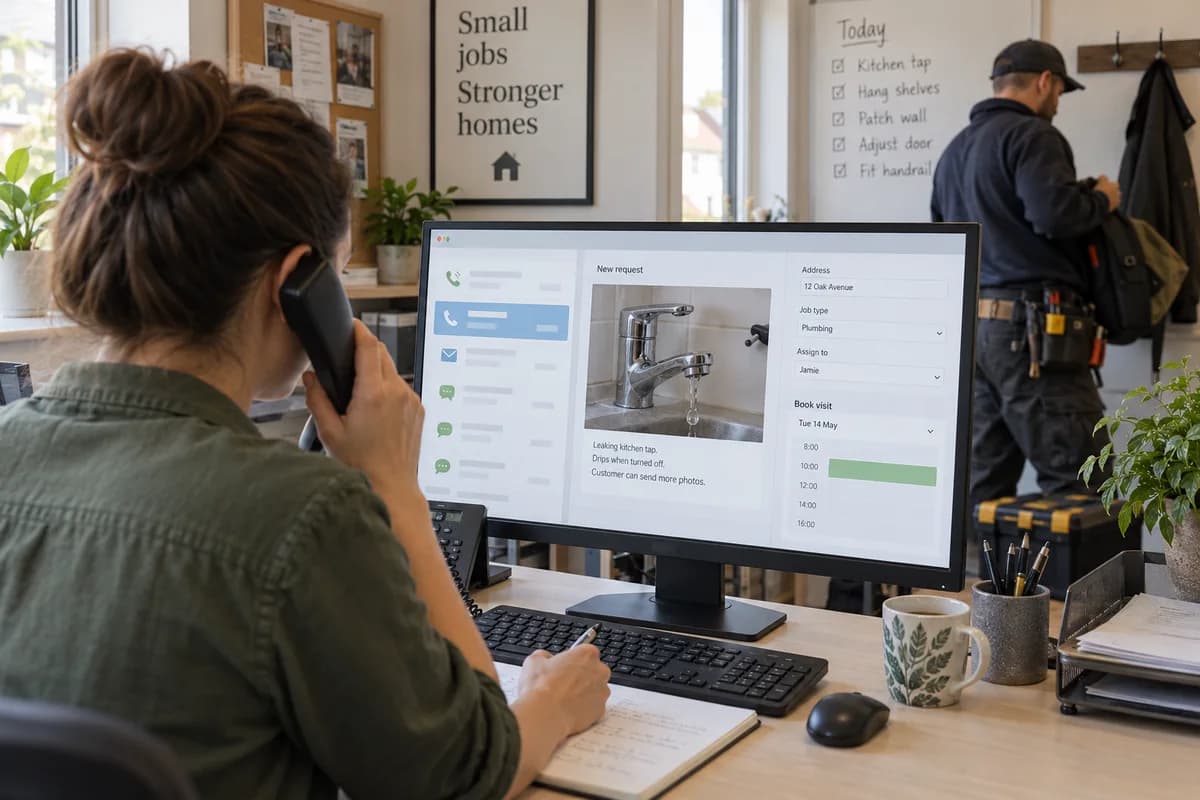
What a handyman visit record keeps
A visit record is the job card for one trip. It starts from the booked stop, so the complaint, address and slot are already filled. Everything entered at the door is dated. The record closes only when the visit is finished.
Writing up a visit through the day
Notes are written at the door, not later. A handyman works through a stop, adds entries as the job moves, and closes it before driving on. Entries need a connection, so a basement flat’s notes wait until the handyman is back in range.
Who writes the record and who reads it
Handymen write the record and everyone else reads it. Each person sees a part. Owners read usage and hours, office staff read the whole visit, and landlords read a summary of the work at their flats.
Decisions to settle before visit notes start
Visit notes are only useful if every handyman fills them the same way. Settle the minimum entry, who may amend and how old jobs arrive. Keep the form short. It is used at the door.
How visit notes link to other features
This record is the centre of the job. It opens from the schedule, feeds stock and invoicing, and hands unfinished work to follow-ups. Everything the handyman writes at the door is read again by someone else later. Structured entries make that reading quick. Photographs travel with the record.
- Daily schedule and dispatch opens the stop and its access notes
- Van and supplies stock deducts fixings logged on the visit
- Invoices and receipts take hours and parts from the closed visit
- Follow-ups and return visits start from work left unfinished
- Customer messages send the finished-job note once the visit closes
Where visit notes stop
It does not show that work met a building standard, replace a certificate, or settle who caused the damage. Those judgements stay with the owner, an inspector, an insurer or an adviser. A handyman working alone can keep notes on paper, but photographs are then easy to lose.
Frequently asked questions
Do photographs upload if the signal drops?
Entries wait on the handset until it has a connection again, so a basement flat does not lose them. Photographs follow the same rule. In the office, it stays open until they arrive. Nothing needs retyping.
Which photographs should a handyman take?
Take a wide shot of the room, a close shot of the fault, and an after shot from the same angle. Matching angles make the comparison fair. The firm sets its own habit, and the record stores whatever is added.
Is tenant sign-off required on every visit?
Only where the firm requires it. A small job like a letterbox may close without one, while work in a landlord’s flat may not. The rule is set with you. A glance at the record shows whether sign-off was taken.
What if a handyman forgets to log parts?
Staff see the gap when they read the closed visit, because the work described needs parts the record lacks. A query goes back to the handyman. Van stock then matches what was fitted. The handyman can add the missing line.
Can the record support a dispute over damage?
Dated photographs show the state of a wall or tile at each visit. Hours and sign-off sit beside them. Before pictures carry the weight. Keep them with the visit they belong to. The firm and its adviser decide what the evidence means.
How this feature fits the system.
Handyman Management Software: the parts that work with this feature, the trades that use it and the ways to put it in place.
Request intake and booking
Each request is logged with its channel, address and photographs, so nothing is lost between calls, forms and messages.
Lead ManagementTask list and quotations
Quotes are built from fixed-price tasks and hourly rates, sent to the customer for acceptance, and every revision stays on file.
Estimate/Quotation ManagementDaily schedule and dispatch
Stops are matched to each handyman by skill and area, and the day’s list opens on his phone with access notes.
Technician SchedulingTell us what you need.
Tell us what your team does today, where work gets stuck and what you want to change.
What happens after you share your requirements
- We review your brief and the systems you already use.
- We clarify the workflow, missing information and the work to consider first.
- The proposed scope sets out the deliverables, responsibilities and dependencies.
- Review the scope and commercial terms before deciding whether to proceed.
Start with your requirements
Describe your current process, the people involved and the change you need. Start with the details you know; we can clarify the rest together.
Share your requirements