Batch tracing and recalls for herbal manufacturers
Batch tracing and recalls answers one question quickly. Which customers received this batch? A single search lists every customer, with quantities and delivery dates. The same record runs back through the batch to the botanical lots and their growers. The owner and the quality team use it when a result changes or a customer complains.
What a trace holds from root to customer
A trace keeps no file of its own. It is the links already made at intake, in the batch and at dispatch, read in one chain. Four sets of links make it up, and each was entered by someone in the ordinary course of work.
Tracing through a day when a batch is questioned
A trace is called for when something is wrong. Four moments show an owner, the quality team, sales and stores using the chain after a result changes or a customer reports a problem. Speed matters, and so does a complete answer.
Who traces a batch and what each sees
Trace access is limited on purpose, because a batch search shows customers and quantities. Set-up decides who may run it. Four roles use the result in different ways, and none uses all of it.
Decisions to settle before a trace is needed
Tracing needs the links made earlier. Four decisions taken now decide how fast and how complete a search will be. Settle them with production, sales and the owner long before any day of trouble.
How tracing links to the rest of the product
Tracing owns almost no data of its own. It reads what intake, batch records, quality, stock and dispatch already hold, and joins the lines into one chain. A gap in any of them shows as a gap in the trace. Each of the five links is named below.
- Raw material intake supplies lot and grower at the start
- Batch records name the lots drawn into each batch
- Distributor orders and dispatch supply customers and dates
- Quality testing holds or rejects the batch in question
- Stock by lot and bin shows what remains on shelves
Where tracing and recalls stop
This feature finds and lists. It does not decide that a recall is needed, notify a regulator or contact customers for you. Recall decisions, regulator notice and customer wording belong to the owner, the quality head and an adviser. It traces only what was recorded, so goods sold off the books stay invisible. A small maker with few customers can trace from invoices.
Frequently asked questions
Is one search enough to find every customer?
Yes, if lines name batches. A search on the batch number returns each customer with quantity and delivery date. Goods dispatched without a recorded batch will not appear, so the habit of naming batches on every line matters.
Can a trace cover goods made by an outside maker?
Yes, if the reference is booked. Where returned goods carry the maker’s batch reference and were received through job work, the trace reaches the lots sent out. It also reaches the customers who got the finished goods.
Does it contact customers for a recall?
No, it only lists. It shows who received the batch and how much. Contacting them, and deciding what to say, stays with your people. Email and SMS can be connected, but wording and timing are yours.
Can we see how much of a batch is unsold?
Yes, the balance shows beside it. The batch balance in stock appears next to the customer list, with its status. Quantity sent plus quantity on shelves can be read against the yield, so gaps stand out.
Can a trace start from a customer instead?
Yes, start from the orders. Open the customer’s orders and read the batch numbers on each line. From any batch there, run the full trace. This answers a distributor’s question about one pharmacy, without a search through dispatch notes.
How this feature fits the system.
Herbal Product Manufacturing Software: the parts that work with this feature, the trades that use it and the ways to put it in place.
Raw material intake and quarantine
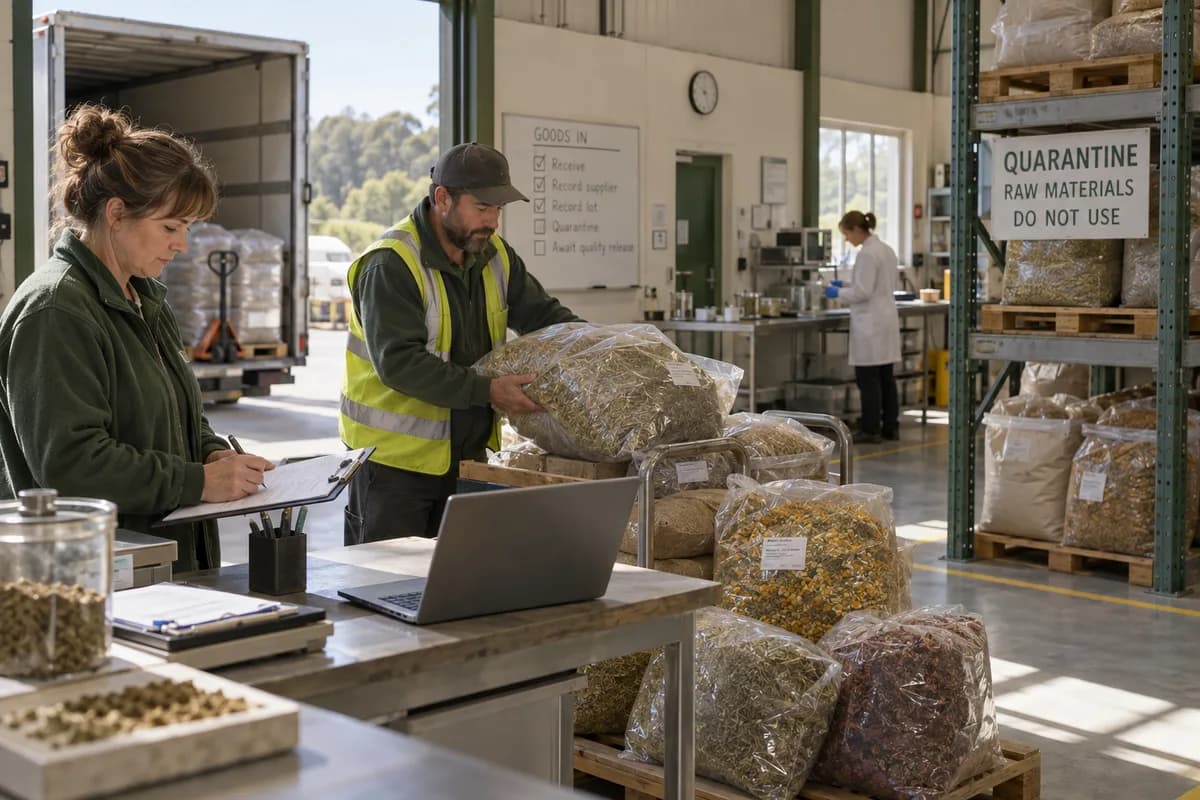
Each delivery is received against an order, logged by grower and lot, and held in quarantine until the quality team passes it.
Goods Receipt (GRN)Formulations
A formula lists every botanical and excipient with quantities and approved versions, and scales to the batch size before the mill is booked.
Bill of MaterialsBatch manufacturing records
Each batch records the lots drawn, the stages passed and the output, so a finished powder traces back to its roots and leaf.
Batch and Serial TrackingTell us what you need.
Tell us what your team does today, where work gets stuck and what you want to change.
What happens after you share your requirements
- We review your brief and the systems you already use.
- We clarify the workflow, missing information and the work to consider first.
- The proposed scope sets out the deliverables, responsibilities and dependencies.
- Review the scope and commercial terms before deciding whether to proceed.
Start with your requirements
Describe your current process, the people involved and the change you need. Start with the details you know; we can clarify the rest together.
Share your requirements