Billing by level of care for hospices
Hospice billing starts from what staff have already recorded. This feature raises charges from completed visits, groups them by level of care, and attaches the signed orders and payer details each charge needs. Billing staff check the charge against the record instead of retyping clinical notes, and the finance team receives a clean export.
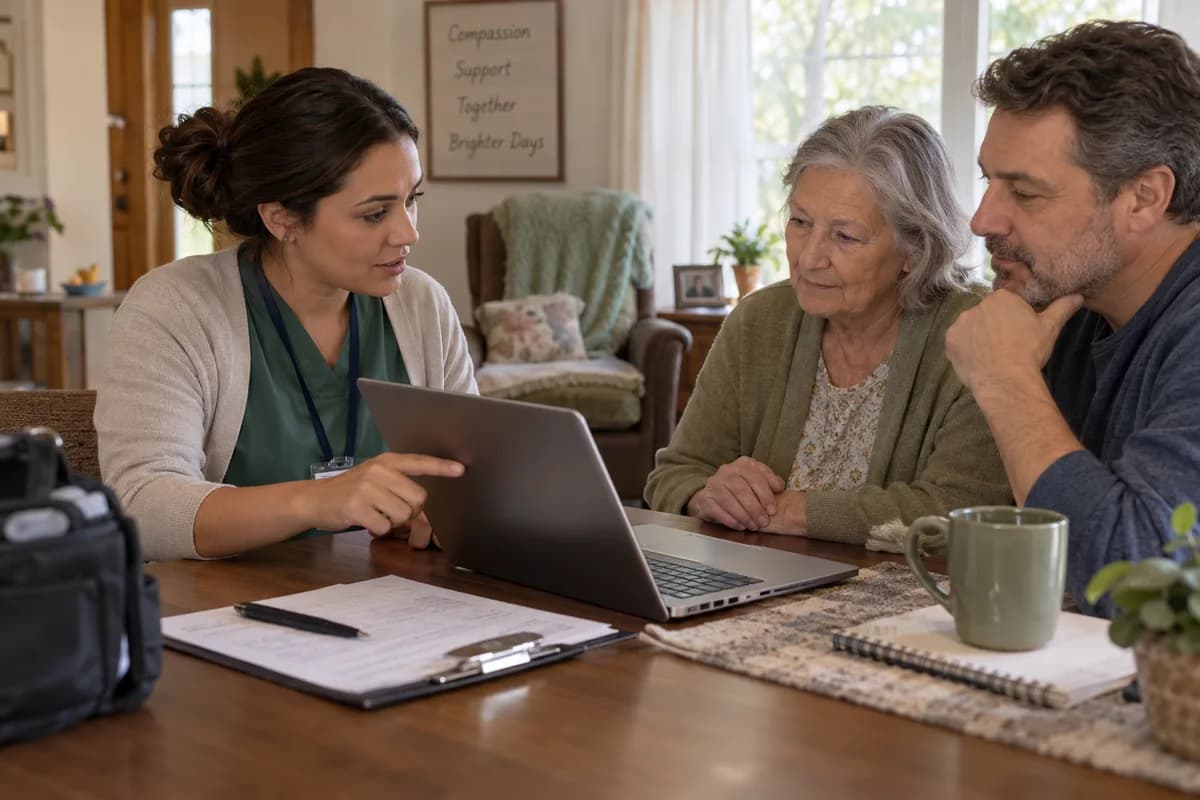
What a hospice charge carries with it
A charge is built from a visit, a level of care and a payer. Each one points back to the record that supports it. Open a charge and the visit, the order and the dates are there. Nobody searches for them.
From a recorded visit to a raised charge
Billing is the last step of a long chain, and a gap anywhere in it shows up here. Following one patient’s month through the office shows how recorded work becomes a charge. Nobody retypes it. Each step leaves its trace.
Who prepares, checks and reads the charges
Billing touches clinicians because it depends on their records. Every change to a charge is dated. Clinical notes are never edited by the billing office.
Billing choices to settle before set-up
Rates, formats and rules belong to your service, its payers and its accountant. The system follows what you decide. Settle these points with the finance lead before the first charge is raised.
How billing draws on other hospice features
Every charge is a summary of work recorded elsewhere. Billing therefore reads from several features. It hands its output to the accounts. Each link below shows what the charge takes in and where it goes next, with no retyping at all between any of the steps.
- Takes completed visits from visit scheduling
- Reads certification and signed orders from admission records
- Reads payer and contact details from the patient record
- Lists supplied medicines and equipment from their own features
- Exports raised charges to your accounting software
Where hospice billing stops
The feature prepares charges and attaches the orders. It does not decide what a payer will accept, set a rate or submit a claim for you. Submission formats differ by payer and by country, so a direct link is reviewed and quoted separately. Tax treatment, write-offs and the accounts belong to the owner and the accountant. A charity that bills almost no one can use a simple register.
Frequently asked questions
Does billing retype our visit notes?
Charges are built from the visits already recorded. The office checks them. It does not enter them again. The visit, its date and its discipline are read straight from the schedule and the notes made in the home.
What happens when the level of care changes?
The level is recorded with a start date. When it changes, the charge is split on that date and each part carries its own level. Staff can see who changed the level and when it was done.
Can it send claims to our payers?
It prepares charges from recorded visits and attaches the orders. Submission formats differ by payer and country. A direct link is reviewed and quoted separately. Ask for it during the demonstration, so it is planned.
How do we find charges that lack a signed order?
A charge missing its order is flagged before release. A list shows every charge held. Staff phone the nurse or the medical director. The document is attached when it arrives, and the charge is then released.
Can charges go into our accounting software?
Raised charges can be exported for the accounting software your accountant uses. Tax lines and currency follow your country. They are reviewed at implementation. The accountant, not the system, decides how they are posted in the books.
How this feature fits the system.
Hospice Management Software: the parts that work with this feature, the trades that use it and the ways to put it in place.
Visit scheduling
The day’s nurse, aide and social work visits are placed against staff by area and need, and missed visits are flagged to the coordinator.
Technician SchedulingAdmission, consent and certification
Signed consent, certification and first orders are stored on the patient record, each with the date it must be renewed.
Document ManagementEquipment loans
Every bed, mattress and oxygen unit has its own entry showing which home it is in, when it was delivered and when it was last inspected.
Fixed Asset RegisterTell us what you need.
Tell us what your team does today, where work gets stuck and what you want to change.
What happens after you share your requirements
- We review your brief and the systems you already use.
- We clarify the workflow, missing information and the work to consider first.
- The proposed scope sets out the deliverables, responsibilities and dependencies.
- Review the scope and commercial terms before deciding whether to proceed.
Start with your requirements
Describe your current process, the people involved and the change you need. Start with the details you know; we can clarify the rest together.
Share your requirements