On-call and symptom log for hospices
When a family rings a hospice at night, the on-call nurse needs the patient’s plan in front of them. This feature opens the same record. Medicines, the symptom plan, recent calls and the family contact come first. Each call is logged with the advice given and any visit sent. Coordinators read the log next morning.
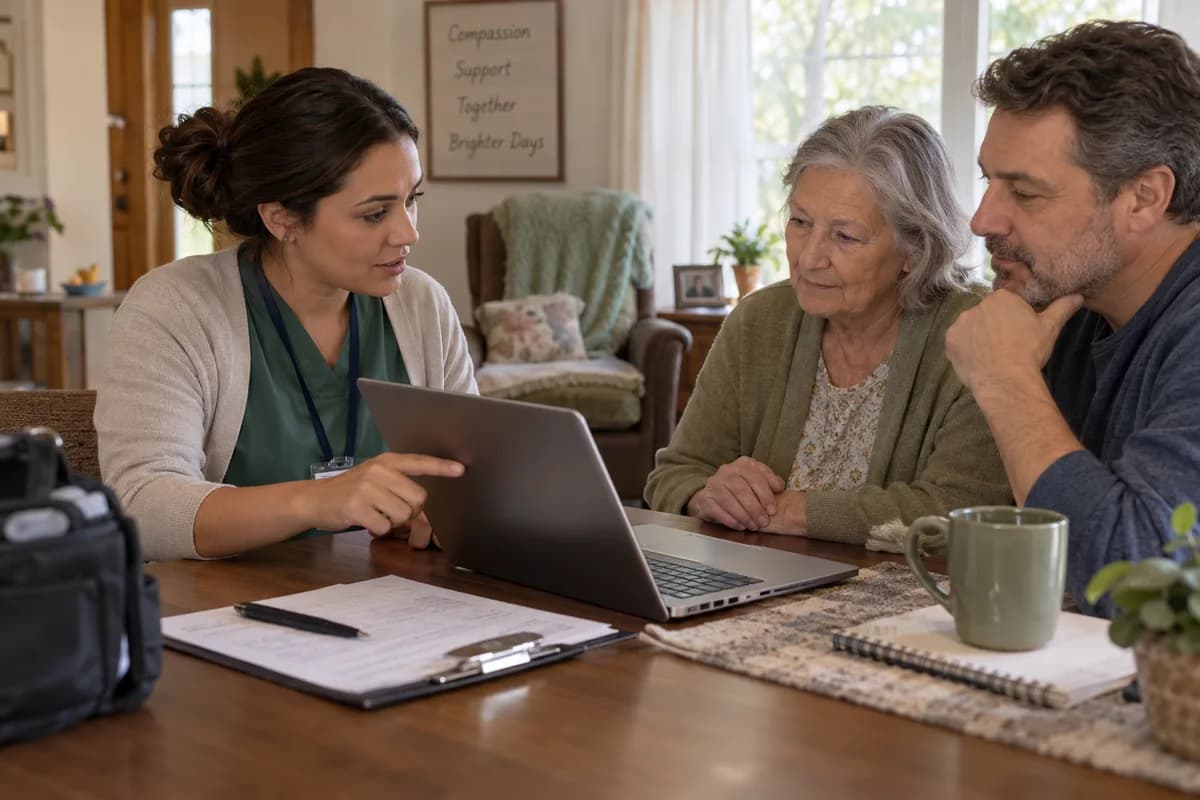
What an after-hours call entry records
Every call becomes a short entry written while the family is still on the line. It names who called, what was wrong and what the nurse said. A night’s entries give the coordinator a clear account. Nothing waits for a handover note.
A night shift on call
On-call work arrives in bursts, from people who are frightened and tired. Speed matters here. The record has to be quick to open and clear to read. These moments show where it earns its place on the long night shift.
Who relies on the on-call record
The on-call view is built for the person holding the phone, and the log is read by several others later. Each role sees a different part. Access follows the role and every entry carries a name.
On-call set-up decisions for your service
Rotas, thresholds and the way calls are answered differ by service. The system follows your habits. Agree these points with the clinical lead and the nurses who take calls before the first night.
How on-call work links to other features
A night call draws on the plan and the medicines. It leaves a trace. Others pick that trace up the next day. The log is therefore both a reader and a writer of the rest of the hospice record, and each link is listed here.
- Reads the symptom plan from care plans by discipline
- Shows medicines and the kit from medicines and comfort kits
- Takes the family contact from the patient record
- Creates a visit in visit scheduling when a nurse is sent
- Gives repeated calls to interdisciplinary team reviews
Where the on-call log stops
The log records calls and the advice given. It does not answer the phone, triage the caller or decide what a nurse should say. Clinical judgement at night stays with the on-call nurse and the service’s protocols. It does not route a call to a rota either. A service with a single nurse covering a few patients may manage with a notebook, though a shared log helps once cover rotates.
Frequently asked questions
What does the on-call nurse see first?
The same record opens. The current plan sits on top, and anything older or less urgent sits further down, one scroll away. The nurse reads medicines, the symptom plan, recent calls and the family contact before saying a word.
Can a call be logged from a phone?
The on-call nurse writes the entry on a handheld device while speaking. Connectivity in the field varies. Offline needs are reviewed with you at implementation, so a nurse in a poor signal area is not left without a record.
Can we count calls by reason?
Each call carries a reason from your own list and an outcome. The report shows after-hours calls by reason and outcome. Clinical leaders read it. They decide what a pattern means for staffing, education or plans.
Does a logged visit appear on the day’s schedule?
When the nurse sends a visit, it is added to the visit list with the name of the nurse sent. The visit note is written there. The call entry and the visit are linked, so both can be read together.
Who reads the log the next morning?
The coordinator opens the list of after-hours calls at the start of the day. Nurse case managers read the calls about their patients. Anything urgent becomes a visit or a plan change. The rest is noted.
How this feature fits the system.
Hospice Management Software: the parts that work with this feature, the trades that use it and the ways to put it in place.
Visit scheduling
The day’s nurse, aide and social work visits are placed against staff by area and need, and missed visits are flagged to the coordinator.
Technician SchedulingAdmission, consent and certification
Signed consent, certification and first orders are stored on the patient record, each with the date it must be renewed.
Document ManagementEquipment loans
Every bed, mattress and oxygen unit has its own entry showing which home it is in, when it was delivered and when it was last inspected.
Fixed Asset RegisterTell us what you need.
Tell us what your team does today, where work gets stuck and what you want to change.
What happens after you share your requirements
- We review your brief and the systems you already use.
- We clarify the workflow, missing information and the work to consider first.
- The proposed scope sets out the deliverables, responsibilities and dependencies.
- Review the scope and commercial terms before deciding whether to proceed.
Start with your requirements
Describe your current process, the people involved and the change you need. Start with the details you know; we can clarify the rest together.
Share your requirements