Visit scheduling for home hospice teams
Visit scheduling places each day’s nurse, aide and social work visits against staff by area, discipline and patient need. Route order is set, visit notes are written on the spot, and a missed visit is flagged to the coordinator. The plan no longer lives in one person’s head, so an absence does not break the day.
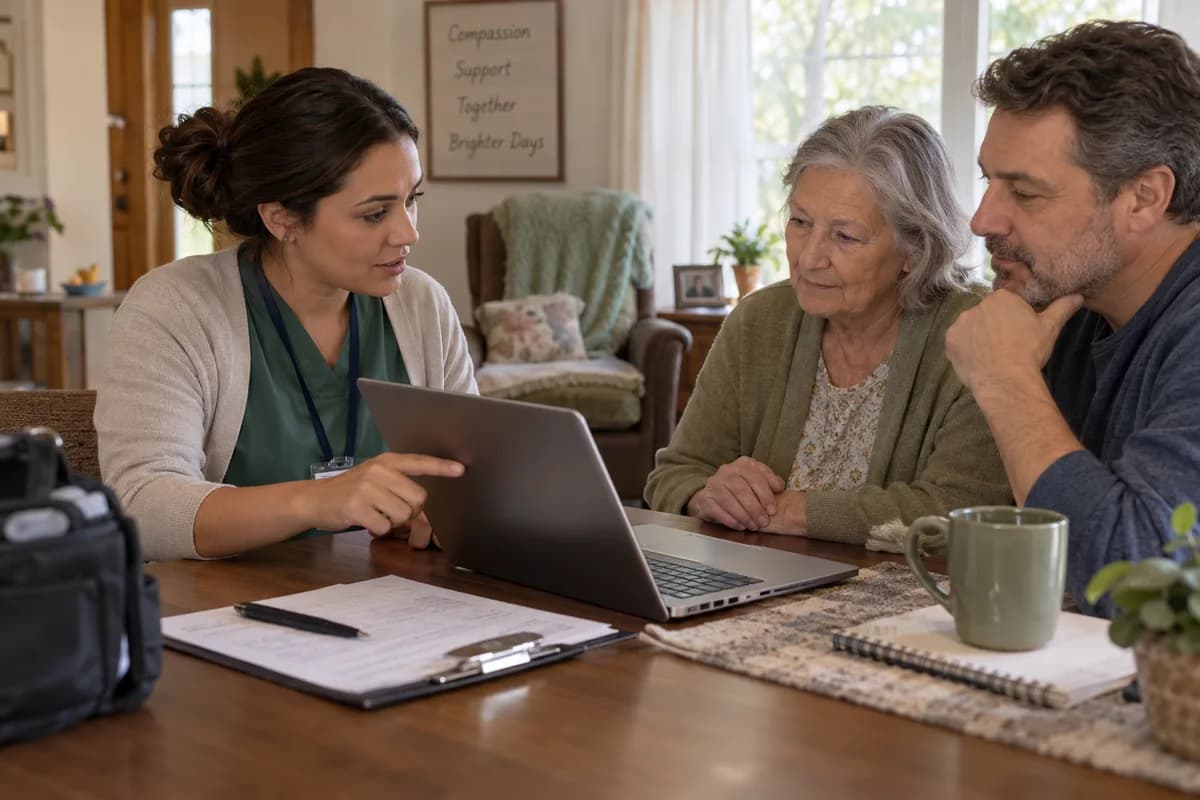
What a hospice visit entry records
Every visit is an entry with a patient, a discipline, a planned day and a named member of staff. The entry then collects what happened. A coordinator reads the list of entries to see the day, and a nurse reads it to find the next door.
A coordinator’s day of home visits
The schedule changes through the day, because patients do. Following a coordinator and three visiting staff shows how the list holds together. Each change reaches the people affected. Nobody has to chase it by phone or by leaving a message.
What each team member sees on the list
A visit list is shown differently to the person who plans it and the person who drives it. Everyone reads from the same data. Each sees the view that suits the work.
Scheduling choices to make before set-up
The way a service plans visits is part of its character, so set-up should follow it. Agree a few rules with the coordinator before the first week. These decisions shape every list that follows.
How visit scheduling joins other features
Visits are where the plan meets the patient. Scheduling reads from several features and hands work on to others. At the visit entry, the family’s need, the staff member’s time and the record of care all meet, and any gap in cover shows at once.
- Takes tasks and goals from care plans by discipline
- Reads patient addresses and contacts from the patient record
- Hands completed visits to billing by level of care
- Sends missed visits to the coordinator’s daily list
- Passes volunteer visits to volunteers and visit hours
Where visit scheduling stops
Scheduling places visits and records what happened. It does not choose the best route through traffic, and it does not judge whether a patient needs a visit. Those calls stay with the coordinator and the clinicians. Staff leave, mileage and payroll stay with administration and the accountant. A service with only two visiting nurses may manage with a shared diary, though a list helps once the coordinator is away.
Frequently asked questions
Can the schedule group visits by area?
Patients are grouped by the area you define, so a nurse sees neighbours together. The coordinator can move a visit across areas when need rises. Route order is set by people. No map engine decides it.
What happens when a visit is missed?
The member of staff marks it missed and gives a reason. The visit then shows on the coordinator’s list. It stays there until it is rebooked or closed, so a missed visit cannot disappear quietly at the end of a busy day.
Can staff write visit notes from the home?
They open the day’s visit list on a handheld device and write the note in the home. Field connectivity varies, so offline needs are reviewed with you at implementation. The note is dated and attributed.
Does it show which patient needs a visit first?
Each visit carries a reason and a priority. Patients with uncontrolled symptoms or a new admission sit above routine calls. The coordinator reads that order each morning and changes it by hand when a call arrives.
Can volunteers appear on the same schedule?
Volunteer visits are listed beside staff visits, so the coordinator sees who is going to which home. The volunteer sees only their own assignments. Hours are recorded afterwards on the volunteer’s profile, beside training dates.
How this feature fits the system.
Hospice Management Software: the parts that work with this feature, the trades that use it and the ways to put it in place.
Visit scheduling
The day’s nurse, aide and social work visits are placed against staff by area and need, and missed visits are flagged to the coordinator.
Technician SchedulingAdmission, consent and certification
Signed consent, certification and first orders are stored on the patient record, each with the date it must be renewed.
Document ManagementEquipment loans
Every bed, mattress and oxygen unit has its own entry showing which home it is in, when it was delivered and when it was last inspected.
Fixed Asset RegisterTell us what you need.
Tell us what your team does today, where work gets stuck and what you want to change.
What happens after you share your requirements
- We review your brief and the systems you already use.
- We clarify the workflow, missing information and the work to consider first.
- The proposed scope sets out the deliverables, responsibilities and dependencies.
- Review the scope and commercial terms before deciding whether to proceed.
Start with your requirements
Describe your current process, the people involved and the change you need. Start with the details you know; we can clarify the rest together.
Share your requirements