Object locations and movements for museums
Locations and movements replaces the movement book with a log that answers one question first: where is this object now? Every move between store, gallery, conservation and loan is recorded with its date, the person and the reason. Registrars, curators and installers read the same trail.
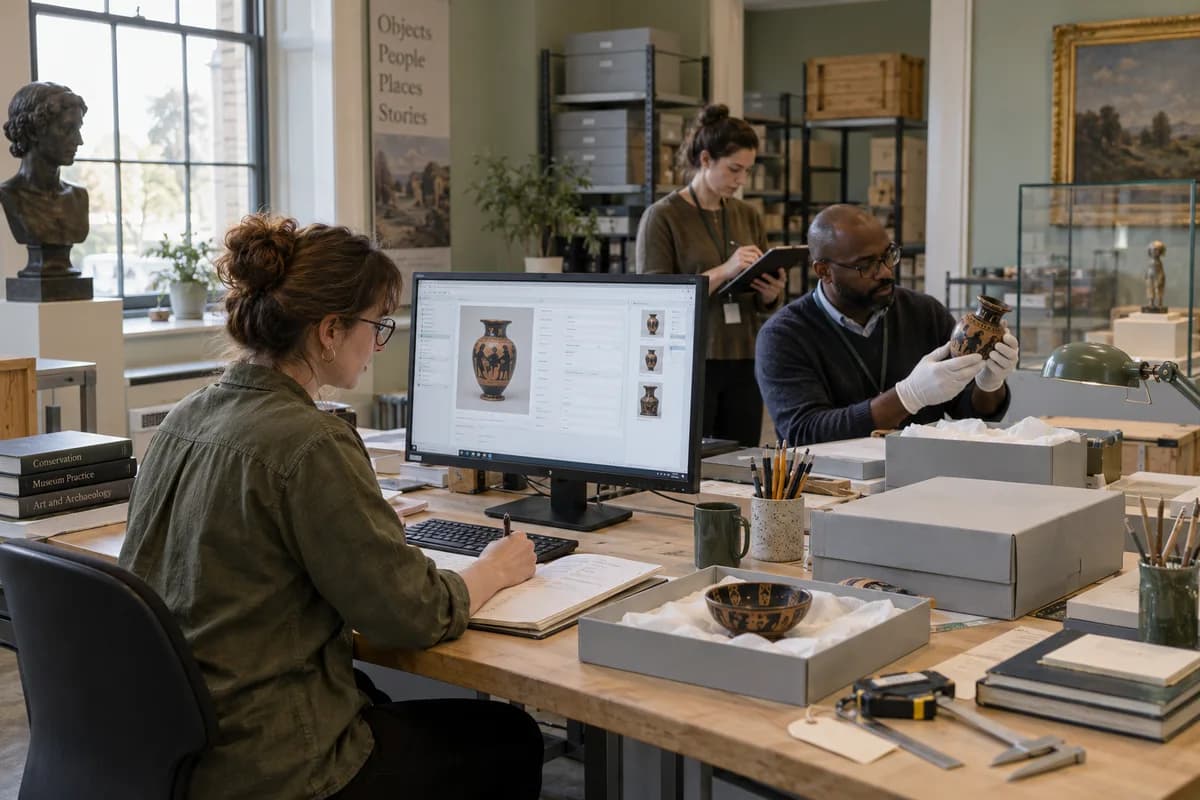
What the movement log records for each object
A movement entry is small. It is written every single time. Each one names the object, the place it left, the place it reached, the date, the person and the reason. Put together, those entries become the full history of the object.
Moving objects through a museum week
Objects travel more than visitors ever notice. A case is dressed on Monday, a drawer is emptied for the conservator on Wednesday, and a loan leaves on Friday. Entries keep pace with each of those moves as it is made.
Who uses the log and what each person sees
Registrars write the bulk of the entries, but they are not alone. Handlers scan, curators read and trustees sample. Each person sees the same trail for an object. Controls differ by duty.
Decisions to settle before moves are logged
A log is only as clear as its location list. Four decisions are taken with your registrar before the first move is entered, because renaming a hundred shelf codes later is tedious. Settle them early.
How movements connect with other features
Locations and movements sits between the register and the shop floor. It takes object details from the accession register and hands each present location to the features that need it. Gallery plans, loan files and condition schedules all depend on knowing where a piece is, so they read this log. Nothing is guessed.
- Accession register supplies the object number and description
- Loans in and out record departure and return as moves
- Condition reports pick up objects due a check by store
- Exhibition planning shows where each chosen object sits today
- Barcode labels let a scan at shelf or case log moves
Where locations and movements stop
This log records where an object is and who moved it. It does not move anything itself, and it does not tell a handler how to lift or pack a piece. Packing method, insurance cover and security rules stay with the registrar and the museum’s adviser. A museum with one small store may manage with a shelf list. That is a fair choice.
Frequently asked questions
Can we scan a shelf instead of typing a location?
Yes, wherever codes are printed. Scanning is quick. Each object and location carries a code, and a scan at the shelf logs the move with the person. Typing stays available for pieces that have no label yet.
What if an object is moved but nobody logs it?
The record keeps showing the last logged place until someone corrects it, so a wrong location can sit for a while. A stocktake list printed for one store exposes the gap. A correction follows, with a note. The entry is then fixed.
Can we see every place an object has been?
Yes, in full. The object record lists each move in order, with date, person and reason. A trustee or a lender asking about a piece’s history reads that trail from the first entry to the latest. It is short.
Does a loan count as a location?
Loan is one of the location types. When a piece leaves, its location becomes the borrower’s name. It stays there until the return is logged. The loan record shows the date the piece is due back.
Who is allowed to correct a wrong move?
Your museum decides this at set-up. A common choice is that only the registrar corrects entries while handlers add new ones. Put the rule on paper and tell the team on the first day of use.
How this feature fits the system.
Museum Management Software: the parts that work with this feature, the trades that use it and the ways to put it in place.
Locations and movements
Each object and storage location carries a printed code, so a scan at the shelf or case records the move and the person.
Barcodes and LabelsLoans in and out
Loan agreements are held with lender or borrower, insured value, display conditions and return date, and a reminder goes to the registrar before expiry.
Contract ManagementCondition reports and conservation
Condition checks fall due by object type, and the registrar sees the overdue ones listed by collection area and store.
Service RemindersTell us what you need.
Tell us what your team does today, where work gets stuck and what you want to change.
What happens after you share your requirements
- We review your brief and the systems you already use.
- We clarify the workflow, missing information and the work to consider first.
- The proposed scope sets out the deliverables, responsibilities and dependencies.
- Review the scope and commercial terms before deciding whether to proceed.
Start with your requirements
Describe your current process, the people involved and the change you need. Start with the details you know; we can clarify the rest together.
Share your requirements