Grant and Funder Records for NGOs
A grant comes with a budget, instalments and promises about what will be done by when. This module keeps that agreement beside the spending it governs, so the funder report is drawn from entries made through the year instead of being rebuilt from scratch at the deadline.
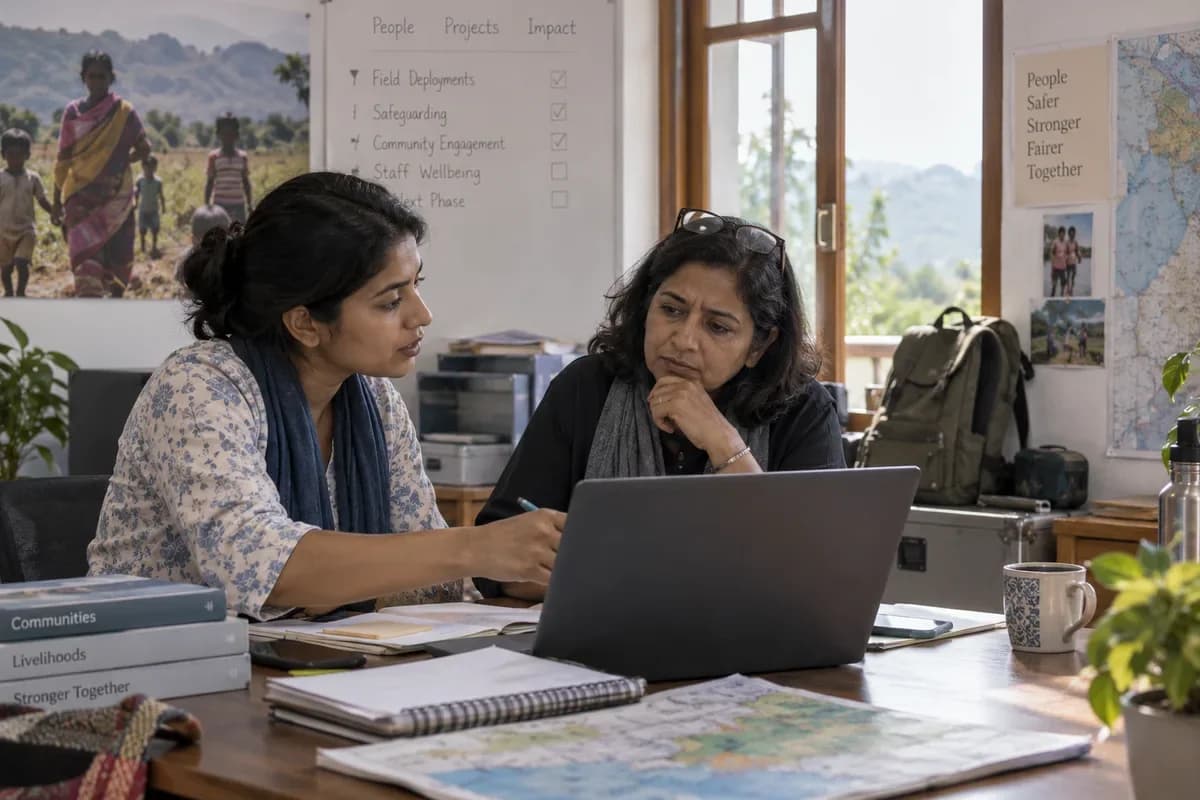
What a grant record holds
Spend against the sanctioned budget
Every payment charged to a grant names the budget line it falls under. The grant screen shows each line with the sanctioned sum, the spend so far and the balance. A line close to its limit stands out. Overspend shows at once. Spend above a line can be blocked or allowed with a note, as the trust chooses. Because heads match the sanction letter, nobody redraws the budget when a report is due.
Reporting back
Utilisation certificates and CSR funds
Two kinds of funder paperwork come up again and again for Indian trusts. A utilisation certificate is signed by a chartered accountant. Guidance pages describe it as resting on the sanction letter, spend against the sanctioned heads and bank statements, and as stating any unspent balance.
Questions to put to a vendor before you sign
Grant tracking looks easy in a demo. Test it on your most complicated grant. Use real sanction letters.
- Can one grant fund two programmes and still report each apart
- How are budget revisions approved by the funder recorded
- Can an instalment be released against a report and shown as conditional
- Can a currency grant be tracked in both the foreign and the rupee value
- Can unspent balance be carried or returned with a note
What the trust decides
The trust sets the rules for budget lines and who may sign off a report. Those rules are fixed during setup, and the grant screen then enforces the spending limit and the sign-off for every programme the trust runs.
- How budget lines are named, so they match the sanction letter
- Whether spend may be entered above a sanctioned line
- Who may mark a report as submitted
- How many days ahead a due date reminder appears
A grant from sanction to final report
For the team, a grant moves through the trust over months and passes through several hands. This page follows one grant, from the day it is sanctioned to the report that closes it. It shows who enters what at each point. On the floor, the grant is long-lived. Each hand adds one dated entry.
Agree the evidence before signing off this part.
Use a representative scenario to decide what this part of the system must show and where review is still needed.
Reporting back
What does one row mean before totals are combined?
Choose one period in “Reporting back” and compare it with the source records. Define the date basis and grouping before accepting a total that combines several kinds of entry.
Background reading: Microsoft: reporting grain and relationships
Frequently asked questions
Can one grant pay for two programmes?
Yes. The grant lists both programmes, and each payment names the programme as well as the budget line.
Does it produce the funder’s own report format?
A format the funder supplies is built once as a saved view, and fields it asks for that are not held yet are added during setup.
What about utilisation certificates from the auditor?
The system prepares the expenditure statement by line. The signed certificate comes from the chartered accountant, and a scanned copy attaches to the grant.
Will it warn before a grant period ends?
Yes. Reminders show ahead of the end date, with the unspent balance by line, so the programme head can act in time.
Can a foreign grant be kept apart?
A grant can sit under the foreign contribution head, with spend flowing from that head only. The rules for that money remain with the trust and its auditor.
How do we track a grant that comes in several instalments?
Each instalment is a row with its due date and condition. When the money arrives it is matched to the row, and the bank reference is noted.
Can the funder log in to see progress?
That is possible as a read-only view where the trust wants it, and is decided in scoping. A trust can send a report instead.
How this feature fits the system.
NGO and Trust Management Software: the parts that work with this feature, the trades that use it and the ways to put it in place.
Donations and receipts
Cash, cheque, card and bank donations are entered, numbered receipts come from the trust’s own series, and an acknowledgement goes to the donor.
Receipts ManagementDonor records
Each donor has a single record with contact details, the appeal that brought them in, their giving history and the purposes they have supported.
Contact & Account ManagementTrustee and committee records
The trustee list, meeting dates, agenda papers, resolutions and approved documents for each committee meeting are kept in one place for the secretary.
Document ManagementTell us what you need.
Tell us what your team does today, where work gets stuck and what you want to change.
What happens after you share your requirements
- We review your brief and the systems you already use.
- We clarify the workflow, missing information and the work to consider first.
- The proposed scope sets out the deliverables, responsibilities and dependencies.
- Review the scope and commercial terms before deciding whether to proceed.
Start with your requirements
Describe your current process, the people involved and the change you need. Start with the details you know; we can clarify the rest together.
Share your requirements