Home and Care Home Visit Planning for Podiatrists
Some patients cannot reach the clinic, so the podiatrist goes to them. This feature plans each podiatrist’s visit route and lists the day’s homes and care settings in order. Notes are taken on a handheld device. Those notes join the patient record, so the next clinician finds no gap.
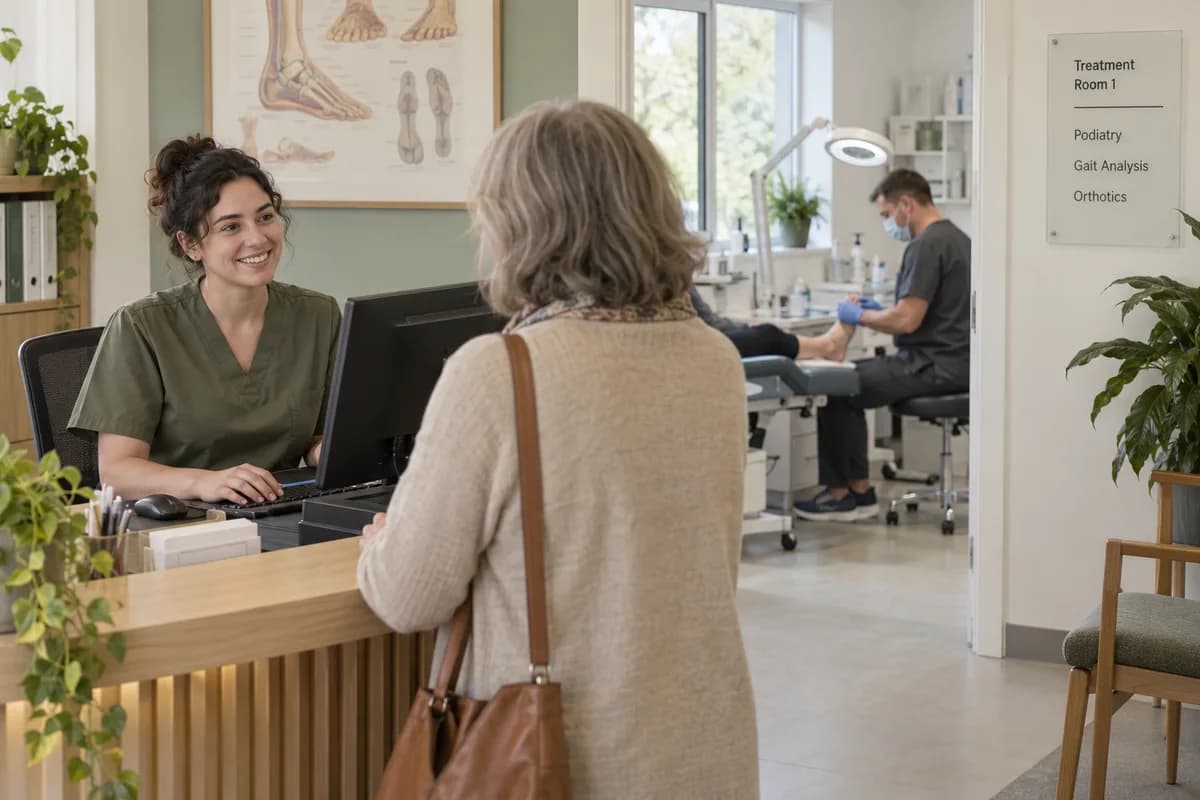
Who plans, travels and reads the visit
A visit away from the clinic needs someone to plan it, someone to make it and someone to read what it produced. The route belongs to the desk. The visit belongs to the podiatrist, and the follow-up to the clinic.
Route sheets and bedside notes on record
A home visit leaves two kinds of trace: where the podiatrist went and what was found there. Both are stored. The route is a plan for the day, and the notes become part of the patient’s record in the same way as a clinic visit.
A round of homes and one care home
The round starts with a list. It ends with notes. Between the two lie doorsteps, corridors and care staff who know the residents. One round is followed here from the first address to the last, and each address is a separate record.
Choices before visits away from the clinic begin
Visits away from the clinic raise questions that a clinic diary never meets. Settle them before the first route is built. Involve the podiatrists who drive and the care homes that host them.
Limits of planning visits away from the clinic
The feature lists visits and holds notes. It does not draw a map, calculate travel or confirm a patient’s consent to treatment at home. Those are matters for the clinic and its advisers. Someone who visits one or two patients at home can use the diary alone, with no route to plan. Billing for travel is also outside this feature.
How visits away join the main clinic record
A visit away is still a visit. It starts in the diary as a booking, appears as a route, and ends as a note in the patient file. The bill and the recall follow as they would for any other visit made at the clinic.
- Books visits through appointments by clinician and room
- Opens the same patient records as clinic visits
- Writes findings into foot assessment and treatment notes
- Sends the visit to billing and receipts for the patient
- Draws on supplies counted in consumables and sterilisation logs
Frequently asked questions
Where does a note from a visit away end up?
It lands in the same patient record as a clinic visit, dated and attributed to the podiatrist who made the visit. The next clinician reads it in order. No typing up afterwards is needed, and no gap is left.
How is a care home round arranged?
Each resident is booked as a separate visit against the podiatrist, and the visits are grouped as one round for that home. Each has its own entry. Moves are made at the desk, and the route changes with them.
What if a patient is not at home?
The podiatrist marks the visit as not completed and gives the reason. The desk sees it and rebooks. The failed visit stays in the history, so repeated absences can be spotted and discussed with the home.
Can the owner compare home work with clinic work?
Visits away are counted separately from clinic visits, by podiatrist and by treatment. The two read side by side. Pricing is the clinic’s decision, and the software does not set a figure for any visit.
Do we need this for a few home patients?
A small number may not justify it. A podiatrist who visits one or two homes can book them in the diary and write the notes on return. The feature suits a clinic with regular rounds.
How this feature fits the system.
Podiatry Clinic Management Software: the parts that work with this feature, the trades that use it and the ways to put it in place.
Appointments by clinician and room
The desk books short and long visits against a podiatrist and a room, and the day reads by clinician, room or date.
Appointment SchedulingHome and care home visits
Visits away from the clinic are planned as routes for each podiatrist, so the day’s homes and care settings are listed in order.
Technician SchedulingOrthotic and device orders
A device order leaves for the lab with a due date, and the clinic follows it through receipt, checking and fitting.
Job Work ManagementTell us what you need.
Tell us what your team does today, where work gets stuck and what you want to change.
What happens after you share your requirements
- We review your brief and the systems you already use.
- We clarify the workflow, missing information and the work to consider first.
- The proposed scope sets out the deliverables, responsibilities and dependencies.
- Review the scope and commercial terms before deciding whether to proceed.
Start with your requirements
Describe your current process, the people involved and the change you need. Start with the details you know; we can clarify the rest together.
Share your requirements