Enquiry Log and Showings for RV Dealers
Every buyer who walks the lot, stops at a rally stand or fills in the web form becomes a logged enquiry. Salespeople note which motorhomes and towables were shown and what budget came up. A follow-up call is set. Sales works from the log, not from memory.
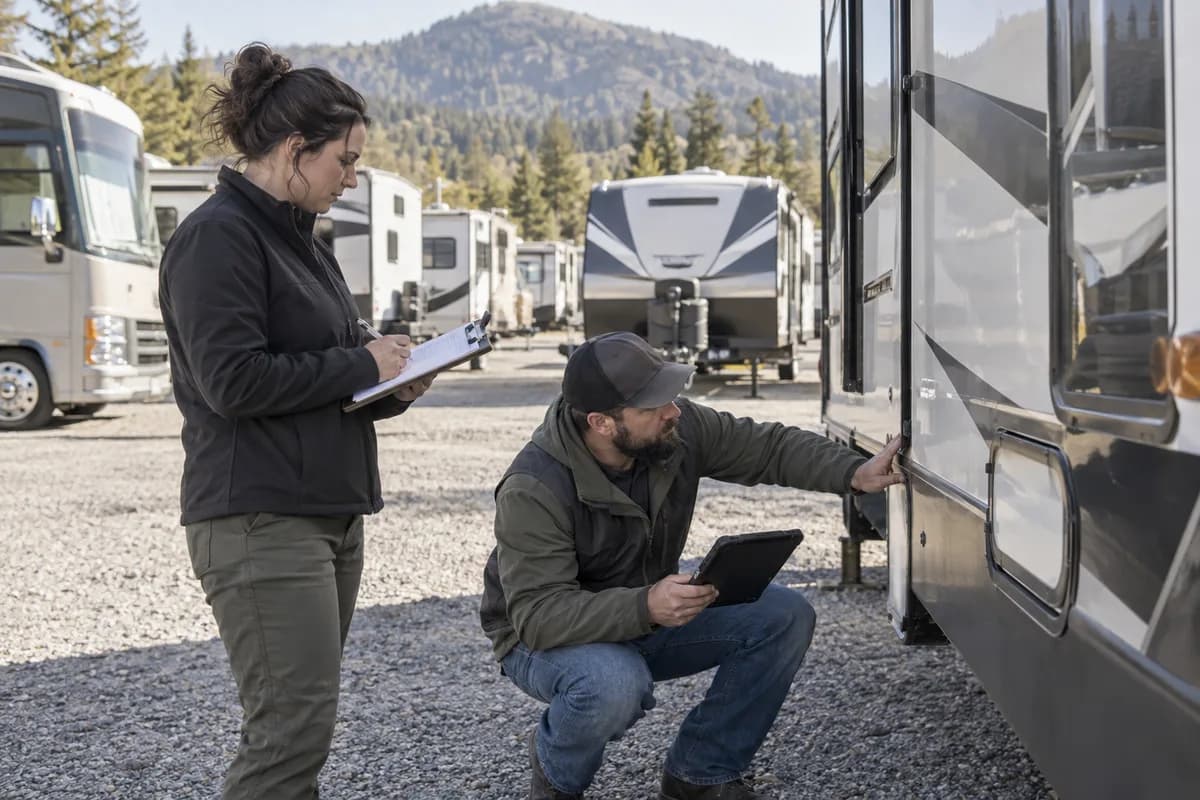
The enquiry log behind every RV sale
Memory fails by Wednesday. A couple who tried three units on Saturday remember them better than the salesperson does, and the notebook is on someone else’s desk. Each enquiry is a short record of who came, from where, what they saw and when someone should ring.
From rally stand to Monday call-back
Saturday on the lot is busy, and the rally stand is busier still. Names get written between conversations. By Monday the list is waiting, with call-backs set out by caller and date, and no one starts from a blank page or a crumpled notepad.
Who in the dealership reads an enquiry
Enquiries are sales records first. Others read them too. Principals watch the pipeline, and advisors greet returning customers by name. Each reader sees only what serves the next conversation, nothing more.
Habits to agree before the first rally show
Before the first line is typed, the desk should agree how sources are named, what counts as shown and who owns a buyer. Do it before the season starts.
Handing a buyer on to the deal desk
This feature is the front door of the product. It borrows unit details from stock and passes a buyer on once a deal takes shape. The customer travels with the record, and so do the units shown. The next desk starts with context. A bare name is never all it gets.
- Quotations and deal sheets start from the units shown
- Unit stock supplies serial numbers and lot positions
- Trade-in appraisals attach to the buyer’s enquiry
- Deposits and receipts follow once a deal is approved
- Repair orders link a returning owner to the old enquiry
What the enquiry log leaves to the salesperson
The log records contact and follow-up. It does not make the call, write the message or judge how serious a buyer is. Messages through a messaging app, SMS or email are separate connections, scoped and priced on their own. Selling stays with the salesperson. A lot with only a few enquiries can use a diary.
Frequently asked questions
Where do rally show enquiries go afterwards?
Each is logged with a rally source, the units shown and a follow-up call date. It then waits for a call. A buyer who returns to the lot continues from the same entry, not a fresh one.
Can we see who has not been called back?
Enquiries whose call date has passed show on that caller’s own list. Sales managers read the same list for the whole desk. Overdue calls are plain to see. A quiet week shows up straight away.
Does a web form enquiry need retyping?
Web forms land in the log with the buyer’s own message. A salesperson then adds units to show and sets the call. Nothing is copied by hand from an inbox. Rally names and walk-ins go in the same way.
Can one buyer have several enquiries?
A returning buyer is added to the existing customer, with each visit logged beside the last. Units shown on the first visit stay visible. That history shapes the second conversation. Nobody asks the same questions twice.
How does an enquiry become a quotation?
From the enquiry, a quotation starts using the units shown. Options and accessories are added there. The link to the enquiry stays, so the desk sees which visit led to which deal. Managers read it the same way.
How this feature fits the system.
RV Dealer Management Software: the parts that work with this feature, the trades that use it and the ways to put it in place.
Enquiries and showings
Each walk-in, rally show visitor and web form becomes a logged enquiry with the units shown, so the follow-up call has something to refer to.
Lead ManagementQuotations and deal sheets
A quotation lists the unit, fitted options and accessories, keeps every revision, and turns into the deal sheet once the buyer approves it.
Quote & Proposal ManagementDeposits and receipts
Deposits and stage payments are posted to the deal as they arrive, and the balance due before delivery is always visible.
Receipts ManagementTell us what you need.
Tell us what your team does today, where work gets stuck and what you want to change.
What happens after you share your requirements
- We review your brief and the systems you already use.
- We clarify the workflow, missing information and the work to consider first.
- The proposed scope sets out the deliverables, responsibilities and dependencies.
- Review the scope and commercial terms before deciding whether to proceed.
Start with your requirements
Describe your current process, the people involved and the change you need. Start with the details you know; we can clarify the rest together.
Share your requirements