Tree Enquiries and Survey Bookings in One Record
Tree work starts with a call, a web form or a message from a homeowner, a property manager or an estate office. This feature gives each enquiry one entry. The source and site address sit on it. It books the survey and keeps tree notes, measurements and photographs under the client.
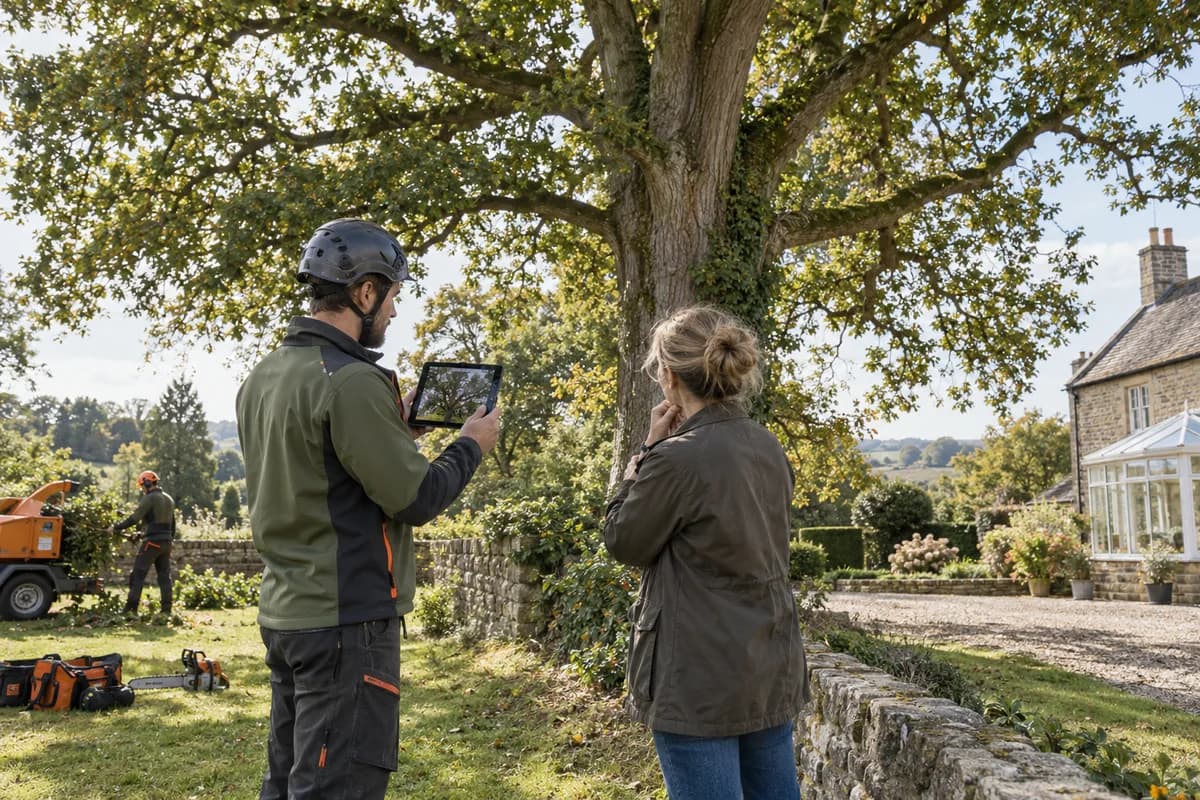
The people behind a new tree enquiry
A homeowner rings about a leaning oak, and the entry that follows is read by four people. They open the same page but look for different things. Each finds what the next step needs.
Fields kept on an enquiry and its survey file
An enquiry entry starts small: a name, a number, an address and a line about the tree. The survey then adds species, height, access and hazards, with photographs. Together these form the file from which the quotation is later built. Nothing is retyped.
A Monday of tree calls and survey visits
The week opens with messages left overnight and calls from owners who watched a branch come down on Sunday. Entries are made, the arborists take the survey list, and by evening the notes are back on the file. Here is how one such day runs.
Four choices to make about enquiry entries
Enquiry records only help when everyone fills them in the same way. These are the questions to answer with the owner before the first caller is logged. Settle them early.
Where enquiry logging ends and judgement begins
The file stores what was said and seen. It does not price a tree, decide whether consent is needed or judge whether a limb is safe. Those calls stay with the estimator, the arborist and the owner. Whether a tree is protected is a matter for the authority or an adviser. A firm with one climber and a handful of calls may manage with a paper diary.
Handing an enquiry to the rest of the job
An enquiry is the first page of a job record, so it hands work forward quickly. The survey file feeds the price, the booking shapes the crew’s week, and the client record travels with the job until the last invoice is paid. Five links carry the weight.
- Survey notes become the tree lines in quotations
- Site address and tree list carry into permit requests
- Booked surveys appear on the crew schedule
- Accepted quotations keep the original enquiry source
- Surveyed trees seed the tree list in contracts
Frequently asked questions
Where do I log a message sent on a messaging app?
The office types it in as an enquiry and sets the channel to message. The client, site address and work asked for go in as they would for a call. The message text can be copied into the notes. Nothing else changes.
Can one client have several site addresses?
Several sites can sit under one client. Each enquiry carries its own site address, so a property manager or an estate office keeps every site apart. Every survey and tree note stays with its address.
Are photographs kept with the tree or the client?
They are filed under the client and can be tied to the tree they show. Either way, the estimator and the crew leader open the same pictures, with dates.
What happens if a caller never books the survey?
The enquiry stays on the list with its source and notes, so the office can ring back later. A quotation cannot be built until a survey has recorded the trees. Closing it is the office’s decision.
Can an arborist add notes after leaving the site?
Notes, measurements and photographs can be added to the client file after the visit, if the person holds permission to edit. Who holds that permission is one of the choices settled at set-up. Settle it early.
How this feature fits the system.
Tree Service Management Software: the parts that work with this feature, the trades that use it and the ways to put it in place.
Enquiries and surveys
Each enquiry is logged with its source and address, the survey is booked, and tree records and photographs stay on the client record.
Lead ManagementQuotations by tree and task
Every tree and task is priced from the firm’s labour, equipment and disposal rates, with each revision kept beside the open quotes.
Estimate/Quotation ManagementJobs and crew scheduling
Climbers, groundstaff, vehicles and cranes are placed against the day’s jobs, so a clash shows before a date is promised to a client.
Technician SchedulingTell us what you need.
Tell us what your team does today, where work gets stuck and what you want to change.
What happens after you share your requirements
- We review your brief and the systems you already use.
- We clarify the workflow, missing information and the work to consider first.
- The proposed scope sets out the deliverables, responsibilities and dependencies.
- Review the scope and commercial terms before deciding whether to proceed.
Start with your requirements
Describe your current process, the people involved and the change you need. Start with the details you know; we can clarify the rest together.
Share your requirements