One park record for gates, rides, maintenance, outlets and guests.
Manage ticket sales, wristbands, season passes, group visits, ride opening checks, breakdowns, inspections, outlet stock and staff rosters for an amusement park. Each ride carries its operating log, its maintenance history and its inspection dates, while gates and stalls close the day against a single count. Operators and engineers work from a phone. Nothing is written twice.
- Ride list, ticket types and checklists entered the way your park runs them
- Season pass holders and inspection dates migrated
- Changes to ticket rules and checklists handled by GullySystem staff on request
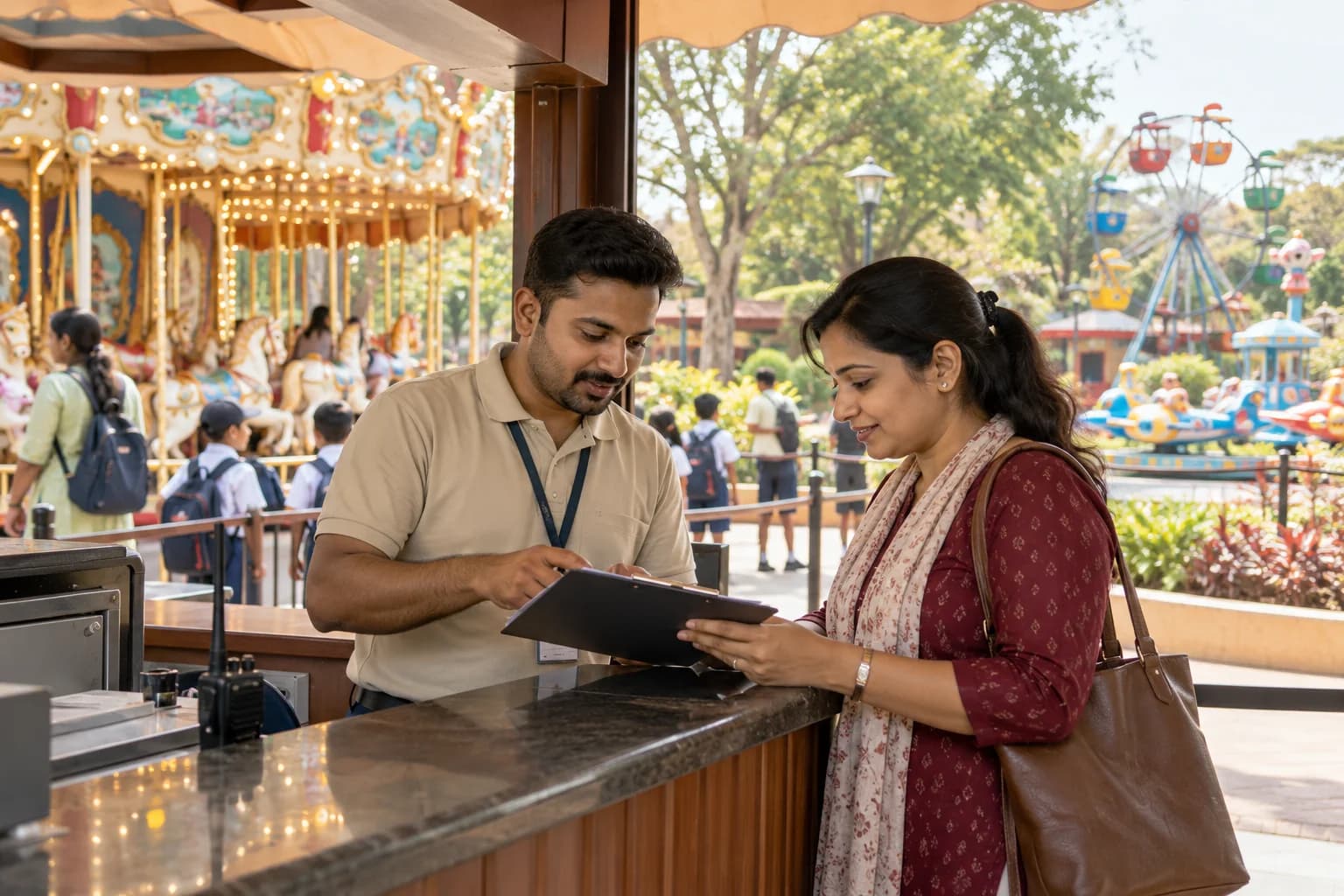
Amusement Park Management Software covers gate sales, RFID wristbands, season passes, ride opening checks, breakdown tickets, outlet billing and rosters in one record. Every ride keeps its own log. Inspection dates sit beside it. The cashier closes gates, stalls and shop together, and the manager reads attendance by ride before tomorrow’s roster is fixed.
What goes wrong before the software.
How the work flows through it, step by step.
- 1
Sale
Day tickets, group bundles and season passes are sold at the counter or online, and each carries entry rights, add-on rides and blackout dates before a wristband is issued. The band is the key.
- 2
Entry
Guests pass the gate lanes, where bands and cards are scanned at the turnstile and expired or duplicated passes are stopped, while the gate count updates the operations desk. Entry is counted once.
- 3
Ride opening
Before the first cycle, operators complete the checklist for each ride on a phone, covering restraints, lap bars and gate interlocks, and the supervisor countersigns. An open fault blocks the ready mark.
- 4
Operation and stoppages
Cycles, weather closures and breakdowns are logged against the ride, and a stoppage opens a ticket for the engineer, who records the cause and the part fitted. Downtime adds up.
- 5
Outlets and incidents
Stalls and the gift shop bill guests and draw stock from their own shelves, while injury reports, complaints and lost-child cases carry time, place and staff on duty. Nothing is radio only.
- 6
Closing
The cashier reconciles gates, stalls and shop against one count, the manager reads attendance by ride and the day’s downtime, and then the roster for tomorrow is locked. The day closes.
What is inside.
Every module can be switched on, left out or changed to match how your team already works.
The business modules it is built from.
Each one is also available on its own, or inside a system built for you.
- Point of Sale Billing
Counters and the online page sell day tickets and bundles from one price list, and each sale is tied to the gate lane that scans it.
- Subscription Billing
Annual and family passes renew on a schedule, with validity and blackout dates held per card so the lane can answer at the scan.
- Asset AMC Tracking
Every ride carries its inspection calendar, outside inspector dates and certificate copies, and a due date turns into a task for the named engineer.
- Ticket Management
A stoppage opens a ticket against the ride, which stays open until the engineer records the cause and signs the ride back into service.
- Stock Tracking and Alerts
Cups, buns and plush toys are drawn by outlet, and reorder levels warn the store before a stall empties during a holiday crowd.
- Attendance & Time Tracking
Operators, loaders and checkers clock in against the ride they are placed on, so the supervisor sees gaps before the gate opens.
- Resource and Room Booking
Birthday rooms and cabanas are booked by slot with a deposit, and two parties can never be given the same room.
- Dashboards and KPIs
Attendance, downtime hours per ride and outlet takings sit on one morning screen for the general manager, so the roster for the day is set from facts.
How we would put it in.
Setup, data migration, integrations and anything built on top.
Every part of the system, by area.
Take the modules you need. Each one works on its own or inside a larger system built for you.
- Applicant Tracking (5)
- CRM (8)
- Finance & Accounting (10)
- Helpdesk (4)
- Human Resources (13)
- Inventory Management (5)
- Project Management (7)
- Manufacturing (6)
- Procurement (4)
- Sales and Distribution (6)
- Field Service (5)
- Statutory and Compliance (4)
- Retail and POS (4)
- Bookings and Appointments (3)
- Subscriptions (2)
- Assets and Fleet (4)
- Platform (6)
- Analytics (2)
- Documents (1)
- All business solutions
One system, each person sees their part.
For park owners and general managers
Read attendance, ride downtime, outlet takings and pass renewals each morning, compare weekdays with holidays, and see which attractions earn the staff placed on them.
For ride supervisors and operators
Complete opening checks, log stoppages and call the engineer from a phone, and read the roster to see which ride and role you hold today. Handover happens at the station.
For engineers and maintenance
Receive breakdown tickets, read each ride’s repair history, record the part fitted and sign the ride back into service once the test cycles are clean.
For ticketing and the cashier
Sell tickets and passes, issue wristbands, take top-ups at the kiosk and close gates, stalls and shop against one count when the park shuts.
For guest services
Log complaints, injuries and lost children at the information booth, and follow each case with its time, place and staff until it is closed by the manager.
The numbers the owner asks for.
- Attendance by gate, ticket type and hour
- Ride downtime, causes and parts used, by ride
- Opening checks completed and missed, by supervisor
- Season pass renewals due and passes in use
- Outlet sales and stock below reorder
- Group bookings, deposits and balances due
- Incident and complaint log by ride and month
Who this is built for.
- Theme and amusement parks with mechanical rides and several food outlets
- Family entertainment centres with indoor rides, arcades and party rooms
- Seasonal funfairs and carnivals that move between sites
- Parks that run school visits and corporate days
- Operators with season pass or annual membership schemes
When it is not the right choice.
- A single trailer-mounted ride that works fairs with a cash box can keep a log book.
- For a park built around slides and pools, Water Park Management Software fits better, and Gym Management Software or Sports Club Management Software suit gyms and clubs.
Adapted to your business before it goes live.
You are not handed a login and left to it. The product is set up around your records, your people and the tools you already use.
Works alongside
- Wristband and barcode readers
- Payment gateway and card terminals
- WhatsApp, SMS and email
- Online ticket page
- Accounting export
Questions owners ask before a demo.
Does it keep safety inspection records for every ride?
Yes. Opening checks, monthly checks, repairs and outside inspection dates sit on each ride’s record, and the signer’s name is kept. Your engineers and regulator set what those checks contain, not us.
Can one wristband carry tickets and a prepaid balance?
Yes, when the readers you own can be linked. The band holds entry rights and money, and each scan or purchase lands on the guest’s record at the gate, kiosk or stall.
How do we handle a ride that stops mid-day?
The operator logs the stoppage on a phone and the engineer receives a ticket. When the engineer signs the ride back in, the downtime and part used are saved to the ride. The log builds itself.
Can groups from schools book and pay a deposit?
Yes. The sales desk quotes by headcount and teacher ratio, takes a deposit, fixes a lunch slot and issues one voucher the group presents at the lane.
Does it work for seasonal parks?
Yes. Rides can be marked off-season, with winter overhaul work recorded as maintenance tickets, and pass holders stay on file for the reopening day.
Will gate lanes keep working if the internet drops?
Not fully, because gate lanes need a link to check passes against the live record. A second connection for the entrance is discussed during the site review with your network supplier, before opening day.
Can we move our current pass holders across?
Yes. Names, photos, validity and family members come from your sheet or card system, and the ticket office checks a sample before launch.
Who owns the guest and ride records?
You do. The agreement names the file layout in which ride logs, pass holders and sales come back to you, so leaving never means losing the history.
What goes into the quote for a park?
The quote depends on how many gates and lanes sell tickets, how many outlets take wristband balance, and which readers and card terminals must connect. Season pass holders moved from older lists add work. Your ride checklists and ticket rules are shown on screens before the quotation, which prices each module apart.
How long until the park can open lanes on it?
Ticket types, gate sales and the ride register with opening checks normally go live first. Wristbands, passes, outlets and group bookings follow in stages. The proposal names what is in each stage and gives dates.
What should the park prepare ahead of the build?
Gather your ticket price list, pass rules, ride list with opening checklists and last season’s incident and downtime logs. Have sample group invoices and pass holder sheets at hand. A named person from gates, engineering and outlets should be available.
Wondering what it would cost? Share your requirements and an engineer will come back with a scope.
Built for.
The trades this product is set up for. Pick yours to see how the work runs there.
See Amusement Park Management Software set up around your records.
Tell us how you run things today. An engineer reads it and writes back with what fits as it is, what would need changing, and what we would start with.
What happens after you share your requirements
- A senior engineer reads your answers. Nobody phones first.
- Within one business day you get a written note: what we understood, what we would start with, and the questions we still have.
- If it fits, a proposal follows with the order of work, what we need from you and what you receive at each step.
- No call is booked and nothing is paid until you have read the note. Your details stay with us.
Start with your requirements
Seven short steps that tell us what you need. A senior engineer reads them before anyone gets in touch.
Share your requirements