Lessons and coaching for country clubs
Lessons and coaching schedules lessons and clinics with each coach. It records who attended and bills the member, or the junior’s parent, at the rate agreed for that coach. The diary, the court booking and the account stay together, so no coach keeps a private tab.
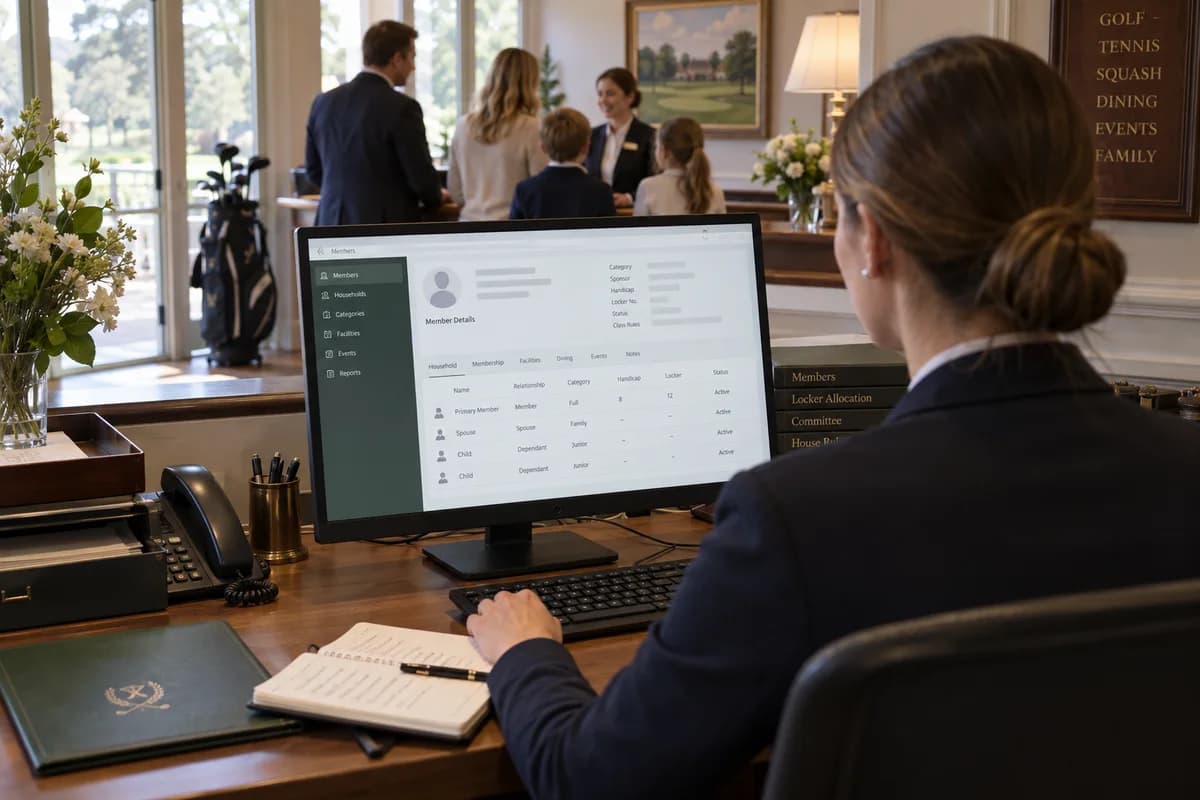
What a lesson or clinic record holds
Every lesson has four parts. Coach, time, place and pupil. A clinic has the same parts with a group in place of one pupil. Each is held with its rate and its attendance, so the bill follows what actually happened on the court.
A week of lessons at the club
Lessons run through the week and the weekend. Parents book, coaches teach and the office bills. Each person touches one record, and none of them re-enters what another has done. Here is how a busy week looks at the club.
Who schedules lessons and who reads them
Four groups share the lesson record. Coaches write the bulk of it. The others read, book or bill from it. Each sees what the job needs, and nobody keeps a private copy.
Settling coaching rules before set-up
Coaching has rates, absences and junior payers to settle before the first lesson is booked. The head of sport and the treasurer hold the answers. Each takes a short talk.
How coaching connects to other club features
Each lesson draws on three other features and feeds one. It books a court, reads the pupil and the payer from the member record, and sends its charge to the statement. Each link spares the office a second entry. No lesson is entered twice by anyone.
- Lesson slots reserve courts through facility and court bookings
- Pupils and parents come from member and family records
- Billed lessons appear on statements and receipts
- Lesson attendance sits beside court use in facility figures
- Coaching charges join dues and dining on one account
Where lessons and coaching stop
The software schedules lessons, records attendance and bills at the agreed rate. It does not teach, plan a coaching programme or pay the coach. Contracts, insurance and the safeguarding of juniors stay with the club and its adviser. A club with one coach and a notebook of pupils can carry on as it is. Teaching stays with the coach.
Frequently asked questions
How is a junior’s lesson billed to a parent?
The junior is the pupil and the parent is the payer on the same account. The lesson is billed at the coach’s rate and appears on the parent’s statement. The line names the child and the date.
Can each coach have a different rate?
Every coach carries a rate of their own. Billing uses the rate for the coach who taught it. The rate sits on the coach’s record, so nobody applies it from memory alone. Billing never guesses.
What happens when a pupil misses a lesson?
The pupil is marked absent. The club’s own rule on missed lessons then applies. Decide that rule before set-up, so the office applies the same one to every pupil. Fairness to every family depends on it.
Can a coach run a group clinic?
A clinic is held on the coach’s own diary with its own list of pupils. Each child’s attendance is marked. Each payer is billed for their own child, at the rate agreed for that coach.
Can coaches add charges for the club to bill?
A coach adds a charge to the member’s account and the club bills it. The coach keeps no tab. The office sees the line on the statement and can answer a query about it at once.
How this feature fits the system.
Country Club Management Software: the parts that work with this feature, the trades that use it and the ways to put it in place.
Member and family records
Each member, spouse and dependant is held under one account, with class and joining date, so rules apply to the right person.
Contact & Account ManagementMembership applications
An application moves from sponsor to committee, and each decision is recorded with its date before the member number is issued.
Workflow and ApprovalsDues and joining fees
Annual dues and instalments are raised on set dates by category, and a part-paid or overdue account is flagged for the office.
Subscription BillingTell us what you need.
Tell us what your team does today, where work gets stuck and what you want to change.
What happens after you share your requirements
- We review your brief and the systems you already use.
- We clarify the workflow, missing information and the work to consider first.
- The proposed scope sets out the deliverables, responsibilities and dependencies.
- Review the scope and commercial terms before deciding whether to proceed.
Start with your requirements
Describe your current process, the people involved and the change you need. Start with the details you know; we can clarify the rest together.
Share your requirements