Booking and parcel records for delivery companies
A booking turns an order from a form, a bulk file or a phone call into a consignment record. The parcel gets a sender, a consignee, a declared weight, dimensions, a service level and a tracking code. Dispatch, the hub and customer service work from that one record.
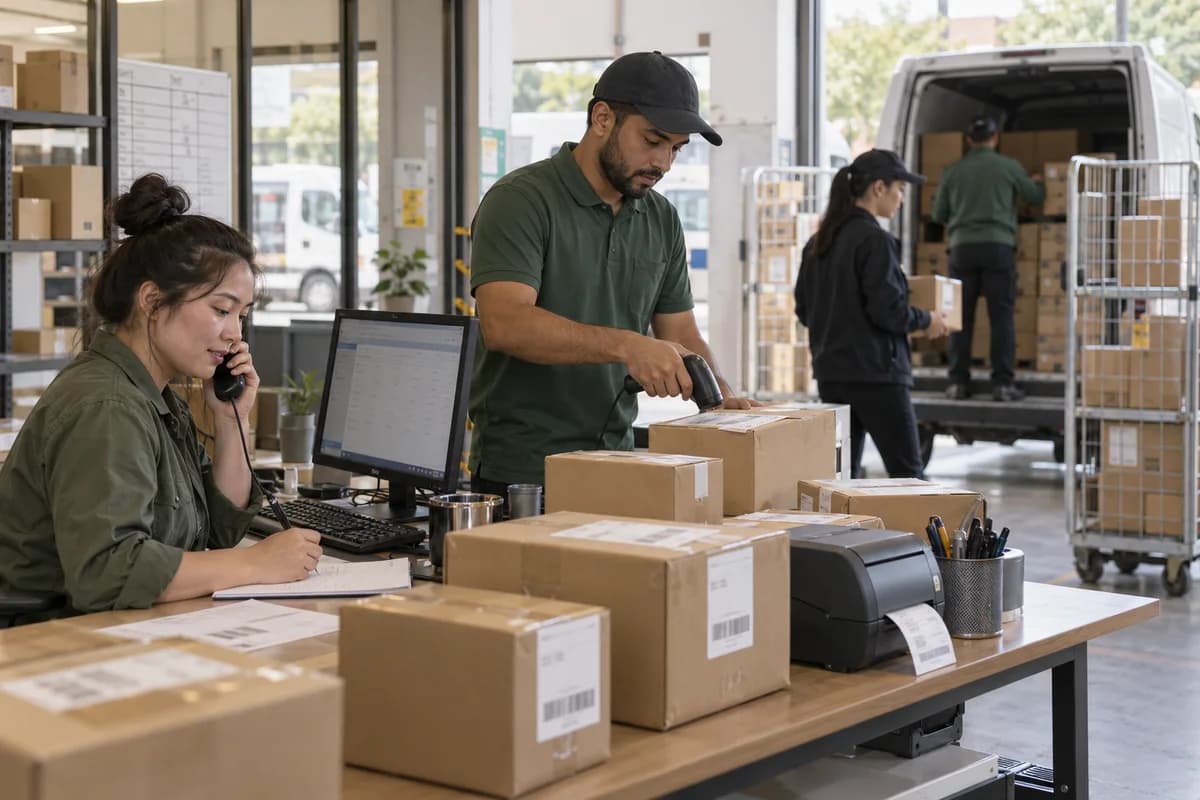
What a consignment record holds from booking
Every parcel booked into the system becomes a consignment with its own record. The record starts with who is sending and who is receiving. Weight, size and service level follow. Scans, proof of delivery and charges attach to the same record later.
A booking day from first order to label
Bookings reach a delivery company in three ways, and all three can land on the same morning. Someone rings about one document pack, a shop sends a file of orders, and a regular sender keys in a form. Each ends as a consignment. Then a label is printed.
Who opens a parcel record and why
People across the company open the same consignment for different reasons, and the record shows each of them what the job needs. Four roles lean on it at booking time. Their needs differ, but the record is shared.
Decisions to settle before bookings go live
The form is only as useful as the choices behind it. Four decisions are worth making with your dispatch lead and accounts before the first live day. Every later feature reads what booking records.
How a booking feeds the other features
The consignment record is the starting point for almost everything else the system does with a parcel. Nothing downstream is keyed a second time. Labels, pickups, runs, proof, charges and messages all read from the booking. Five features take from it directly. Each reads the booking as it stands at that moment.
- Labels and scanning print a thermal label from each record
- Pickup scheduling takes the sender and collection request from it
- Hub sorting groups parcels by the destination zone booked
- Customer rate cards and invoices price the declared weight and service level
- Customer notifications send the tracking code to sender and recipient
Where booking records stop
This record describes a parcel and its terms. It does not decide what the parcel is worth, whether it may lawfully be carried or what tax applies to the charge. Those judgments stay with the owner, the accountant and any adviser the company uses. A firm taking only a handful of orders a day can write bookings in a notebook.
Frequently asked questions
Can bookings be entered from a bulk file?
Yes, a bulk file is one of three ways to create a consignment, beside forms and phone orders. A shop platform order file is one example. Rows with gaps are corrected before any label is printed.
What does the tracking code identify exactly?
It identifies one consignment from booking to handover. The sender, the recipient, customer service and the rider all quote the same code. Scans and proof attach to it, so one code opens the whole history.
Can a booking be changed after it is saved?
Yes, if your company allows it. Who may edit weight, address or service level is a rule settled at set-up, and the choice is yours. Dispatch sees the corrected record before the pickup run leaves the depot.
Do dimensions have to be entered on every parcel?
The record has fields for them. Volumetric pricing needs them. Whether the form makes them required is a decision for set-up. A company that prices by weight alone can leave them optional, which keeps the phone desk quick.
How does a phone order get its tracking code?
The call handler enters the sender, consignee, weight and service level. The code is issued when the consignment is saved. Callers hear it read out. The caller leaves the call holding it, ready to quote it later.
How this feature fits the system.
Delivery Company Management Software: the parts that work with this feature, the trades that use it and the ways to put it in place.
Booking and parcel records
Each booking from a form, bulk file or phone call becomes a consignment record with sender, consignee, service level and tracking code.
Order ManagementLabels and scanning
Parcel labels carry a barcode, and scans at pickup, hub, bagging, loading and handover build the movement history of each parcel.
Barcodes and LabelsRun sheets and vehicles
A run ties a rider, a van and an ordered list of stops together, and the dispatcher sees stops completed as the day goes on.
Vehicle and Trip ManagementTell us what you need.
Tell us what your team does today, where work gets stuck and what you want to change.
What happens after you share your requirements
- We review your brief and the systems you already use.
- We clarify the workflow, missing information and the work to consider first.
- The proposed scope sets out the deliverables, responsibilities and dependencies.
- Review the scope and commercial terms before deciding whether to proceed.
Start with your requirements
Describe your current process, the people involved and the change you need. Start with the details you know; we can clarify the rest together.
Share your requirements