Hub sorting and loading for parcel delivery
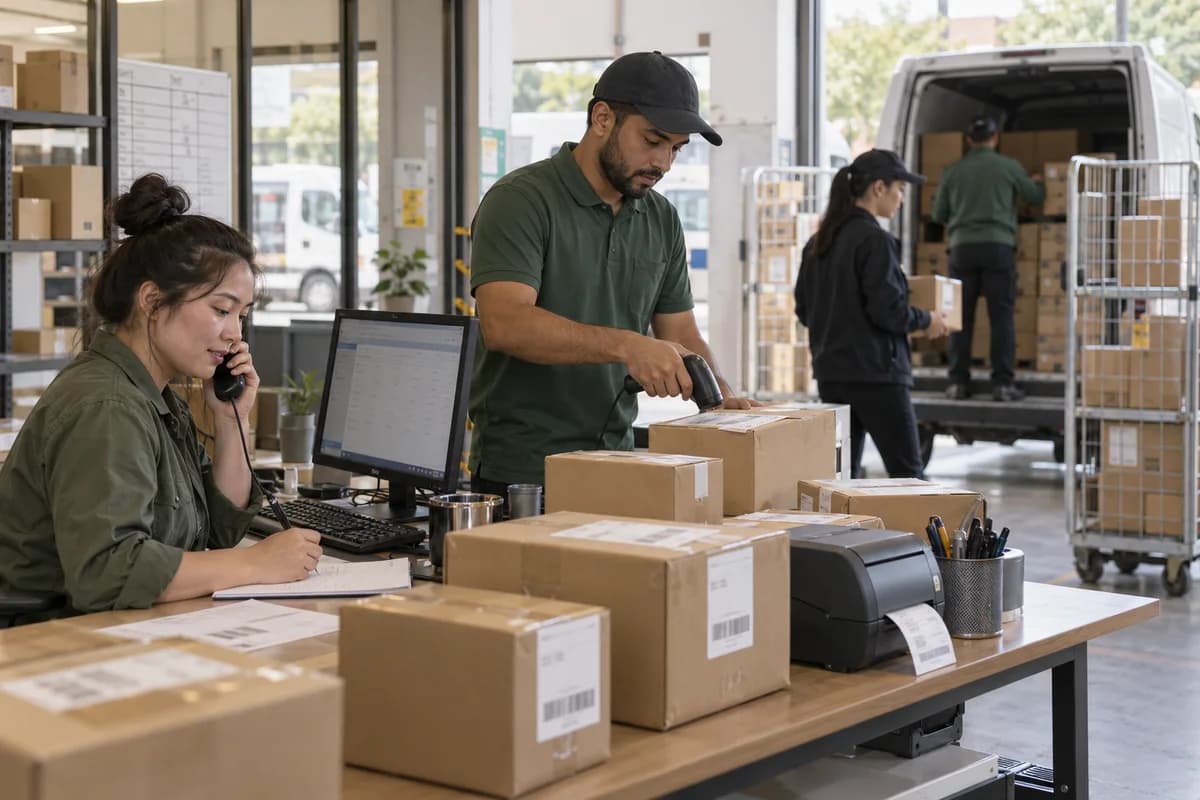
At the hub, parcels are grouped by destination zone, sealed into bags or roll cages and loaded onto a run. A parcel that missed the vehicle is flagged before the van leaves the dock. Hub staff see what is still waiting and what has gone.
What the hub records for each bag and cage
Sorting needs more than a scan on the way in. Records link each parcel to its zone, to the bag or roll cage that holds it and to the run that cage is loaded onto. Those links expose a mis-sort.
A sorting shift from belt to dock
The hub is busiest between the inbound vans and the outbound runs. Parcels arrive in a rush. They are sorted, then leave on a deadline. The four moments below show how the record keeps pace with the floor, one cage at a time.
Who works from the hub screen
This screen serves the floor, the desk and the road. Staff on the floor use it every minute. Others dip in for answers. Four roles read it, and each needs a different slice of the same record.
Decisions to settle before the hub goes live
Sorting follows the physical layout of your hub, so a few decisions need the floor’s input. Walk the dock first, with the shift lead. Settle these four points on paper before anything is configured.
How hub sorting links to other features
Hub work sits in the middle of the parcel’s journey. It takes what pickups and scans have brought in and hands the loaded cages over to the runs that carry them. The list below shows what flows in and what flows out. Nothing is entered twice.
- Booking and parcel records supply each parcel’s destination zone
- Labels and scanning log the inbound, bagging and loading steps
- Run sheets and vehicles receive the cages loaded for each run
- Failed attempts and returns bring undelivered parcels back to the hub
- Customer notifications tell senders when a parcel reaches the hub
Where hub sorting stops
This feature records the sorting. It does not do the lifting, run a belt or decide how your hub is laid out. Damaged goods, lost items and any compensation to a sender stay with the owner and an adviser. A depot with one van and a handful of parcels can sort from a shared sheet.
Frequently asked questions
How does the hub know which zone a parcel belongs to?
The consignee’s address is matched to your zone map, which is entered when the system is set up. The result appears on the parcel record. The zone then decides which bag or cage the parcel goes into.
What happens if a parcel goes into the wrong cage?
Checking cages and bags against the run sheet shows the stray parcel. The sorter lifts it out. If it slips through, the check against the run sheet catches it before the van leaves. Either way, the error stays at the hub.
Can both line-haul and last-mile runs be loaded here?
Both kinds of run load from the hub. A cage is linked to whichever run will carry it. Dispatch then sees the load for each vehicle in the same way, whatever the run type is, and without a separate list.
Who sees parcels waiting to be sorted?
Staff on the floor see what is waiting on the sort belt. Those are parcels already scanned in but not yet placed in a cage. The shift lead judges the work remaining from the list. Nothing is counted by eye.
How are parcels left behind after the cut-off found?
A report lists parcels left in hub cages past their dispatch cut-off. Each shows its zone and run. A supervisor reads it before the next shift, so left-over parcels are never discovered by a sender’s complaint.
How this feature fits the system.
Delivery Company Management Software: the parts that work with this feature, the trades that use it and the ways to put it in place.
Booking and parcel records
Each booking from a form, bulk file or phone call becomes a consignment record with sender, consignee, service level and tracking code.
Order ManagementLabels and scanning
Parcel labels carry a barcode, and scans at pickup, hub, bagging, loading and handover build the movement history of each parcel.
Barcodes and LabelsRun sheets and vehicles
A run ties a rider, a van and an ordered list of stops together, and the dispatcher sees stops completed as the day goes on.
Vehicle and Trip ManagementTell us what you need.
Tell us what your team does today, where work gets stuck and what you want to change.
What happens after you share your requirements
- We review your brief and the systems you already use.
- We clarify the workflow, missing information and the work to consider first.
- The proposed scope sets out the deliverables, responsibilities and dependencies.
- Review the scope and commercial terms before deciding whether to proceed.
Start with your requirements
Describe your current process, the people involved and the change you need. Start with the details you know; we can clarify the rest together.
Share your requirements