Proof of delivery for courier companies
Proof of delivery captures a signature, a photo or a one-time code at the recipient’s door and stores it on the consignment. A later claim or query is answered from that record. It does not matter who picks up the call, because the proof sits with the parcel.
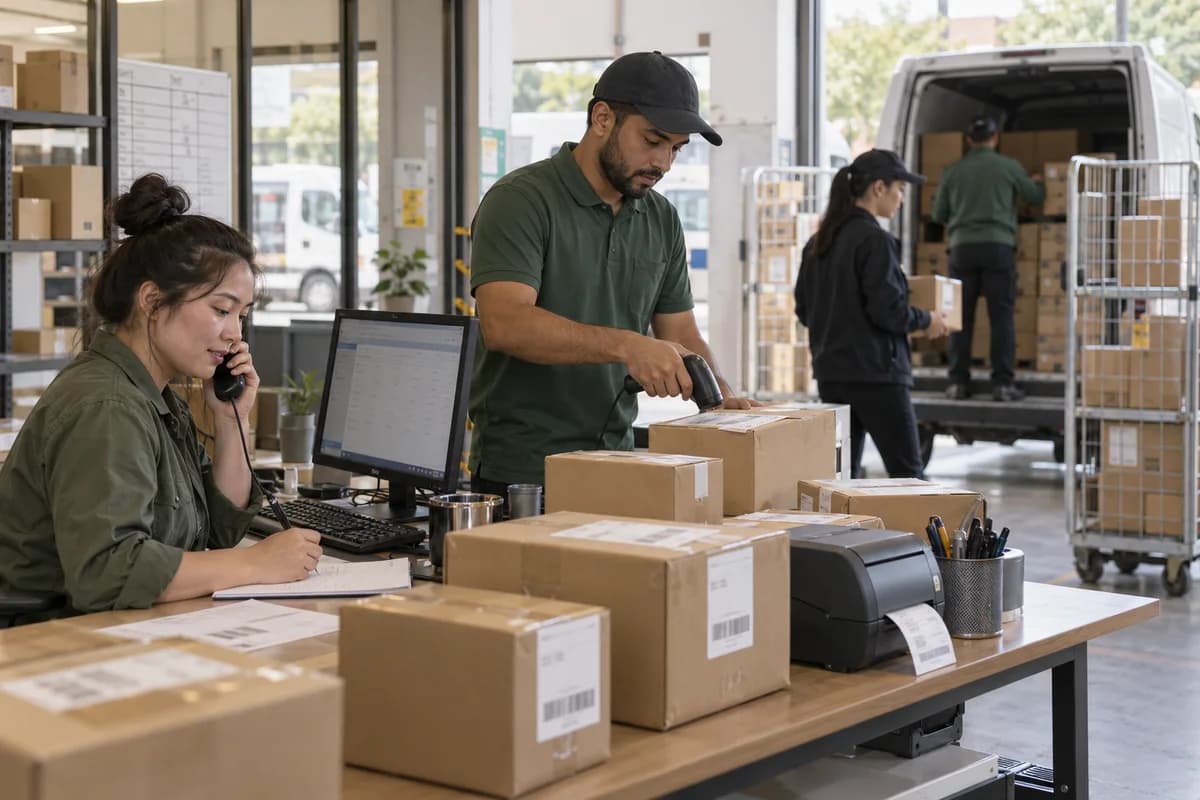
What proof of delivery keeps on a consignment
A delivered parcel is finished only when its proof is on the record, and not before. Riders capture it at the door. It attaches to the consignment at once. Four things are kept, and together they close the parcel’s story.
A delivery day through the proof screen
Capturing proof is quick work at the door. Using it comes much later, when a question arrives. Four moments show both sides of the job: the rider’s quick action at the door, and the office’s slower use of what was kept.
Who captures proof and who relies on it
Riders capture proof, but it matters to the people who were never at the door. Each of them needs the proof to be there, and to be easy to find.
Decisions to settle before proof goes live
Proof is quick for a rider and weighty for the office. Agree the rules in advance. Four questions are worth settling with the dispatch lead and customer service before riders start.
How proof of delivery connects to other features
Proof is the last step of a delivery and the first step of everything that follows. It closes the stop on the run sheet and triggers the delivered message. It also gives accounts the evidence they need in a dispute. Five links are listed below.
- Run sheets and vehicles close each stop once proof is captured
- Labels and scanning supply the handover scan beside the proof
- Customer notifications send a delivered message to sender and recipient
- Cash on delivery is collected at the same door visit
- Failed attempts and returns take over when no proof is possible
Where proof of delivery stops
Proof records what the rider captured. It does not confirm who a signer really is, settle a dispute or decide whether a photo is acceptable evidence. Those judgments stay with the owner and an adviser, particularly for photos that show people or property. A courier with a handful of drops a day can keep a signature book.
Frequently asked questions
Which kinds of proof can a rider capture?
Riders can capture a signature, a photo or a one-time code at the door. Which one is expected for a given parcel is a rule your company agrees. The chosen proof attaches to the consignment.
Can customer service see proof without ringing a rider?
Yes, customer service finds the parcel by tracking code or consignee and sees the scans with the proof beside them. Nobody has to reach the rider. Staff answer from the stored record, on the same call.
Is proof kept after the run is closed?
Proof stays on the consignment, so it is available for any later claim or query. Closing the run does not remove it. Whoever takes the call opens the same record, whatever the shift or the day.
What if the recipient disputes a delivery?
The scan history and the stored proof are checked first. They show what the rider captured and when. Any legal conclusion about the dispute belongs to the owner and an adviser, never to the system itself.
Does a stop close without proof?
A stop that has no proof stays open on the run sheet, unless the rider records a reason for failure. Dispatch sees the open stop at once, and can call the rider. Nothing is closed by default.
How this feature fits the system.
Delivery Company Management Software: the parts that work with this feature, the trades that use it and the ways to put it in place.
Booking and parcel records
Each booking from a form, bulk file or phone call becomes a consignment record with sender, consignee, service level and tracking code.
Order ManagementLabels and scanning
Parcel labels carry a barcode, and scans at pickup, hub, bagging, loading and handover build the movement history of each parcel.
Barcodes and LabelsRun sheets and vehicles
A run ties a rider, a van and an ordered list of stops together, and the dispatcher sees stops completed as the day goes on.
Vehicle and Trip ManagementTell us what you need.
Tell us what your team does today, where work gets stuck and what you want to change.
What happens after you share your requirements
- We review your brief and the systems you already use.
- We clarify the workflow, missing information and the work to consider first.
- The proposed scope sets out the deliverables, responsibilities and dependencies.
- Review the scope and commercial terms before deciding whether to proceed.
Start with your requirements
Describe your current process, the people involved and the change you need. Start with the details you know; we can clarify the rest together.
Share your requirements