Pickup scheduling for delivery company dispatchers
Pickup scheduling turns each collection request into work for a run and a rider. Dispatchers see which senders are still waiting before their cut-off time, and which rider is nearest, on one screen. Nobody has to ring round the riders to learn who has taken which pickup.
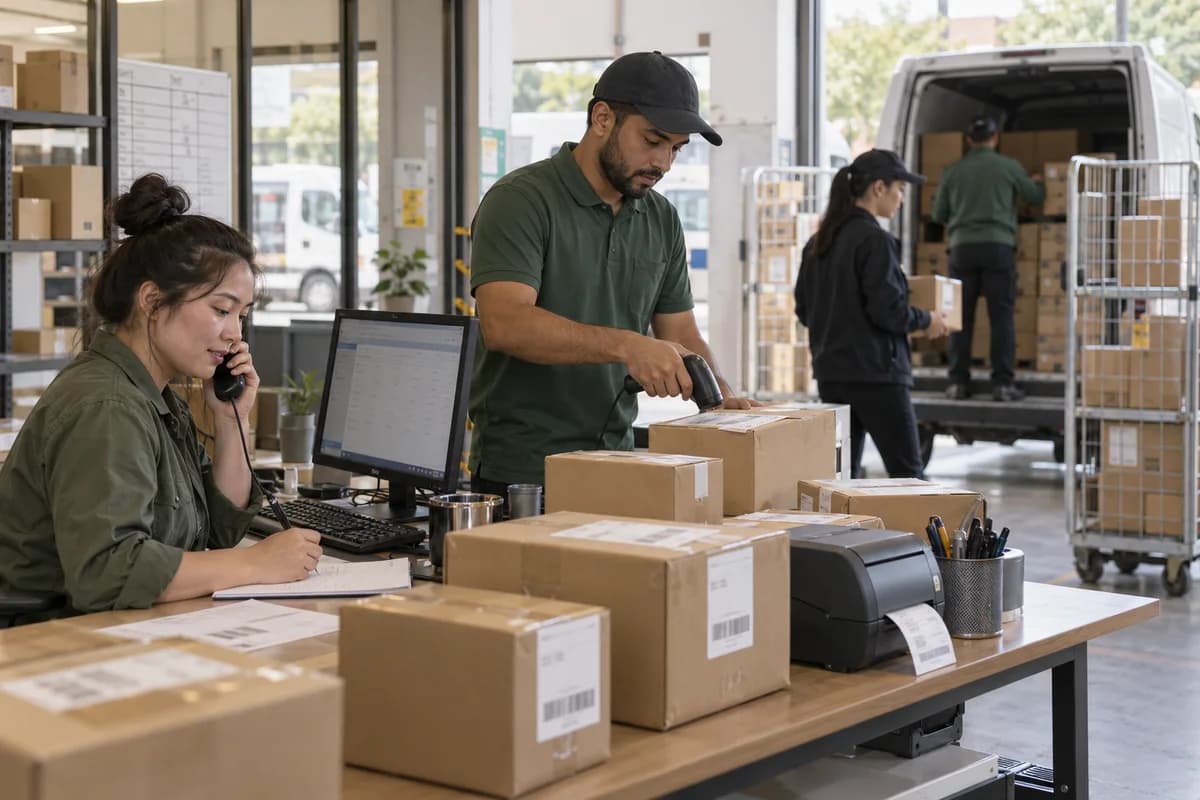
What a pickup request records for dispatch
A pickup request is a sender’s call for a collection. It sits beside the booking. It answers a different question: who goes to the door, and by when. The record holds what a dispatcher needs to place the stop on a run.
A pickup day from first request to collection
Pickup work starts before the first rider leaves and carries on until the last sender’s cut-off. New requests arrive all day. The schedule is a list that changes under the dispatcher’s hands, and each of these moments shows how it moves.
Who reads the pickup list and what they see
This is mainly a dispatcher’s tool, but others rely on the answers it gives. Four roles use it in different ways. Each sees the same requests, filtered to their own job.
Decisions to settle before pickups go live
Pickup scheduling reflects how your dispatch desk already works, so a few choices need agreeing first. Make them with the dispatch lead and a senior rider. The answers shape the waiting list.
How pickup scheduling connects to other features
A pickup begins as a booking and ends as a scan. Between those two points, scheduling places the work on a run and tells other people what has happened to the stop. Five features link to it directly. None of them needs the pickup keyed twice.
- Booking and parcel records supply the sender and the parcels expected
- Run sheets and vehicles carry the pickup stop for each rider
- Labels and scanning mark the collection when the rider scans
- Hub sorting and loading start from what the pickup brought in
- Customer notifications tell the sender a rider is on the way
Where pickup scheduling stops
Scheduling places requests and shows who is nearest. It does not decide how your company treats a late sender, whether a cut-off can bend for a large customer or what a missed collection costs. Those calls belong to the owner and the dispatch lead. With a rider or two, a shared sheet and a messaging group can cover pickups.
Frequently asked questions
Can dispatchers see which pickups have no rider?
Yes, unassigned requests head the list. Dispatch clears those first, since nobody has yet promised the sender a collection. The remaining requests follow in order of cut-off, so the stop closest to its cut-off is never lost in the middle.
How does the system know a pickup is finished?
Scanning the parcels at the sender’s door does it. That scan marks the request as collected. If parcels instead arrive at the hub without a visit, they are scanned in on arrival. Either way, a scan is the evidence.
Does the nearest rider have to take the pickup?
No, the screen shows which rider is nearest, and the dispatcher decides. A nearer rider may already have a full run, or a vehicle that cannot take the load. The suggestion informs the call. It does not make it.
How are senders close to their cut-off time shown?
The waiting list shows each sender still awaiting collection beside the cut-off time it holds. A dispatcher can see who is close to missing it, and move the stop to another rider. Time left is visible at a glance.
Can a pickup move from one rider to another?
Yes, when your company allows it. It is simply placed on a different run. Nothing is rebooked, and the sender is not asked to do anything. Who may reassign pickups is a rule agreed at set-up, so the desk stays consistent.
How this feature fits the system.
Delivery Company Management Software: the parts that work with this feature, the trades that use it and the ways to put it in place.
Booking and parcel records
Each booking from a form, bulk file or phone call becomes a consignment record with sender, consignee, service level and tracking code.
Order ManagementLabels and scanning
Parcel labels carry a barcode, and scans at pickup, hub, bagging, loading and handover build the movement history of each parcel.
Barcodes and LabelsRun sheets and vehicles
A run ties a rider, a van and an ordered list of stops together, and the dispatcher sees stops completed as the day goes on.
Vehicle and Trip ManagementTell us what you need.
Tell us what your team does today, where work gets stuck and what you want to change.
What happens after you share your requirements
- We review your brief and the systems you already use.
- We clarify the workflow, missing information and the work to consider first.
- The proposed scope sets out the deliverables, responsibilities and dependencies.
- Review the scope and commercial terms before deciding whether to proceed.
Start with your requirements
Describe your current process, the people involved and the change you need. Start with the details you know; we can clarify the rest together.
Share your requirements