Labels and barcode scanning for parcel delivery
Every parcel leaves booking with a thermal label and a barcode. Scans at pickup, hub inbound, bagging, loading and handover then build a movement history on the consignment. The hub, the riders and customer service read the same trail, so a parcel’s last known step is a record rather than a guess.
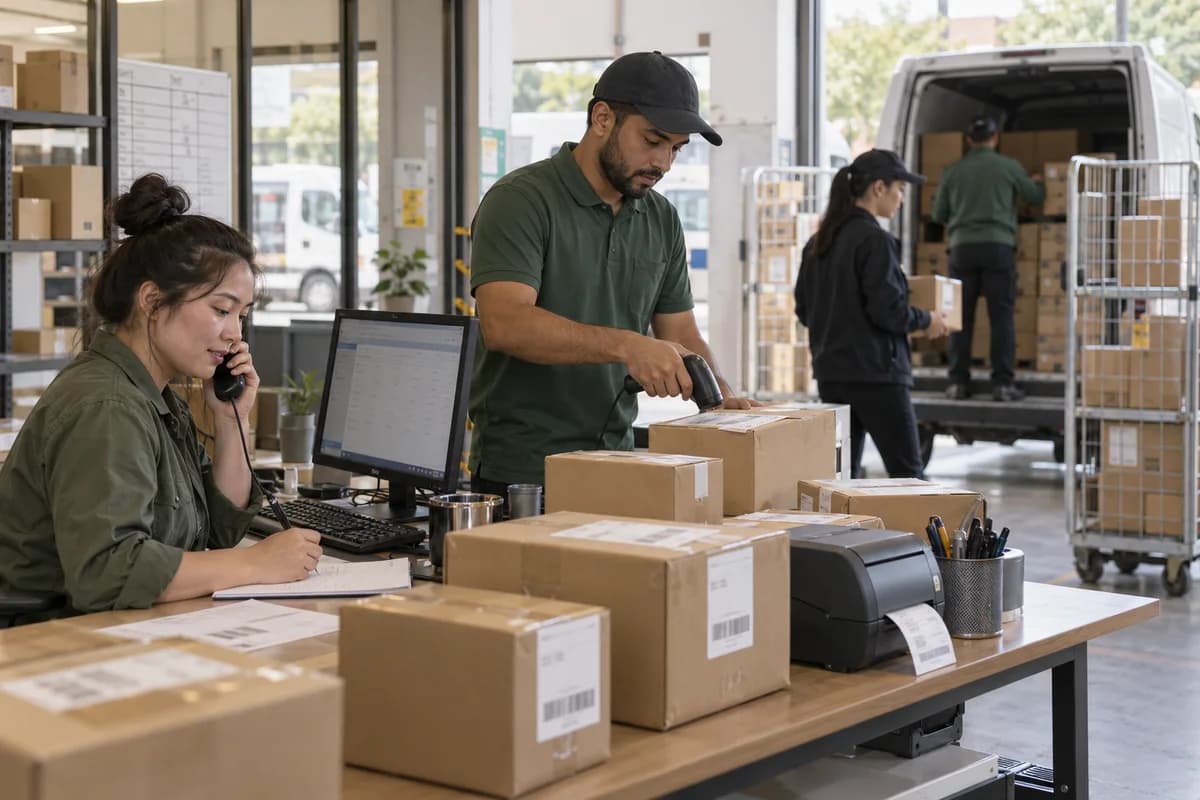
What each label and scan records
The label carries the barcode that ties a physical parcel to its consignment. Every scan after that adds a line to its history. Three answers come out of it. They tell you where it was last handled, who handled it and which step had just finished.
A scanning day from print run to handover
Labels and scans touch every stage of a working day at a delivery company. They are quick actions, repeated all day. Each leaves a line behind. Here is how four people use them from morning until the last van is loaded.
Who scans parcels and who reads the trail
The people handling parcels do the scanning, but almost everyone else reads the history. Four roles meet the same log from different angles. Their needs differ. One record serves each of them.
Decisions to settle before scanning begins
Scanning only works if every handler follows the same routine. Settle these four points with the hub supervisor and a senior rider, and write them into the first day’s briefing. Equipment choices come after.
How scanning connects to every other feature
A scan is the event that every other part of the product listens for. Labels come from the booking, and the scans that follow update pickups, hub groups, runs, proof and messages. Nothing has to be keyed after a scan. Five features rely on it directly.
- Booking and parcel records supply the barcode and tracking code
- Pickup scheduling marks a collection done after the scan
- Hub sorting and loading use scans to group and seal parcels
- Run sheets and vehicles show which scanned parcels are on each run
- Customer notifications send a message when a scan changes the status
Where labels and scanning stop
Scanning records a moment, not a live position. It does not check what is inside the parcel or its condition. Damage claims, insurance and any dispute over contents stay with the owner and an adviser. The barcode proves a parcel was handled, not how well. Where parcels are few, a handwritten manifest is enough and scanning adds little.
Frequently asked questions
What does a scan record at each step?
Every scan records the parcel, the step reached, the person who scanned and the moment. That line joins the consignment’s history. Nobody types it in. The log shows what actually happened at the dock or door.
Can a damaged label be reprinted?
The label is printed from the booking record, so a replacement can be printed from the same record. Who is allowed to do it is a rule your company sets. The tracking code stays the same.
Does a scan show where a parcel is right now?
It shows the last step reached and when it happened. That is a moment in the history, not a moving dot. A parcel on a run reads as loaded. It does not read as delivered until proof is captured.
How is a missed parcel noticed before the van leaves?
Loading is scanned parcel by parcel against the run. One that is booked for that run but not scanned shows as missing. The loader finds it while the vehicle is still at the dock. The gap is visible.
Can customer service read the scan history?
Yes, customer service searches by tracking code and reads each scan in order, with the person and the time. The trail answers the sender. A late-parcel question never needs a call to the hub or a hunt through chat messages.
How this feature fits the system.
Delivery Company Management Software: the parts that work with this feature, the trades that use it and the ways to put it in place.
Booking and parcel records
Each booking from a form, bulk file or phone call becomes a consignment record with sender, consignee, service level and tracking code.
Order ManagementLabels and scanning
Parcel labels carry a barcode, and scans at pickup, hub, bagging, loading and handover build the movement history of each parcel.
Barcodes and LabelsRun sheets and vehicles
A run ties a rider, a van and an ordered list of stops together, and the dispatcher sees stops completed as the day goes on.
Vehicle and Trip ManagementTell us what you need.
Tell us what your team does today, where work gets stuck and what you want to change.
What happens after you share your requirements
- We review your brief and the systems you already use.
- We clarify the workflow, missing information and the work to consider first.
- The proposed scope sets out the deliverables, responsibilities and dependencies.
- Review the scope and commercial terms before deciding whether to proceed.
Start with your requirements
Describe your current process, the people involved and the change you need. Start with the details you know; we can clarify the rest together.
Share your requirements