Barcodes and shelf-edge labels for discount stores
Closeout cartons arrive with a foreign barcode or none at all, and strips on the pegs fall a day behind the till. This feature prints a barcode for any carton that lacks one and prints shelf-edge strips from the live price. The stockroom prints and the floor sticks. Peg and till then agree.
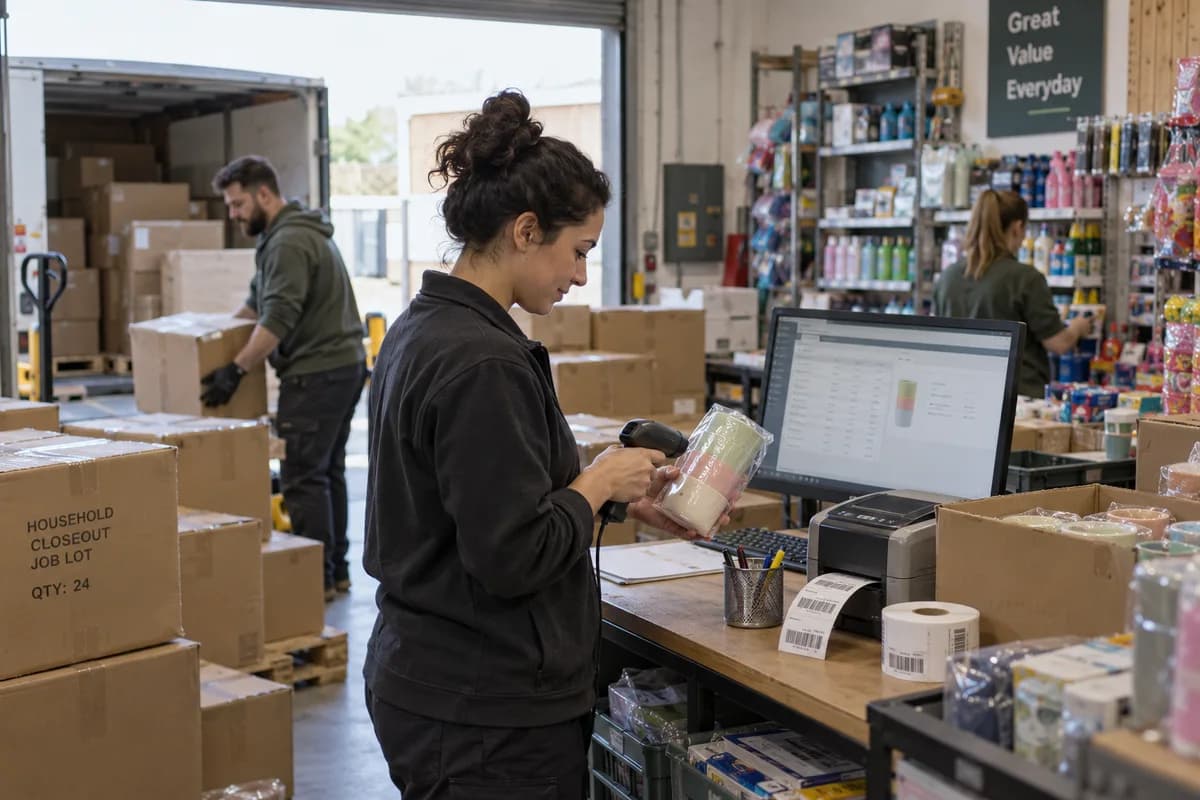
What each printed barcode and strip carries
A barcode or a strip is only a printout of something the system already knows. Behind each one sit a code, a name, a store price and a start date. Staff print from those fields. Nobody types a label by hand.
Printing and sticking labels through a trading week
Labels are printed at three moments in a trading week. A lot is received, a price changes, or a peg is refilled with a line that has lost its strip. Each job is small. It falls on a different person each time.
Who prints, who checks and who reads labels
Labels touch the stockroom, the shop floor and the till. Each person needs a plain view of what is waiting to be printed and what is already on the peg. Four roles share the work.
Decisions to settle before labels go live
Labels are cheap to print. They are tiring to redo. Four choices keep the pegs tidy from the first day. Settle them with the store manager and the stockroom lead, with a sample strip on the table.
How labels connect to the rest of the product
Labels sit between the item record and the shop floor. They take what the buyer entered at receiving and read the price that managers set. The till then gets a code that scans the same way each time, whichever cashier is on. The links follow.
- Takes new codes and names from the item master
- Reads the live figure from price tiers by store
- Lets till billing scan the same printed code
- Supplies carton codes to van transfer notes
- Waits on supplier orders for cartons that arrive unmarked
Where barcode and label printing stops
This feature prints barcodes and strips. It does not choose your selling price, design window posters or stick anything to a peg. Staff still walk the aisle with the printout. Printers and label stock are bought separately, and rules on how a price must be shown are for the owner and an adviser. A stall with a few dozen lines can write its own tickets.
Frequently asked questions
Can we print barcodes for cartons that have none?
Once the carton has one of your item codes, a barcode prints from it. The label goes on the outer carton before it moves to the cage. Cashiers then scan it like any other line.
Which printers do the labels need?
Barcodes and strips are set to the thermal printers and label stock in your stores. Printers are bought apart from the software. Hardware choices are settled with you before the first shift opens, so nothing arrives late.
Does a strip reprint when a price changes?
A fresh strip is queued for printing at the moment the price changes. It reads the same record the till reads. Staff still print the queue and replace the old strip on the peg themselves, before the doors open.
What happens when a barcode will not scan?
The cashier keys the item code or picks the line from the screen. The sale carries on. The damaged label is noted for a reprint by the manager, so the next customer’s pack scans without a pause at the till.
Who decides the layout of our shelf strips?
The layout is agreed with the store manager at set-up and set to your label stock. Wording is kept short to fit the strip. A later change to the format is requested through GullySystem staff, not made at the shelf.
How this feature fits the system.
Discount Store Management Software: the parts that work with this feature, the trades that use it and the ways to put it in place.
Item master and job-lot receiving
Every closeout lot becomes items with your own codes and landed cost, so one mop head no longer sits under two names.
Product ManagementBarcodes and shelf labels
Cartons that arrive without a code get a printed barcode, and shelf-edge strips print from the very price the till reads.
Barcodes and LabelsPrice tiers by store
A price change is dated and reaches each store’s till together, instead of being copied by hand onto laminated signs.
Price Lists and SchemesTell us what you need.
Tell us what your team does today, where work gets stuck and what you want to change.
What happens after you share your requirements
- We review your brief and the systems you already use.
- We clarify the workflow, missing information and the work to consider first.
- The proposed scope sets out the deliverables, responsibilities and dependencies.
- Review the scope and commercial terms before deciding whether to proceed.
Start with your requirements
Describe your current process, the people involved and the change you need. Start with the details you know; we can clarify the rest together.
Share your requirements