Branches and yards for a multi-yard hire firm
Branches and yards lets a hire firm with more than one depot run a single fleet list. Each machine belongs to a yard. A move between yards is recorded, a unit on transfer is flagged, and the owner reads earnings and idle days for each yard beside the others.
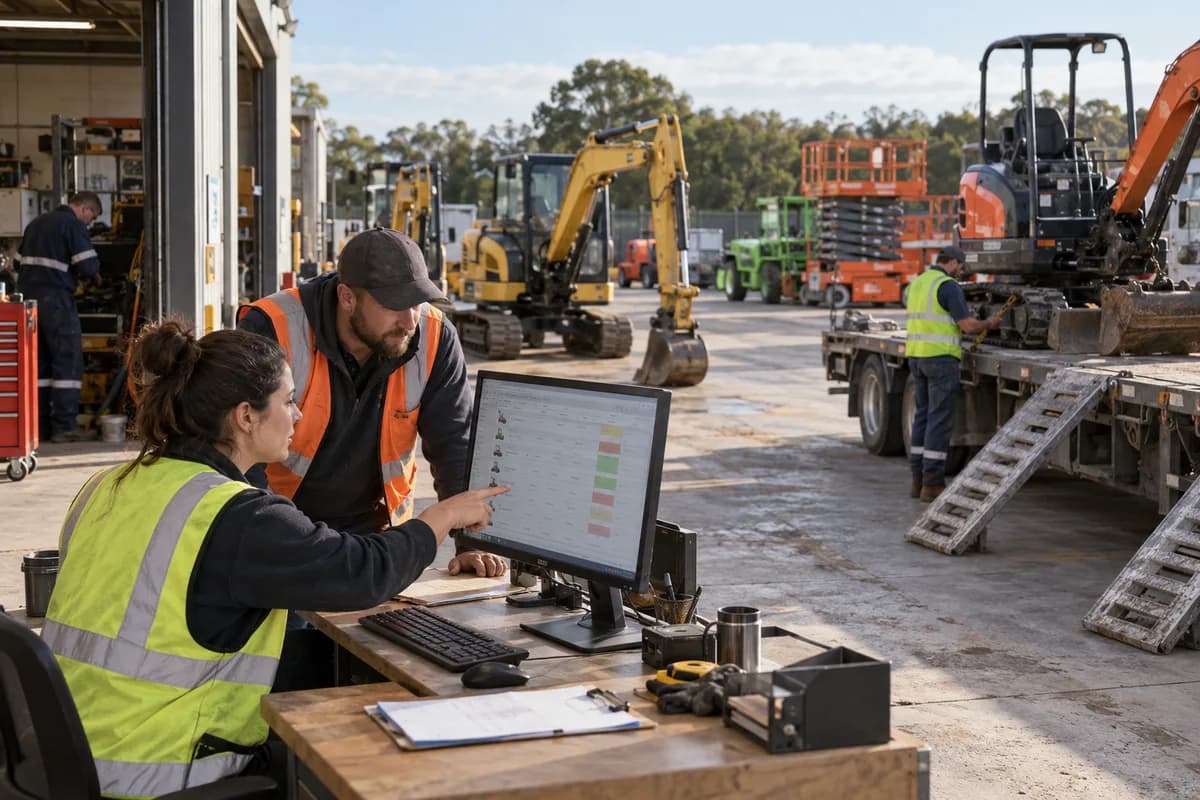
What a multi-yard hire firm records
A second depot doubles the places a machine might be. Without one list, each yard guesses at the others. With one list, every unit has a home, a current position and a history of moves that anyone can read. Guesswork has no place.
Working across yards in a normal week
Hire demand does not respect depot boundaries. A hirer rings one yard for a machine that stands in another. The moments below show a multi-yard firm using one list to answer, to move and to compare. Each is routine for a busy hire counter.
Who uses the multi-yard view
Each yard has its own counter and gate, so the people are different. Every one of them gets the same fleet list. What changes is how far each person looks beyond their own depot. Owners look furthest.
Decisions about yards before set-up
A second yard brings new questions about authority and boundaries. Settle these four with the owner and each yard manager before the first transfer is recorded. A short written note is enough. Keep it brief.
How yards connect to the rest of hire
A yard is a property of other records and not a separate area of the product. Machines, calendar entries, contracts and invoices each belong to one. This feature adds the moves between yards and the totals for each. It is not a second system. It is a wider view.
- Equipment register holds each machine’s home yard and location
- Availability calendar can be read for one yard or all
- Delivery and collection carry transfers between depots
- Rental contracts record which yard supplied the hire
- Invoices, deposits and dues roll up into earnings by yard
Where branches and yards stop
This feature records yards and moves between them. It does not decide how to share costs between depots, price an internal transfer, or set up a separate company for each branch. Those choices stay with the owner and the accountant. Extra yards are priced as parts. A firm with one yard has no need of it.
Frequently asked questions
How is a machine on transfer shown?
It carries a transfer flag from the moment it leaves the sending yard until the receiving yard confirms arrival. Staff at both yards see the flag. Nobody mistakes it for a unit standing in the yard.
Can the owner compare yards for idle days?
Idle days are totalled for each yard from the same bookings the counters use. The owner reads one depot against another and by machine class. A class idle at one yard and short at another becomes a transfer. Staff then plan the move.
Who confirms a machine has arrived at a yard?
Gate staff at the receiving depot confirm it from a phone when it comes through the gate. The flag clears and the location changes. The sending yard can see that the move is complete at once.
Can a second yard be added after go-live?
Extra yards are set up once the first yard is running, and they are priced as parts. Machines are then assigned to the new yard. Earlier records stay as they are, with their history unchanged.
Which yard is credited when a unit comes from elsewhere?
Agree that rule at set-up with the owner and the accountant. The hire sits on one contract and one yard supplies it. Earnings by branch follow the rule you set. Revisit it if the firm grows.
How this feature fits the system.
Equipment Rental Management Software: the parts that work with this feature, the trades that use it and the ways to put it in place.
Enquiries and customers
Every enquiry is logged with its source, dates and site, so a request for a machine is followed up from the counter and not lost.
Lead ManagementEquipment register
Each excavator, lift or generator is held with its serial number, attachments, location and purchase details, and its hire history grows on the same record.
Fixed Asset RegisterQuotations and rate cards
A quotation is priced from the rate card for the machine class and hire basis, with operator and transport lines added and every revision kept.
Quote & Proposal ManagementTell us what you need.
Tell us what your team does today, where work gets stuck and what you want to change.
What happens after you share your requirements
- We review your brief and the systems you already use.
- We clarify the workflow, missing information and the work to consider first.
- The proposed scope sets out the deliverables, responsibilities and dependencies.
- Review the scope and commercial terms before deciding whether to proceed.
Start with your requirements
Describe your current process, the people involved and the change you need. Start with the details you know; we can clarify the rest together.
Share your requirements