Equipment register for a plant hire yard
The equipment register gives every machine in a hire yard one record. Serial number, class, attachments, location, status and purchase details sit together with the hire history, hour meter readings and service dates that build up over time. Counter, yard, workshop and owner all read the same unit and get the same answer.
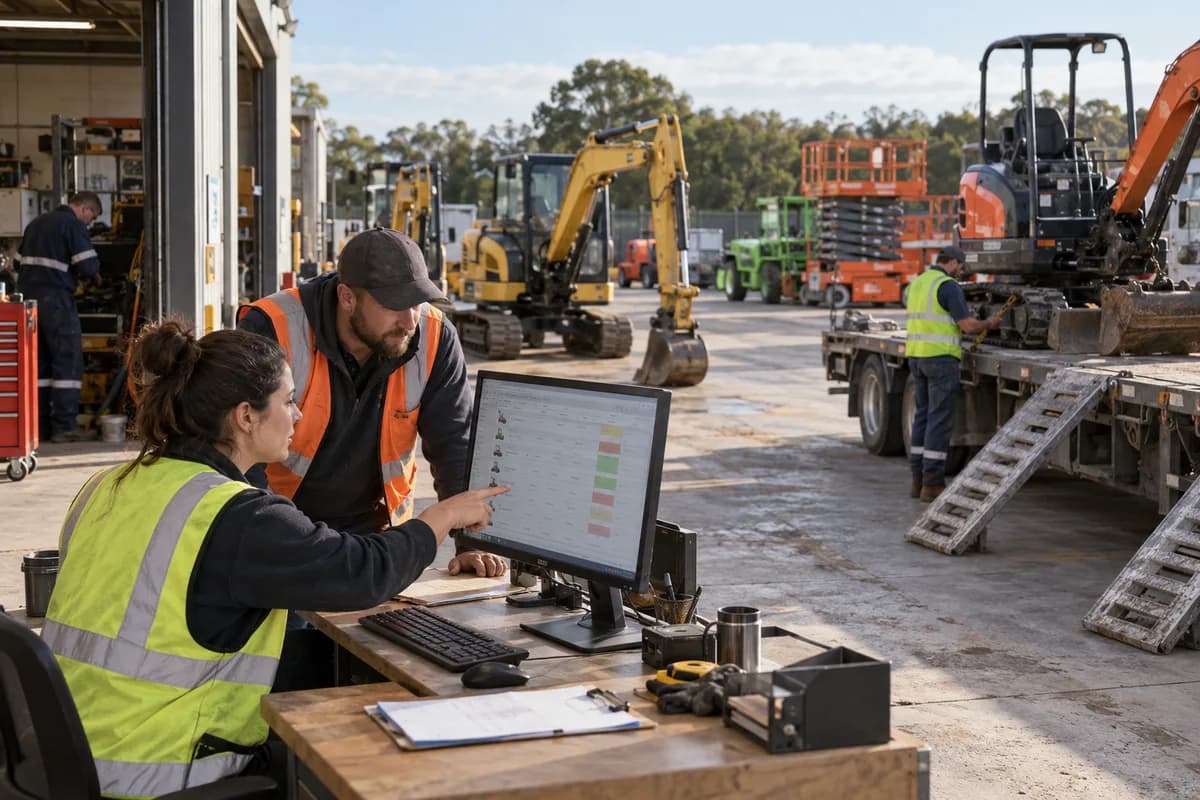
What one hire machine record keeps
A rental fleet is a long list of units that each earn, wear down and move between sites. One record is kept for each unit. That record gathers identity, attachments, whereabouts, purchase details and the history of the machine in one place.
The fleet record through a yard week
Machine records are read at the counter, at the gate and on the workshop floor. Each visit adds or checks something. These are the moments in a yard week when the register earns its place, from a new purchase to a sale.
Who reads the fleet register, and why
Different people open the same machine record for different reasons in a working day. Owners read totals, the workshop reads wear, and the gate reads status. Everyone looks at the same single record.
Decisions before the fleet is entered
A fleet list pasted in carelessly will mislead the counter for years. A little agreement before entry saves that. Settle the points below with the yard manager, the workshop lead and accounts.
How the register feeds the rest of hire
Every other part of the product points back to a unit record. The calendar reads status from it, contracts list its serial number, and the workshop adds to its history. On its own it does little. It is the list the rest of the product draws on.
- Availability calendar reads status and class from each unit
- Rental contracts list the serial number and attachments
- Condition checks add photographs and hour readings to the record
- Workshop jobs record spares and labour against the unit
- Branches and yards read location and idle days from it
Where the machine register stops
This feature holds facts about each machine. It does not value the fleet or work out depreciation, which stay with accounts and the owner’s adviser. It does not follow a machine’s position by itself, though telematics data can be imported where a supplier provides it. A single owner-operator with one machine can note serial number and service dates in a diary and need nothing more.
Frequently asked questions
Can a machine be moved to another class later?
Yes, but the change belongs to whoever owns the rate cards. A new class brings its own rates and service rules. History stays put on the unit. Earlier contracts are not rewritten, so old invoices still match them.
Can attachments be tracked apart from the machine?
Attachments sit against the machine they travel with. A breaker or trench box that has its own number keeps it on the record. Repair and attachment cost is then read against each machine, which shows what a breaker really costs to run.
What happens to a record when a machine is sold?
The record stays, with its hire history, repairs and purchase details, and its status shows that it has left the fleet. Sale price and tax treatment belong to accounts and an adviser. Valuing the sale is not its job.
Can the yard see a machine’s current hour reading?
The latest hour meter reading is on the record, with the date it was taken. Nothing is guessed. It comes from delivery and return checks, so the workshop and counter read the same figure. A reading is only as current as the last check.
Will serial numbers be checked when the fleet is imported?
Counter and yard staff proof the imported list against the machines before the first live hire. Any gap is fixed first. A repeated serial number or a missing class is the fault to look for, and it is corrected before any booking.
How this feature fits the system.
Equipment Rental Management Software: the parts that work with this feature, the trades that use it and the ways to put it in place.
Enquiries and customers
Every enquiry is logged with its source, dates and site, so a request for a machine is followed up from the counter and not lost.
Lead ManagementEquipment register
Each excavator, lift or generator is held with its serial number, attachments, location and purchase details, and its hire history grows on the same record.
Fixed Asset RegisterQuotations and rate cards
A quotation is priced from the rate card for the machine class and hire basis, with operator and transport lines added and every revision kept.
Quote & Proposal ManagementTell us what you need.
Tell us what your team does today, where work gets stuck and what you want to change.
What happens after you share your requirements
- We review your brief and the systems you already use.
- We clarify the workflow, missing information and the work to consider first.
- The proposed scope sets out the deliverables, responsibilities and dependencies.
- Review the scope and commercial terms before deciding whether to proceed.
Start with your requirements
Describe your current process, the people involved and the change you need. Start with the details you know; we can clarify the rest together.
Share your requirements