Workshop jobs and servicing for hire machines
Workshop jobs and servicing gives the hire yard’s workshop a job card for each repair and a service schedule for each machine class. Hours recorded at return show what is due. Spares and labour are written against the unit, and the counter learns when a machine is ready to hire again.
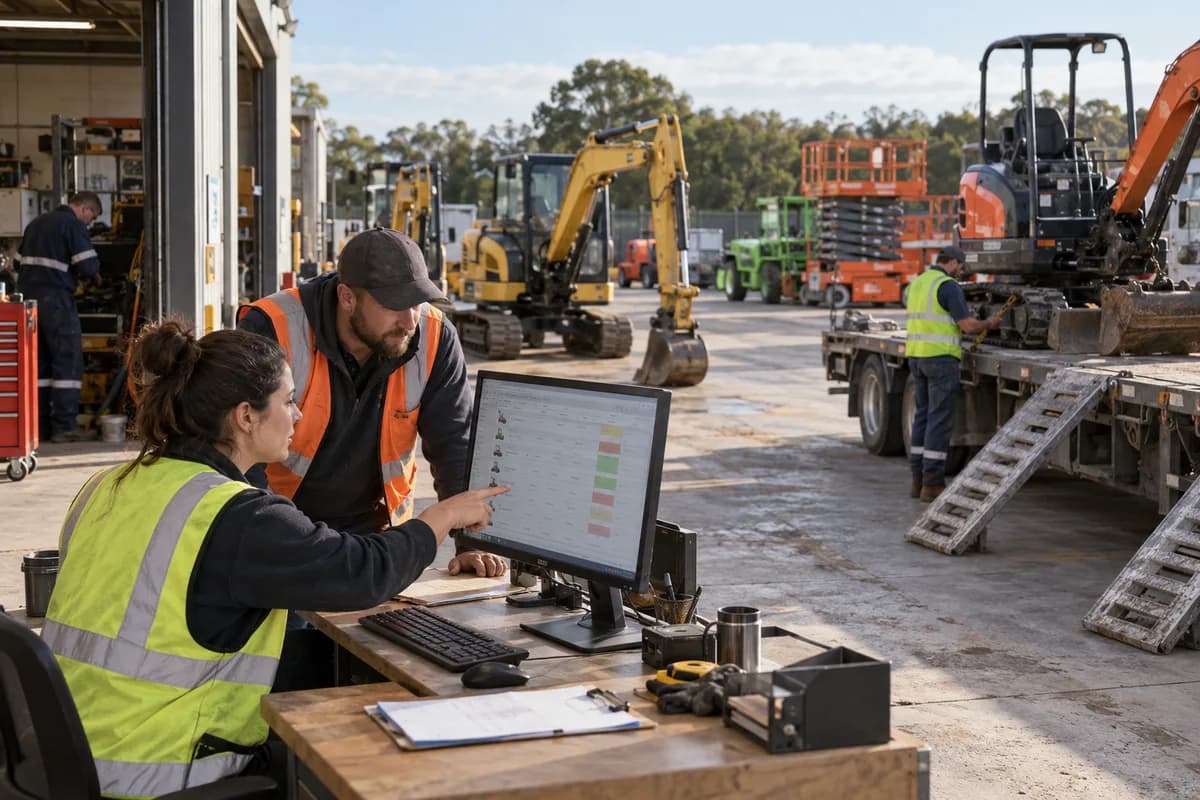
What a workshop job card keeps
A job card is the workshop’s record of one piece of work on one machine. It opens when a unit comes back needing attention, or when a service falls due. It closes when the unit is marked ready. One card covers one job.
Servicing and repairs through the week
Workshop work runs on two clocks. One is the hour meter, which counts up with every hire. The other is the calendar, which brings dates round. These moments show both at work in a yard week. They are routine jobs.
Who works from job cards
Job cards belong mainly to the workshop. Other roles lean on them all the same. A repair affects what the counter can promise, what the owner earns and what the yard expects at the gate. Each role reads from one card.
Decisions about the workshop before set-up
Servicing rules differ between a plate compactor and a boom lift. Settle these four points with the workshop lead and the owner. The yard then starts with rules that match the machines it owns. Keep it practical.
How the workshop links to the rest of hire
This feature sits at the end of every hire and the start of the next. It takes readings and damage from the return, and gives status back to the counter. Cost goes to the equipment register. The loop closes there, ready for the next hire.
- Condition checks supply damage notes and hour readings at return
- Equipment register holds service rules by class and cost by unit
- Availability calendar keeps the unit on the ramp until ready
- Rental contracts carry any damage charge raised after a repair
- Delivery and collection bring faulty machines back to the yard
Where workshop jobs and servicing stop
This feature records work and reminds the workshop what is due. It does not diagnose a fault, set a service interval, or certify that a machine is safe. The manufacturer’s manual, the workshop lead and any statutory inspector decide those. It does not order parts from a supplier. A yard with a few machines can keep a service diary.
Frequently asked questions
Can a job card be raised from a site call?
Either the counter or the workshop opens a card for the unit while the call is on. The fault is written down and the machine is marked unavailable. A swap is arranged in the same sitting. Both steps are quick.
How does the counter know a unit is ready?
The workshop marks the job card finished and the unit ready. The calendar then lists the unit as available. Until that mark, staff see only the ramp status. No promise is made to a hirer.
Are service rules the same for every machine?
Rules are set for each class. A plate compactor and a boom lift follow different intervals and different task lists. A machine in a class takes the rule of that class when it is added.
Can repair cost be compared between machines?
Spares and labour are written against each unit, so repair, spares and attachment cost can be read for any machine or class. The owner then sets that against earnings. What stays in the fleet is the owner’s call.
What happens to a job card when a part must be ordered?
The card stays open with a waiting status. The unit stays on the ramp. When the part arrives and the fitter records it, work resumes. Counter staff see the delay and can offer a swap.
How this feature fits the system.
Equipment Rental Management Software: the parts that work with this feature, the trades that use it and the ways to put it in place.
Enquiries and customers
Every enquiry is logged with its source, dates and site, so a request for a machine is followed up from the counter and not lost.
Lead ManagementEquipment register
Each excavator, lift or generator is held with its serial number, attachments, location and purchase details, and its hire history grows on the same record.
Fixed Asset RegisterQuotations and rate cards
A quotation is priced from the rate card for the machine class and hire basis, with operator and transport lines added and every revision kept.
Quote & Proposal ManagementTell us what you need.
Tell us what your team does today, where work gets stuck and what you want to change.
What happens after you share your requirements
- We review your brief and the systems you already use.
- We clarify the workflow, missing information and the work to consider first.
- The proposed scope sets out the deliverables, responsibilities and dependencies.
- Review the scope and commercial terms before deciding whether to proceed.
Start with your requirements
Describe your current process, the people involved and the change you need. Start with the details you know; we can clarify the rest together.
Share your requirements