Enquiries and customer files for equipment hire
Enquiries and customers is where an equipment hire counter begins. Each request for a machine is logged with its source, dates, site and attachments wanted. Each hirer has one file holding contacts, credit terms, site addresses and earlier contracts. Staff read that history before they quote, and the owner sees which enquiries became hire.
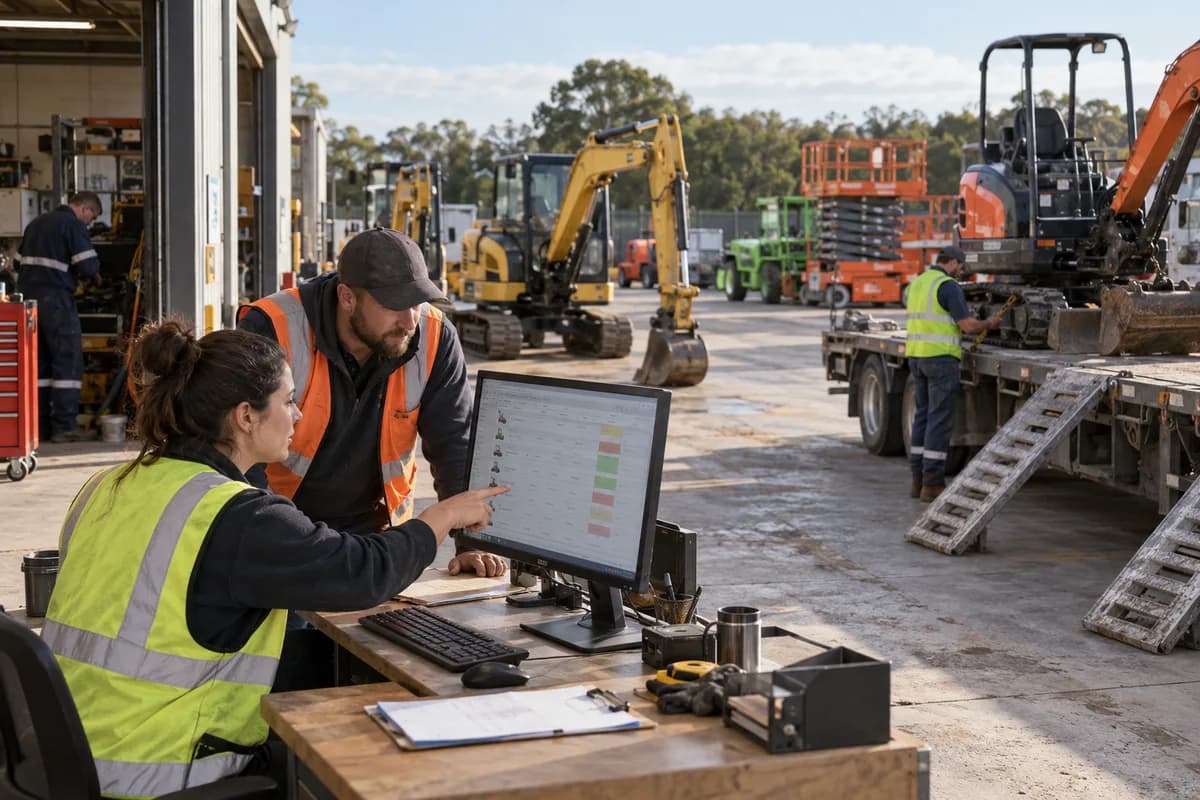
What each enquiry and hirer file holds
An enquiry is a small record. The hirer file is a larger one that grows with every contract. Between them they hold the facts a rental counter needs before a machine is promised to a hirer or a rate is given.
An enquiry through the counter’s day
Enquiries do not arrive in a tidy order. A call comes while another hirer waits at the counter, and an email lands once the gate is locked. Logging each one as it arrives gives the next morning’s follow-up a clear list.
Who sees what on hirer files
Every role reads the same hirer file, but each reads it for a different reason. Counter staff want history, the owner wants outcomes, and accounts wants balances. The yard needs only the site.
Decisions about enquiry and hirer records
A few choices made at the start decide how clean the hirer file stays. They are quick to make with the counter, accounts and the owner in one room. Make them before any record is typed.
How enquiries lead into the rest of hire
Enquiries and hirer files sit at the front of the product, so they hand work forward more than they take it in. A logged enquiry becomes a quotation, and a hirer file follows the contract and the invoice. Counter and accounts read the same terms.
- Logged enquiry opens the availability calendar for those dates
- Accepted enquiry feeds a quotation built from the rate card
- Hirer file passes site address to delivery and collection
- Credit terms and balance owed reach invoices, deposits and dues
- Earlier contracts come from rental contracts onto the hirer file
Where enquiry and hirer records stop
This feature records requests and holds hirer facts. It does not decide whether to hire to a name. That judgement stays with the owner and accounts, and any credit check on a new contractor is theirs to run. Legal questions about a hirer’s status go to an adviser. A one-person yard with few enquiries can keep a notebook and a phone contacts list.
Frequently asked questions
Can I log an enquiry before I know the machine?
Yes, the unit can stay blank. Record the dates, the site and the class of machine, such as a dumper, and pick the actual unit when availability is checked on the calendar. The enquiry is kept either way.
Where do a repeat hirer’s earlier contracts appear?
They are listed on the hirer file, beside the contacts and credit terms. One name opens the lot. Every past contract and quotation is listed. That saves the call to accounts that a repeat hire would otherwise need.
Can one customer have several site addresses?
Yes, each site gets its own address entry under the one customer. A contract picks the site it serves. Delivery and collection then read that address, so a machine for the car park job does not go to the depot.
Does it record why an enquiry was lost?
A lapsed enquiry is closed with a reason, such as a rate too high, a machine unavailable or a hirer who went elsewhere. Those reasons sit beside quotations won and lost. They show where the counter loses work.
Will the counter see what a hirer already owes?
The balance owed from accounts shows on the hirer file, next to the credit terms. Staff see it before quoting. What happens next is a decision for the owner, who may ask for a deposit or hold the hire.
How this feature fits the system.
Equipment Rental Management Software: the parts that work with this feature, the trades that use it and the ways to put it in place.
Enquiries and customers
Every enquiry is logged with its source, dates and site, so a request for a machine is followed up from the counter and not lost.
Lead ManagementEquipment register
Each excavator, lift or generator is held with its serial number, attachments, location and purchase details, and its hire history grows on the same record.
Fixed Asset RegisterQuotations and rate cards
A quotation is priced from the rate card for the machine class and hire basis, with operator and transport lines added and every revision kept.
Quote & Proposal ManagementTell us what you need.
Tell us what your team does today, where work gets stuck and what you want to change.
What happens after you share your requirements
- We review your brief and the systems you already use.
- We clarify the workflow, missing information and the work to consider first.
- The proposed scope sets out the deliverables, responsibilities and dependencies.
- Review the scope and commercial terms before deciding whether to proceed.
Start with your requirements
Describe your current process, the people involved and the change you need. Start with the details you know; we can clarify the rest together.
Share your requirements