Visit notes and proof of visit for carers
Visit notes and proof of visit gives every home care call a written record. The caregiver notes the tasks done, anything seen such as a pressure area or a poor appetite, and any follow-up. The note stays against the visit, so the office can show what care was delivered.
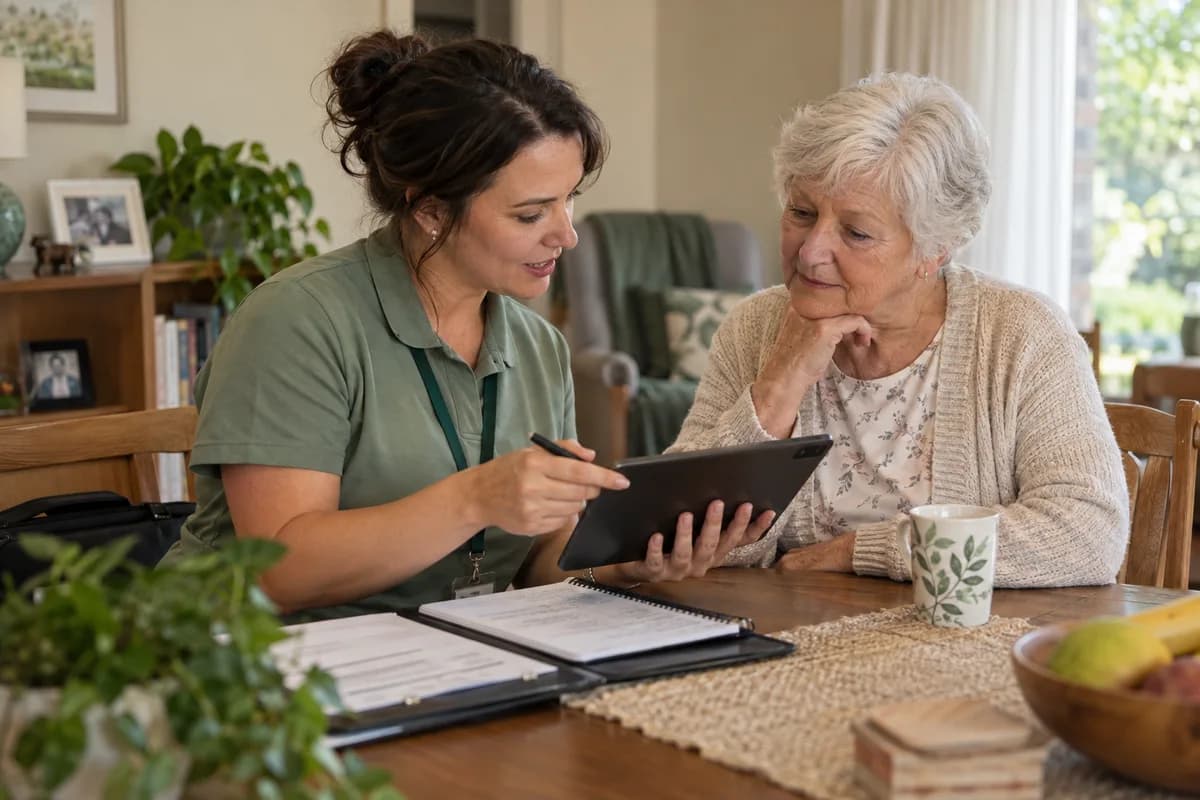
What a home care visit note holds
A visit note is short, because a caregiver writes it standing in a hallway with a coat on. It still has to answer the questions a supervisor or a family will ask later. Four parts make it up. Each part gets a line below.
Notes through a client’s week
Notes are written in small moments and read in larger ones. Four examples show how one client’s week of calls turns into a record the agency can stand behind. Each example has a different author or reader. The client stays the same.
Who writes notes and who reads them
Writing a note and reading one are different jobs, and the system treats them so. The caregiver writes, the supervisor reviews, and others read only the parts relevant to them. Access follows each person’s role.
Note-keeping choices to make before set-up
The note form can be long or short, open or tightly worded. Agencies differ, so the choices are yours. GullySystem staff build the form from your answers and edit it when asked.
How visit notes join up with other features
This is the written half of a visit, with check-in times as the other half. It reads the plan’s tasks and passes its observations on. A concern in a note can start an incident, and a visit with no note can be chased. Five links follow.
- Care plan tasks appear as the note checklist
- Check-in times sit beside the note for each visit
- Serious observations can start an incident record
- Marked follow-ups lead to a plan review
- Family portal shows tasks done from the note
Where visit notes stop
A note records what a caregiver reports having done and seen. It does not prove the care was good, and it does not replace a clinical record kept by a nurse or therapist. Decisions about a pressure area or a poor appetite stay with the supervisor and the client’s health professionals. Where a client needs only a weekly check, a signed paper log may suffice. Evidence is not assurance.
Frequently asked questions
Do caregivers have to type a long note each visit?
No. The bulk of the note is the task checklist, ticked on the phone. A line of free text covers anything seen. A short note written at the door is worth more than a long one written that evening.
How does a visit note prove the visit happened?
Attached to the visit, the note sits beside the check-in and check-out times. Together they show who attended, when, and what was done. Location capture adds a place if you have agreed to use it. That is the proof.
Can the office see a note as soon as it is saved?
Yes. A saved note is visible to the coordinator and supervisor straight away, and follow-up lines reach their list. Someone can act on a skin change or a missed meal the same afternoon. Waiting for paper is over.
What if a caregiver writes something in error?
The original note stays on the visit, and a dated correction is added beneath it. Who made the change and when is recorded. This keeps the history honest if the note is ever queried. Edits are traceable.
Can a family member read the notes?
If the client agrees, one named relative can read what the caregiver completed. The agency decides which parts of a note are shown. Clinical detail you choose to keep private stays private. The client agrees first.
How this feature fits the system.
In-Home Care Provider Management Software: the parts that work with this feature, the trades that use it and the ways to put it in place.
Visit scheduling and rostering
The weekly roster puts each visit against a caregiver by skill, language and distance, and an absence shows which visits now need cover.
Technician SchedulingVisit check-in and timesheets
Caregivers check in and out from a phone, and the recorded start and end times become the hours used for pay and billing.
Attendance & Time TrackingVisit notes and proof of visit
Each visit ends with a note of tasks done and observations, kept against the visit as the record of what was delivered.
Service Reports and Proof of VisitTell us what you need.
Tell us what your team does today, where work gets stuck and what you want to change.
What happens after you share your requirements
- We review your brief and the systems you already use.
- We clarify the workflow, missing information and the work to consider first.
- The proposed scope sets out the deliverables, responsibilities and dependencies.
- Review the scope and commercial terms before deciding whether to proceed.
Start with your requirements
Describe your current process, the people involved and the change you need. Start with the details you know; we can clarify the rest together.
Share your requirements