Caregiver credentials and training for home care
Caregiver credentials and training holds each caregiver’s background checks, certificates, registrations, induction dates and training in one file, with an expiry date on each item. Coordinators are warned before a caregiver falls out of date for hoist or dementia visits, so cover is planned early.
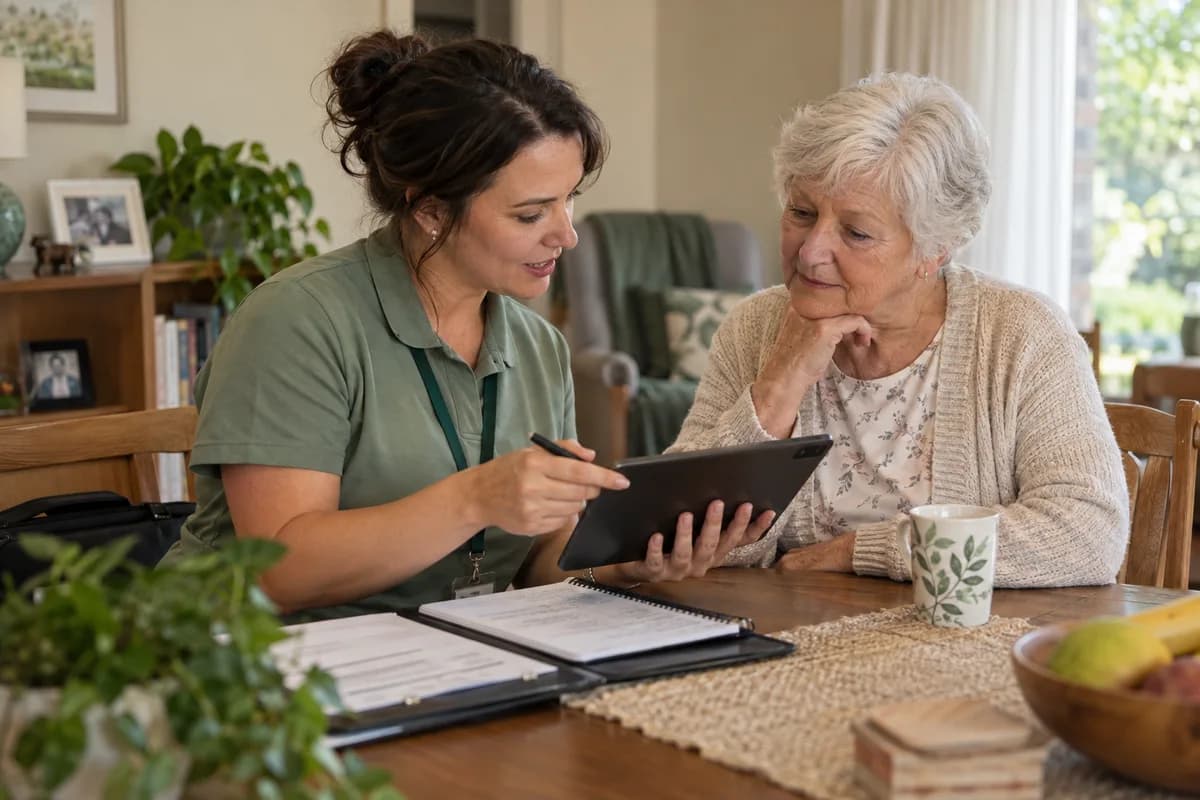
What a caregiver file keeps on record
Each caregiver has one file, and every item in it carries a date. Some items expire and some are done once. The file shows which is which. Four kinds of record sit in it. Each is listed below with what it holds.
Credentials through the working year
Credentials are quiet for months and then urgent for a week. These four moments show how the file is used when a new caregiver joins, when a date draws near and when a visit needs particular skills. Dates drive all four. Nothing here is guesswork.
Who keeps and who reads the file
Credentials touch hiring, rostering and compliance, so several roles use the file in different ways. The person who holds the paperwork is not always the person who needs the warning. Both are served.
Setting up credential rules before launch
The credential list is specific to your agency and the people you serve. It is agreed with the registered manager and the supervisors. GullySystem staff enter the types and warning periods, and change them when asked. Set them once.
How credentials feed the other features
Credentials are consulted by rostering every time a caregiver is matched to a visit. They also draw on training and probation records. A lapse here changes what the roster offers. Five links carry that effect to other features. Each link is named below, in the order a visit meets them.
- Rostering reads credentials before offering a caregiver
- Care plans name the skills a visit needs
- Lapsed items block matching for hoist or dementia calls
- Probation and spot check dates feed supervisor lists
- Training records show who is ready for new visits
Where credential tracking stops
The file records dates and evidence that someone has entered. It does not verify a certificate with the issuer, run a background check or decide whether a caregiver is fit to work. Those checks stay with the agency, the registered manager and the relevant regulator or adviser. A very small team with a few caregivers may manage with a dated folder. Paper is enough at that size.
Frequently asked questions
How far ahead are caregivers warned about expiry?
The warning period is set for each credential type and role during set-up. Hoist training can warn earlier than a general certificate. Coordinators see the list of what falls due. You change the periods when asked.
What happens when a certificate lapses?
The item shows as lapsed, and a lapsed item can block rostering for the visits it covers. The coordinator sees the block and reassigns the call. Once new evidence is entered, the caregiver is offered those visits again. Nobody is sent unqualified.
Can we record shadowing shifts for new starters?
Yes. Induction dates and each shadowing shift beside an experienced colleague are held in the caregiver’s file. Supervisors read them at the probation review. A newcomer’s progress is therefore clear to every supervisor who reads the file.
Does the system check certificates with the issuer?
No. It records the dates and evidence that your staff enter. Checking a certificate with the body that issued it is still your agency’s job. The system only records. The system reminds you when a check needs repeating, so the date is not missed.
Can a caregiver upload their own certificate?
That depends on the rule you choose. An upload can wait for a supervisor’s approval before it counts. The second step suits agencies that want a check before anything counts. Staff set it up for you during implementation.
How this feature fits the system.
In-Home Care Provider Management Software: the parts that work with this feature, the trades that use it and the ways to put it in place.
Visit scheduling and rostering
The weekly roster puts each visit against a caregiver by skill, language and distance, and an absence shows which visits now need cover.
Technician SchedulingVisit check-in and timesheets
Caregivers check in and out from a phone, and the recorded start and end times become the hours used for pay and billing.
Attendance & Time TrackingVisit notes and proof of visit
Each visit ends with a note of tasks done and observations, kept against the visit as the record of what was delivered.
Service Reports and Proof of VisitTell us what you need.
Tell us what your team does today, where work gets stuck and what you want to change.
What happens after you share your requirements
- We review your brief and the systems you already use.
- We clarify the workflow, missing information and the work to consider first.
- The proposed scope sets out the deliverables, responsibilities and dependencies.
- Review the scope and commercial terms before deciding whether to proceed.
Start with your requirements
Describe your current process, the people involved and the change you need. Start with the details you know; we can clarify the rest together.
Share your requirements