Health and wellness · Software for in-home care providersPlan visits, record care and bill hours from one client file.
In-home care means caregivers visiting clients in their own homes, week after week. The in-home care provider software holds each client’s care plan, the standing calls and a record of every visit made. Rosters, caregiver pay and invoices all draw on the same verified hours, so the office and the field see one week.
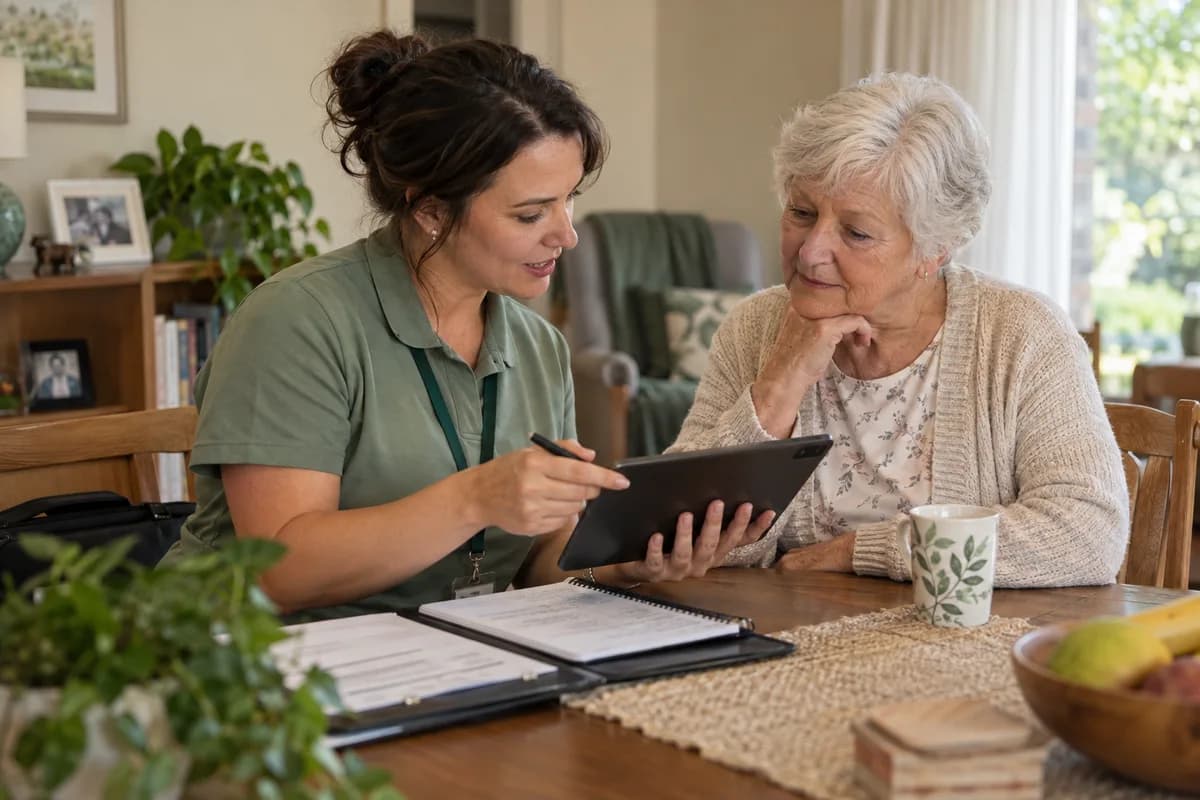
In-home care providers support older adults, people with disabilities and people recovering from a hospital stay in their own homes. The work is spread across front doors, key safes and shifts. Paperwork travels with the caregiver.
Care management software gives each client a plan and a visit history. Coordinators roster from it. Caregivers open the plan on a phone, check in at the door and tick off tasks such as meal preparation, a transfer from bed to chair or a medication prompt. Finance pays and bills from the same verified hours.
A referral arrives from a family, a discharge planner or a funder, and an assessor visits to record needs, falls risk and the hours wanted. A care plan lists the tasks for each call, and an agreement sets the times, the rate and who pays. Coordinators then match a caregiver by skills, language, travel distance and availability, and the roster is published to each phone. Sickness gets cover.
At the home, the caregiver checks in, follows the plan, records the tasks done and checks out. A new bruise or missed meal goes to the coordinator. Verified hours feed pay and invoicing. Manual handling certificates and background checks are watched for expiry, and plan reviews come up on a set date. Safeguarding concerns and unwitnessed falls are logged as incidents, so the office can show who was told and when.
What goes wrong for in-home care providers without a proper system.
What in-home care providers gain from one system.
Not a feature list. These are the moments in the working day that go differently once the records sit together.
What we would build for in-home care providers.
Named the way your team already talks about the work. We start with whichever part the audit shows is costing you most.
A requirements checklist for in-home care providers.
What to cover, which reports to ask for and what to put to every vendor, ready to print or save as a PDF.
A product already built for in-home care providers.
It is adapted to how your business works before it goes live, and anything your trade needs that it lacks is added then.
In-Home Care Provider Management Software
Referrals, assessments, care plans, caregiver rosters, visit records, incidents, caregiver pay and client or funder invoices for in-home care providers.
What In-Home Care Provider Management Software covers, feature by feature
- Referral and assessment records for home care
- Care plans and task lists for home care
- Visit scheduling and rostering for home care
- Visit check-in and timesheets for caregivers
- Visit notes and proof of visit for carers
- Caregiver credentials and training for home care
- Caregiver pay for home care agencies
- Incident and complaint records for home care
- Invoices and funder billing for home care
- Family portal and messages for home care
Other products in the same sector as in-home care providers.
- Addiction Treatment Centre Management Software
- Ayurveda Clinic Management Software
- Assisted Living Community Management Software
- Audiology Clinic Management Software
- Cardiology Clinic Management Software
- Hospital/Clinic Management System
- Chiropractic Clinic Management Software
- Counsellor and Psychotherapist Management Software
- Dental Clinic Management Software
- Skin and Aesthetics Clinic Management Software
- Diagnostic Centre Management Software
- ENT Clinic Management Software
- All industry products
The business modules in-home care providers use most.
Each one is also available on its own, or inside a system built for you.
Technician Scheduling
Coordinators match caregivers to calls by skills, language, distance and availability. A client who needs two carers for a hoist gets both booked. Sickness cover is offered to nearby caregivers first.
Learn moreAttendance & Time Tracking
Check-in and check-out times from the caregiver’s phone become the hours worked. Late starts carry a reason. Travel between clients is recorded apart from the time spent inside the home.
Learn moreService Reports and Proof of Visit
After each call the caregiver records tasks done, food and fluids, mood and any worry. The family reads the visit note. A concern goes straight to the care manager.
Learn moreTraining & Development
Manual handling, dementia care, medicines and first aid certificates are listed per caregiver with expiry dates. A caregiver without hoist training is not rostered to a hoist call. Refresher bookings appear.
Learn morePayroll Management
Pay is built from verified visit hours, with weekend rates and travel time. A caregiver who covered a sick colleague sees the extra on the payslip. Disputes point to the visit record.
Learn moreTicket Management
A family phones to say the caregiver was late, or a client wants a different time. The coordinator logs it as a ticket against the client. Complaints stay open until a reply is sent.
Learn moreInvoice Management
Invoices go to the client, the family or the funder, from the hours actually delivered. Cancelled calls are billed or waived as the agreement says. A funder’s reference appears on each invoice.
Learn moreClient Portal
Family members log in to see the roster, the next caregiver’s name and the visit notes. They request a change to a call. Access is limited to people the client has agreed to.
Learn moreAll solutions by area
- Applicant Tracking (5)
- CRM (8)
- Finance & Accounting (10)
- Helpdesk (4)
- Human Resources (13)
- Inventory Management (5)
- Project Management (7)
- Manufacturing (6)
- Procurement (4)
- Sales and Distribution (6)
- Field Service (5)
- Statutory and Compliance (4)
- Retail and POS (4)
- Bookings and Appointments (3)
- Subscriptions (2)
- Assets and Fleet (4)
- Platform (6)
- Analytics (2)
- Documents (1)
Where AI can help in-home care providers.
Each one reads records you already keep, and a person approves every decision.
The services behind it.
Business Process Automation
Referral intake, assessment, care plan sign-off, rostering and cover requests move through set steps. A missed check-in alerts the coordinator, and an expiring credential raises a task before the caregiver is rostered.
Learn moreWeb and Mobile Application Development
Caregivers use a phone app for rosters, check-in at the client’s home, task lists and visit notes. Families or funders can be given a view of visit times and care plan updates.
Learn moreData Migration and Moving Off Spreadsheets
Client lists, rota spreadsheets, caregiver certificate trackers and past visit logs move into structured client, caregiver and visit records. Standing calls and care plans carry over so the first live week starts from the existing roster.
Learn moreAll our other services
- Custom Software and Product Engineering
- Software Maintenance, Support and Rescue
- AI and Intelligent Automation
- API and System Integration
- ERP, CRM and Business Software Implementation
- Data Engineering and Business Intelligence
- UI/UX Design and Prototyping
- Cloud Engineering and Managed Infrastructure
- DevOps & Automation Services
- QA and Software Testing
- Performance Engineering
- Cybersecurity and Application Security
- IoT and Edge Computing
- Technology Strategy and Product Consulting
- E-Commerce and Digital Commerce
- MVP Product Development
- SaaS Product Development
- WhatsApp Business API and Chatbots
- Training and Adoption
- Data Protection and Privacy Readiness
- Tax and e-Invoice Engineering
- Managed IT Support
- Dedicated Team and Staff Augmentation
- Business Intelligence and Reporting Tools
- Cloud Cost Optimisation
- Global Compliance and Localisation
How the work runs from Bengaluru for your city.
- 1
The audit, by call
A screen-share and a look at the sheets, accounting reports and WhatsApp groups your team uses. No travel needed.
- 2
A written proposal
Scope, what we build first and the cost, agreed in writing before anything starts.
- 3
Build in short rounds
Working screens shared every few weeks. Your team tests them from your own office.
- 4
Go-live, in person when it helps
For data migration and training we can come to your city. Travel is agreed in advance.
- 5
Support online
Fixes, changes and hosting handled remotely by the same team that built it.
Software we have built and run in this sector.
Published with the client’s agreement, with what was built and what changed.
Check the difficult cases before choosing software.
Use examples from your own records to test the workflows that matter in your business.
Funder and client billing
Can you explain the balance from its original documents?
Select a partly settled example in “Funder and client billing”. Ask for the invoice, allocated receipts and remaining balance to be shown together before agreeing the opening figures.
Background reading: ERPNext: outstanding invoices
Questions in-home care providers ask before they call.
Does it include clinical records?
It holds care plans, task lists, visit notes and incident records. A full clinical record is a different system, and what is kept here is agreed during implementation.
Can caregivers use their own phones?
Yes. A caregiver signs in through a phone browser and sees only their own calls and the plans for those clients, never the rest of the roster.
Can the same system serve private clients and funded clients?
Yes. Each client has an agreement showing who pays, at what rate, and how calls are split between a family and a funder.
Can an agency with only a few caregivers use it?
Yes. An agency with a handful of caregivers can run rosters, visit notes and invoices from one place, then add credential and incident tracking as it grows.
How is care visit software quoted?
Caregiver and client numbers, plus the coordinators and assessors who log in, set the base. Credential tracking, incident logs and funder billing add scope when included early. A phone check-in method adds more. Once your care plans are read, each part is priced in the quotation.
What should a care agency have ready before the build?
Keep a sample care plan, the current roster, a visit note, caregiver credential list and a funder invoice at hand. Pick a lead coordinator, an assessor and a payroll owner. They review screens, and client detail is shared only as you decide.
If the agency changes systems, who holds client and visit records?
Care plans, visits, incidents and invoices leave as ordinary files when needed. The agency owns the code and each client record. Those who build the software also support it. GullySystem can host it, or the agency can pick its own provider.
What happens after I share my requirements?
We review your brief and clarify the work with you. We then look at the software, spreadsheets and WhatsApp groups your business runs on today and write down what works, what slows your team down and what is missing. A demo login, a screen-share or a few screenshots are enough. You get a short written summary ordered by priority, with no obligation to hire us afterwards.
How much will the software cost?
We don’t publish a price, because it depends on what the system has to do. That first review settles the scope, and the cost goes into a written proposal before any work starts.
Related industries.
- Addiction treatment centres
- Alternative medicine practices
- Assisted and senior living communities
- Audiology and hearing clinics
- Cardiology clinics
- Chiropractic clinics
- Clinics and doctors
- Counsellors and psychotherapists
- Dental clinics
- Dermatology clinics
- Diagnostic and imaging centres
- ENT clinics
- Eye hospitals and clinics
- Fertility and IVF clinics
- Gyms and fitness studios
- Hospice providers
- Hospitals and nursing homes
- Nutritionists and dietitians
- OB-GYN clinics
- Occupational therapy clinics
- Optometrists
- Orthodontic clinics
- Orthopaedic hospitals and clinics
- Pathology labs
- Physiotherapists
- Plastic surgery clinics
- Podiatry clinics
- Psychiatry clinics
- Speech therapy clinics
- Telehealth providers
- Urgent care centres
- Urology clinics
- Veterinary clinics
- Wellness centres
Part of these wider groups.
Tell us how your business runs today.
A few lines on your spreadsheets, software and WhatsApp groups is enough. We reply the same working day.
What happens after you share your requirements
- We review your brief and the systems you already use.
- We clarify the workflow, missing information and the work to consider first.
- The proposed scope sets out the deliverables, responsibilities and dependencies.
- Review the scope and commercial terms before deciding whether to proceed.
Start with your requirements
Describe your current process, the people involved and the change you need. Start with the details you know; we can clarify the rest together.
Share your requirements