Family portal and messages for home care
The family portal lets one named relative sign in to see the coming visits and read what the carer completed. Reminders for each visit go out by email, SMS or messaging. Families get answers without ringing the office, and coordinators spend less of the day on repeat calls.
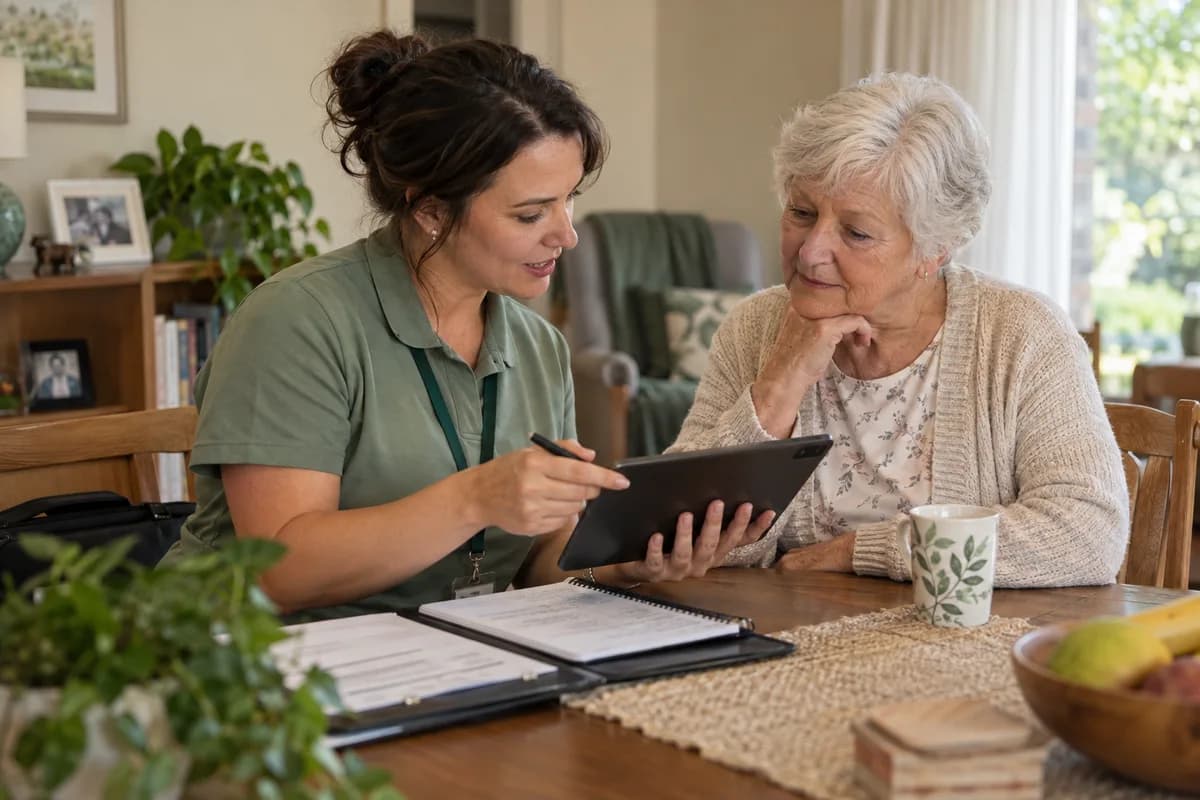
What a family sees on the portal
A narrow slice of the client’s record is shown, chosen with the client’s agreement. A relative sees what is coming and what was done. Clinical detail the agency holds back is never displayed. Four things are shown. A line on each follows.
A family’s week with the portal
Families want to know three things: who is coming, whether they came and how it went. These four moments show a relative finding each answer without a call to the office. Each is small. Each saves a phone call that morning.
Who manages the portal and who uses it
Two sides use it: the people inside the agency who decide what is shown, and the family who see it. Both sides need clear rights. Access follows the client’s consent and the agency’s own rules.
Portal and message decisions before launch
Privacy and family relationships are involved, so decisions need care before launch. They are agreed with the registered manager. GullySystem staff set the portal and the reminder wording and change them when asked.
How the portal connects to other features
This feature shows what other features hold, and holds little of its own. Times come from the roster, tasks from the visit note, and reminders from the schedule. A change in one place shows in the next. Five links follow. Each link is named below, with its source.
- Roster changes appear on the portal and in reminders
- Visit notes supply the tasks a relative can read
- Care plans decide what the family may see
- Check-in marks a visit as started or finished
- Incident records stay outside the portal
Where the family portal stops
Here the family sees visits and completed tasks and receives reminders. It does not replace a conversation about a client’s care, and it does not share clinical records or incident detail. Decisions on consent and who may represent a client stay with the agency and its adviser. A family happy with a weekly phone call needs nothing more. Some families prefer a call.
Frequently asked questions
Can a family member see every visit note?
No. A relative sees upcoming visits and the tasks the carer completed. Clinical remarks the agency keeps private are never shown. You decide which parts of a note appear, and staff change that when asked. Privacy is the default.
Who decides which relative gets access?
The client decides, and the agreement records it. One named relative is given a sign-in. The agency sets the rule for clients who cannot decide for themselves, with its own adviser’s help. Consent is recorded first.
How are visit reminders sent to clients?
Reminders go out by email, SMS or messaging, according to what each client or relative prefers. Channels are set per client. The wording is yours. Each reminder can go to the client, the relative or both for each visit.
What happens if a visit is moved?
The coordinator changes the roster, and the portal shows the new time. A message can follow by the channel set for that client. The relative need not ring the office to learn of the change. Nobody has to ring round.
Do caregivers need to write anything extra?
No. It reads from the visit note that the caregiver already writes. Tasks done are shown as ticked. There is no second form, so the caregiver’s workload stays the same. The portal adds no work.
How this feature fits the system.
In-Home Care Provider Management Software: the parts that work with this feature, the trades that use it and the ways to put it in place.
Visit scheduling and rostering
The weekly roster puts each visit against a caregiver by skill, language and distance, and an absence shows which visits now need cover.
Technician SchedulingVisit check-in and timesheets
Caregivers check in and out from a phone, and the recorded start and end times become the hours used for pay and billing.
Attendance & Time TrackingVisit notes and proof of visit
Each visit ends with a note of tasks done and observations, kept against the visit as the record of what was delivered.
Service Reports and Proof of VisitTell us what you need.
Tell us what your team does today, where work gets stuck and what you want to change.
What happens after you share your requirements
- We review your brief and the systems you already use.
- We clarify the workflow, missing information and the work to consider first.
- The proposed scope sets out the deliverables, responsibilities and dependencies.
- Review the scope and commercial terms before deciding whether to proceed.
Start with your requirements
Describe your current process, the people involved and the change you need. Start with the details you know; we can clarify the rest together.
Share your requirements