Visit check-in and timesheets for caregivers
Visit check-in and timesheets lets a caregiver start and end each home visit from a phone. The recorded start and end times become the timesheet for that visit. Late arrivals and short calls are flagged to the coordinator, and finance reads the same hours for pay and invoices.
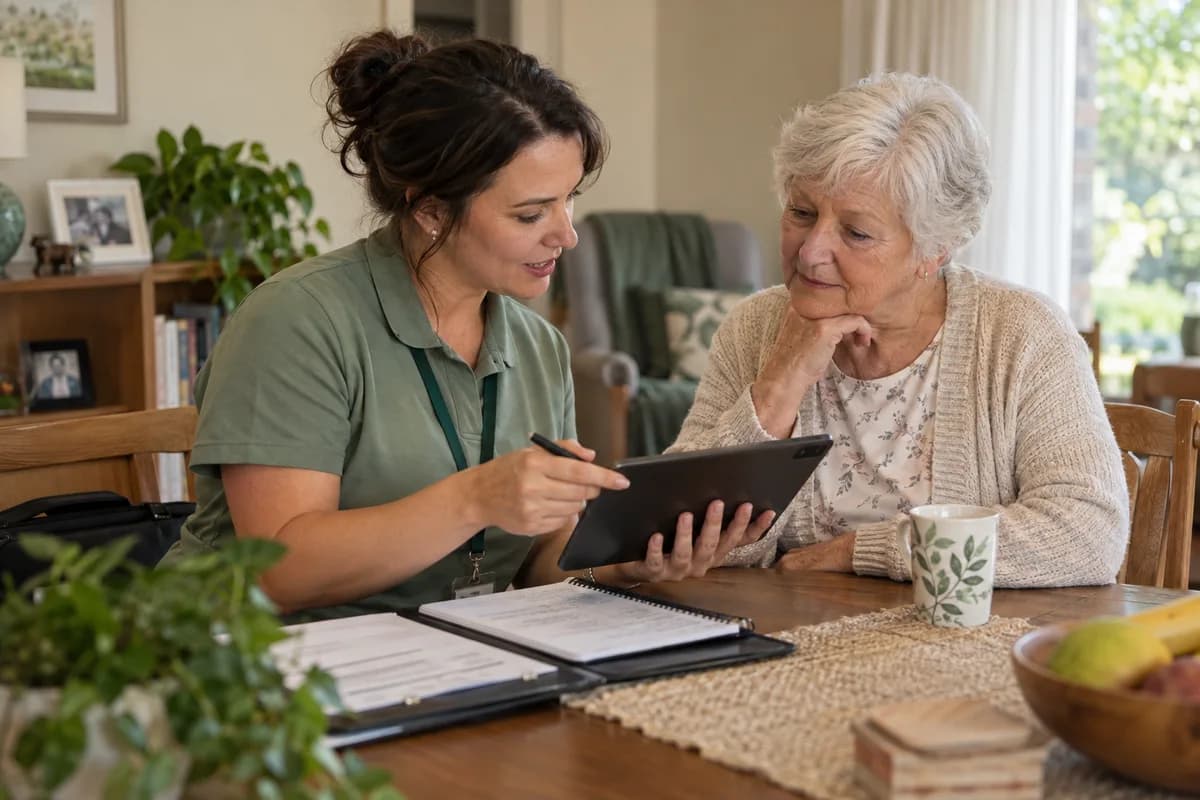
What a home visit check-in records
Every visit leaves a small, dated trace made by the caregiver’s own phone. The trace is the basis of the timesheet, so it has to be plain and complete. Four things are kept for each visit. Each is described below.
Check-in through a care round
A care round is a run of short calls with travel between them. Check-in has to fit that rhythm without slowing it. Four moments show it in use, from the first door to the pay run. All four are ordinary working steps.
Who sees check-in times and flags
Check-in data is read by the people who staff the round and the people who pay for it. They need different slices of it. Nobody has to export a sheet to see their part.
Check-in rules to settle before set-up
A few rules decide how strict check-in is and what happens when it fails. These are agreed with coordinators and finance together. GullySystem staff enter them, and a change later is a request away.
How check-in feeds other parts of the product
Check-in is the point where a planned visit becomes a delivered one. Its times flow to pay and to invoices, and its flags reach the coordinator. A visit with no check-in leaves a gap that other features then show. The links run both ways.
- Rostered visits open on the phone for check-in
- Verified times become the hours used for caregiver pay
- The same hours are priced for invoices and funders
- Late and short flags can prompt a visit note
- Missed visits can open an incident record
Where check-in and timesheets stop
Check-in records when a caregiver says a visit started and ended, from the phone in the caregiver’s hand. It cannot prove what happened inside the home, and it does not replace the visit note. Pay rules and employment terms stay with the owner and an adviser. A client with one fixed visit a week may need nothing more than a signed paper log. Keep it proportionate.
Frequently asked questions
What if a caregiver forgets to check out?
The visit stays open and shows as in progress past its booked end. The coordinator sees it and asks the caregiver. A corrected end time is entered with a reason, and the change is kept on the visit.
Do caregivers need data or signal in every home?
A weak signal does not stop check-in. The entry is saved on the phone and sent when the connection returns, carrying the time it was made. The caregiver can carry on with the visit meanwhile.
Can the timesheet differ from the booked time?
Yes. The timesheet uses the actual start and end times, while the booked time stays beside it for comparison. Whether pay and billing follow actual or booked hours is a rule agreed during set-up.
Does check-in work for double-handed visits?
Each of the two caregivers checks in and out separately. Both times are held against the one visit. The second caregiver’s lateness therefore shows up as its own flag. Neither is covered by the other’s entry.
Can a client or family see the check-in times?
That depends on what you switch on for the family portal. A nominated relative can see upcoming visits and notes of tasks done. Whether times appear there is a setting agreed with the client. The client decides.
How this feature fits the system.
In-Home Care Provider Management Software: the parts that work with this feature, the trades that use it and the ways to put it in place.
Visit scheduling and rostering
The weekly roster puts each visit against a caregiver by skill, language and distance, and an absence shows which visits now need cover.
Technician SchedulingVisit check-in and timesheets
Caregivers check in and out from a phone, and the recorded start and end times become the hours used for pay and billing.
Attendance & Time TrackingVisit notes and proof of visit
Each visit ends with a note of tasks done and observations, kept against the visit as the record of what was delivered.
Service Reports and Proof of VisitTell us what you need.
Tell us what your team does today, where work gets stuck and what you want to change.
What happens after you share your requirements
- We review your brief and the systems you already use.
- We clarify the workflow, missing information and the work to consider first.
- The proposed scope sets out the deliverables, responsibilities and dependencies.
- Review the scope and commercial terms before deciding whether to proceed.
Start with your requirements
Describe your current process, the people involved and the change you need. Start with the details you know; we can clarify the rest together.
Share your requirements