Referral and assessment records for home care
Referrals and assessments keeps every home care enquiry on one record, from the first call to a signed agreement or a decline. The source, the needs assessment and the mobility and falls risks sit together. Coordinators, assessors and managers use it to see where each enquiry stands.
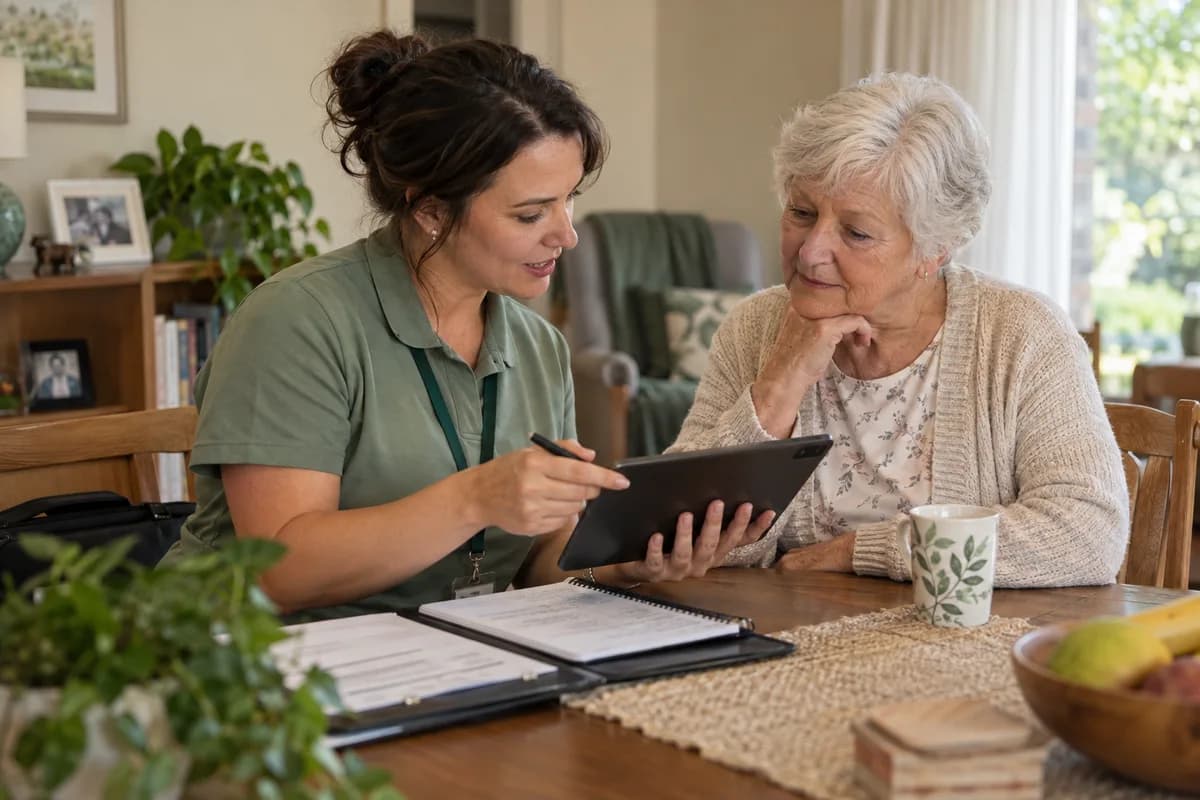
What a home care enquiry record keeps
Each enquiry opens a referral record that stays with the person after the first call. It keeps the source of the request, the assessor’s findings at the home and the outcome reached. Declines are recorded as well. Nothing is typed twice.
Referrals through a working week
An enquiry passes between the office and the client’s home several times before it ends. These four moments from a single week at an agency show how the record is used. Each one adds a line to it.
Who handles a referral and what each sees
Four roles touch an enquiry, and each needs a different view of it. The screens follow the product’s roles, so nobody scrolls through fields that belong to someone else’s work. Access is set up by name.
Decisions to settle before set-up
A few choices shape how referrals behave from the first day. They are quick to settle with the coordinator and the registered manager in the room. GullySystem staff then set the forms to match.
How referrals connect to the rest of the product
A referral is the first record in the chain, so what it holds is handed on to later features. The assessment feeds the plan, the agreement feeds the roster and the invoices, and the risk marks are read again by supervisors. Each handover removes a re-keying step.
- Findings pass to the draft care plan
- A signed agreement sets visit times for the roster
- Agreed payer and rates pass to invoicing
- The two-caregiver mark tells rostering to pair carers
- Falls risks sit beside later incident records
Where referral records stop
This feature records and follows an enquiry. It does not decide whether the agency accepts a client. The feature does not replace a clinical judgement from a registered professional where one is needed. Funding eligibility stays with the funder. Legal advice on agreements stays with an adviser. A small agency with a handful of enquiries a year may find a notebook enough.
Frequently asked questions
Can I see why enquiries were declined?
Yes. Each decline keeps its reason, so a manager can read them together. If several are declined for the same postcode or the same hours, that tells the owner where to recruit. It is a plain list.
Does the assessor need an office to record findings?
No. The assessor can fill in the needs, mobility and falls risks on a phone at the client’s home. Poor signal is handled by saving the entry until the phone reconnects. Nothing has to be copied later.
What happens to a referral when the family hesitates?
It stays open at its current stage. A note is added after each call, and the coordinator can see which enquiries have gone quiet. A family can take time. Nothing is closed until someone marks it signed or declined.
Can a hospital discharge enquiry be marked urgent?
The source is recorded, so a discharge team’s request is easy to pick out in the list. Your own urgency marks can be added to the form during set-up. Staff make that change when asked.
Who else sees the falls risks I record?
Coordinators and supervisors see them, and the caregiver sees the relevant ones inside the care plan. Finance does not see them. What a family sees is set separately, and clinical detail you keep private stays private.
How this feature fits the system.
In-Home Care Provider Management Software: the parts that work with this feature, the trades that use it and the ways to put it in place.
Visit scheduling and rostering
The weekly roster puts each visit against a caregiver by skill, language and distance, and an absence shows which visits now need cover.
Technician SchedulingVisit check-in and timesheets
Caregivers check in and out from a phone, and the recorded start and end times become the hours used for pay and billing.
Attendance & Time TrackingVisit notes and proof of visit
Each visit ends with a note of tasks done and observations, kept against the visit as the record of what was delivered.
Service Reports and Proof of VisitTell us what you need.
Tell us what your team does today, where work gets stuck and what you want to change.
What happens after you share your requirements
- We review your brief and the systems you already use.
- We clarify the workflow, missing information and the work to consider first.
- The proposed scope sets out the deliverables, responsibilities and dependencies.
- Review the scope and commercial terms before deciding whether to proceed.
Start with your requirements
Describe your current process, the people involved and the change you need. Start with the details you know; we can clarify the rest together.
Share your requirements