Pit, bench and stockpile records for mines
Sites, benches and stockpiles gives a mine or quarry one record for every working location. The owner sets up each pit with its benches, ramps and stockpiles, then reads output, stock and material moved by grade. Supervisors, clerks and the office all work from that same layout.
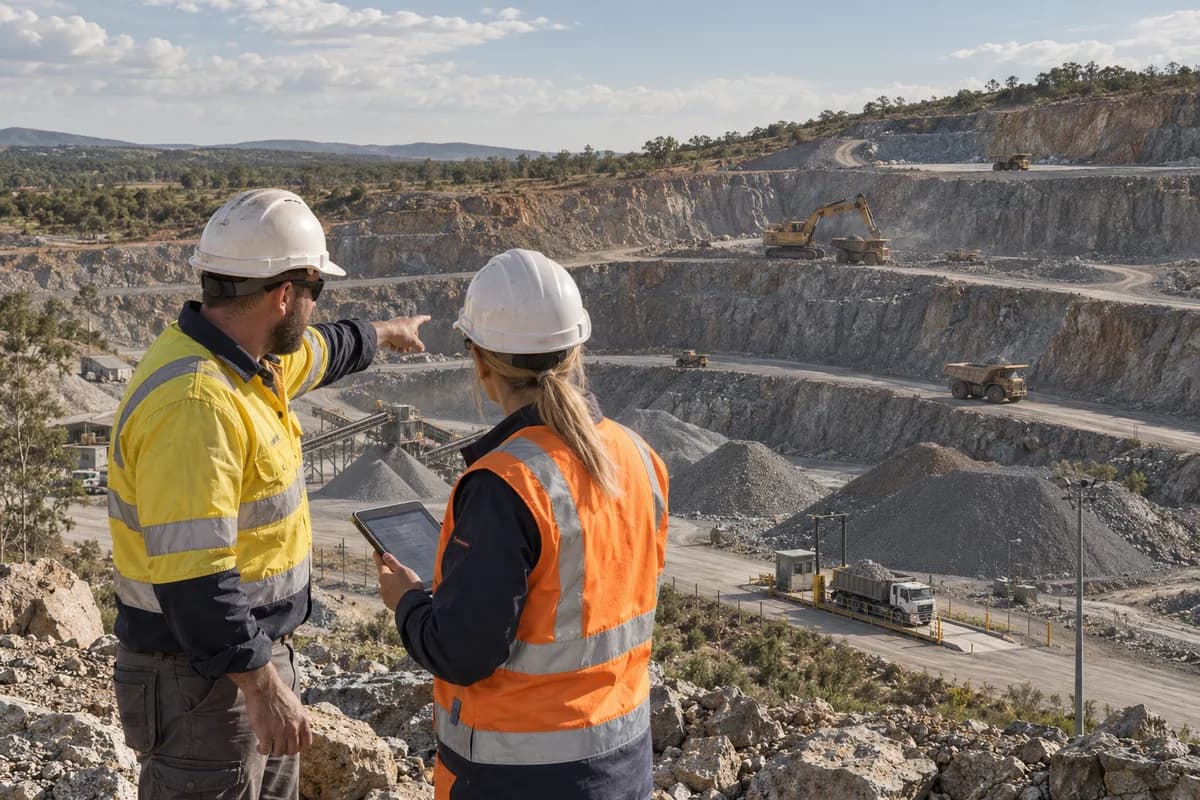
What a pit and stockpile record holds
A site is recorded from the ground up. The pit comes first, then the benches cut into it, the ramps that join them and the stockpiles where material waits. Every level carries the name that crews already say aloud at handover.
A supervisor’s week across benches and piles
Records earn their keep when work moves. Say a bench is stripped, a ramp is extended, a pile grows at the crusher and shrinks at the gate. These four moments show who touches the record, and what each person needs from it.
Who reads the site record, and what they see
Everyone sees the same pits, benches and piles, but each person opens them for a different reason. The screens are arranged around the job. A driver is not shown stock values, and a manager is not asked for a bench name.
Decisions to settle before setting up pits and piles
A site layout is cheap to enter and awkward to rename later. A few choices are worth settling first. These four are best agreed with the owner and the senior supervisor in the room together.
How site records join the product
The site layout is the frame for every other record. Trips, loads, tickets and machine hours all name a location. So what is entered here appears again in the shift log, the weighbridge and the reports, without being typed twice. One entry serves them all.
- Shift output and haul log takes its benches from here
- Weighbridge and dispatch lowers the stockpile named on each ticket
- Equipment register and hours lists machines allowed on each pit
- Reports and dashboards read output and stock by location
- Invoices follow the material and grade sold from each pile
Where site records stop
This feature records where material sits and how much of it moved. It does not design the pit. Mine planning, geological modelling and survey volumes stay with specialist engineering software and the people who run it. Stock counts on the ground remain a human job, and the figure on screen is only as good as the entries behind it. A very small quarry with one face and one pile may manage on a sheet.
Frequently asked questions
Can one site hold several pits and quarries?
Yes, each pit, quarry or working has its own record with its own benches and stockpiles. The manager can read them one at a time or compare two side by side. Machines are listed against the location they work.
Does the system calculate stockpile volumes by survey?
No, it does not. Stock here comes from entries: output added to a pile and weighed dispatches taken off. A survey volume belongs to your surveyor or planning software, and its result can be compared with the figure shown.
Can grades be named the way our crews say them?
Yes, materials and grades are entered using the names supervisors already use, such as overburden, fines or six-millimetre chips. Reports show those same names. Nobody has to translate a code back into a heap, and the grade on a ticket matches the grade on the pile.
What happens to a bench once it is worked out?
It is marked closed. The bench stays in the history. Earlier output, hours and loads remain under that bench, so past comparisons still read correctly. Only the new bench receives entries from the next shift onward.
Do we need every small dump set up as a stockpile?
Not every one. Set up the piles you sell from, count or report on. Temporary dumps and waste rock can wait. Add them later, once the main stockpiles are being kept right and the crews trust the figures.
How this feature fits the system.
Mining Company Management Software: the parts that work with this feature, the trades that use it and the ways to put it in place.
Equipment register and hours
Each loader, truck, drill and crusher is held with its operator, hours and service due date, so planners see what is available.
Fixed Asset RegisterMaintenance and breakdown jobs
A job card records the fault, the mechanic, parts fitted and hours spent, and the repair history stays with that machine.
Job CardsFuel, spares and store
Diesel, tyres, bits and lubricants are booked in and issued against a machine, and an alert shows when a fast-moving spare falls low.
Stock Tracking and AlertsTell us what you need.
Tell us what your team does today, where work gets stuck and what you want to change.
What happens after you share your requirements
- We review your brief and the systems you already use.
- We clarify the workflow, missing information and the work to consider first.
- The proposed scope sets out the deliverables, responsibilities and dependencies.
- Review the scope and commercial terms before deciding whether to proceed.
Start with your requirements
Describe your current process, the people involved and the change you need. Start with the details you know; we can clarify the rest together.
Share your requirements