Eye examination and prescription history
Every examination is recorded with acuity, refraction, tonometry and findings, and every prescription is dated and attributed to the optometrist who issued it. Earlier sphere and cylinder values are a click away, so a change from one year to the next can be read beside today’s result.
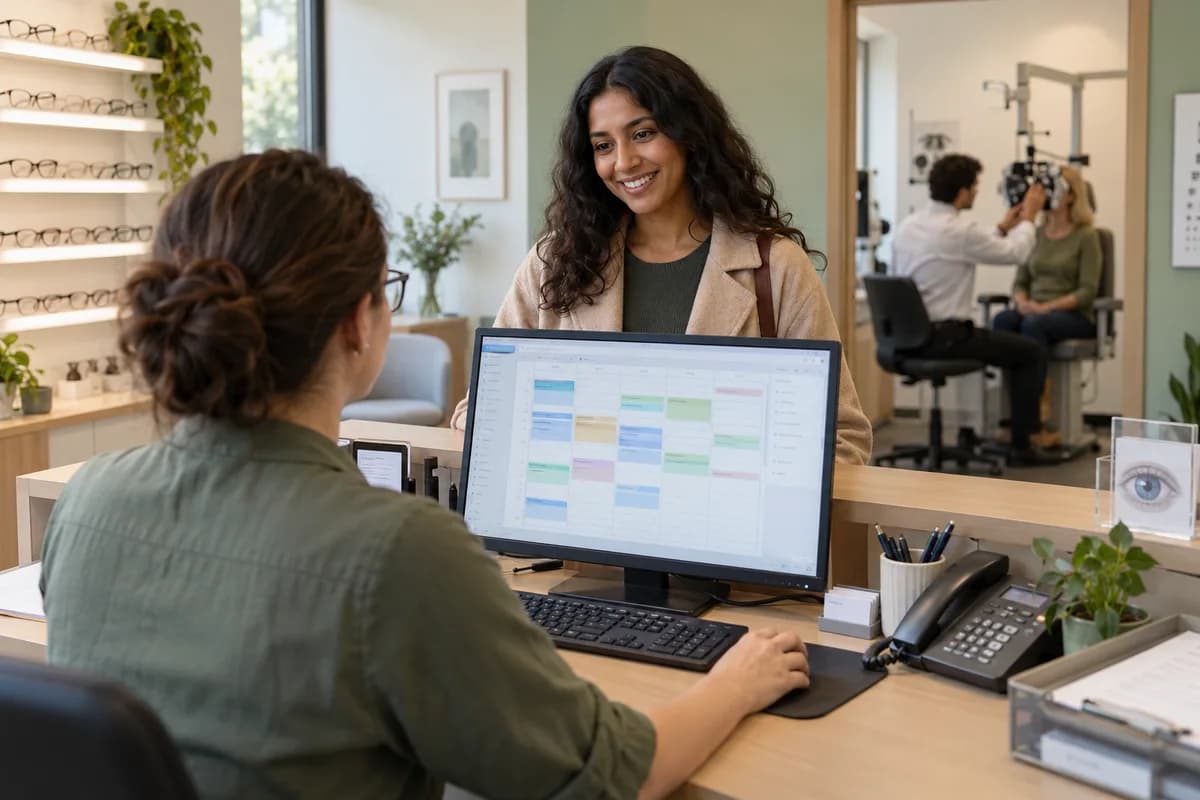
What an eye examination record keeps
Each examination produces a record, the optometrist’s own account of one visit. It holds the measurements and the findings in fields the practice already writes by hand. Nothing is squeezed into a free text box, so a later reader finds each value where it belongs. Each value has a home.
From the test room to the printed prescription
A prescription travels from the optometrist’s fingers to the patient’s hand and then on to the dispensing bench. The record keeps that path simple. The route is short. The same values are entered once and read by every person who needs them later.
What each role reads in the record
An examination history is clinical, so the screens differ by role. Optometrists work with everything. Others see only what their tasks need, and the owner reads totals instead of individual findings.
Choices to make before recording starts
Before the first examination is entered, the practice agrees how it wants prescriptions to look and who may change them. These choices are short, and they keep the history dependable for years. Settle them early.
How examinations connect to the rest
Several other features take their start from the examination. Handoffs happen without any retyping. A saved prescription feeds the quote, the lab job and the recall list. Staff pick up where the optometrist stopped, and nobody copies a value from a chart to a slip.
- Booked visits open the matching examination record
- The issued prescription starts the frame and lens quote
- Prescription values travel onto the lab job
- Attached images and field plots belong to the visit
- Examination dates set the next yearly recall
Where this record stops
The record stores what the optometrist enters and keeps it dated. It does not interpret readings, suggest a diagnosis or decide when a patient should be referred. Those judgements stay with the optometrist. Rules on how long clinical records are kept belong to the practice and its advisers. A paper card is enough for a very small practice.
Frequently asked questions
Can an optometrist see last year’s refraction while testing?
Earlier sphere and cylinder values are a click away on the same record. Comparison is instant. The optometrist can read last year’s result beside today’s while the patient is still in the chair, then decide whether the prescription should change.
Is each prescription tied to the optometrist who issued it?
Each prescription carries its date and the name of the optometrist. Nothing is anonymous, and nothing is overwritten silently. Later edits are dated too. Anyone reading the history can tell who issued which values and when, with no guesswork.
Does the prescription include prism and add values?
The layout follows the fields your optometrists already write. Add powers are included, and prism and base curve appear where the practice uses them. Fields nobody uses can be left off the screen. Your card sets the pattern.
How is a prescription given to the patient?
It is issued from the examination and either printed for the patient or sent by email. A copy remains on the record. Reprints are easy. The dispenser starts a quote from that same stored prescription later.
Can a visual field plot be linked to an examination?
Plots, fundus photographs and scan exports attach to the patient and the visit they belong to. The examination points to them, so a later comparison needs one click rather than a search through folders. Folder hunts end.
How this feature fits the system.
Optometry Practice Management Software: the parts that work with this feature, the trades that use it and the ways to put it in place.
Appointments by test room
The desk books examinations, fittings and collections against a test room and an optometrist, and reads the day by room or clinician.
Appointment SchedulingFrame and lens quotes
A quote is built from the frame, lens type and coatings the patient chose, and the accepted version becomes the dispensing order.
Estimate/Quotation ManagementLab job tracking
Each pair of lenses goes to the lab on a job record, with a due date, receipt on return and a check before fitting.
Job Work ManagementTell us what you need.
Tell us what your team does today, where work gets stuck and what you want to change.
What happens after you share your requirements
- We review your brief and the systems you already use.
- We clarify the workflow, missing information and the work to consider first.
- The proposed scope sets out the deliverables, responsibilities and dependencies.
- Review the scope and commercial terms before deciding whether to proceed.
Start with your requirements
Describe your current process, the people involved and the change you need. Start with the details you know; we can clarify the rest together.
Share your requirements