Optometry patient records in one file
Each patient has a single file that holds contact details, history, medicines, allergies, family eye conditions and every visit to the practice. The optometrist reads the whole story before calling the patient in. Dispensers and reception open the same file for their own part of the job.
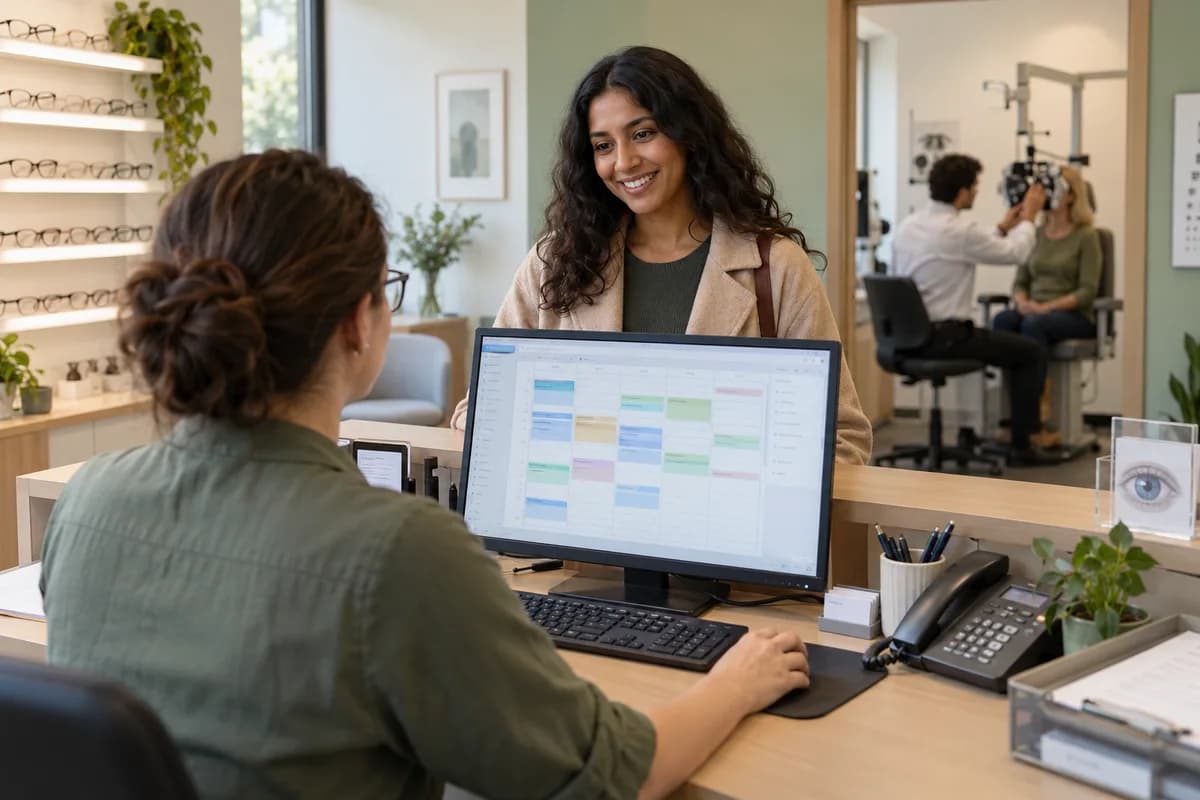
What an optometry patient file holds
A patient file in an optical practice carries more than a phone number and a prescription. It gathers the background an optometrist wants before the first chart is read. That background is short but useful. Every visit is added to the same file, so the story grows in one place.
Using the file through the day
Throughout the day the file is opened again and again, by different people with different questions. Each opening takes seconds. That matters in a practice where an optometrist has only the walk from reception to the test room to read it.
What each person sees in a patient file
Everyone reads from the same file, but not everyone sees everything. Screens reflect each person’s job. That keeps clinical notes with the clinicians and keeps the front desk free of detail it does not need.
Choices to make for the file
A few decisions before set-up decide how useful the file is later. None of them is hard. They are best made together by the owner, an optometrist and the person at the front desk.
How the file connects to other features
The patient file is the centre that other features read from and write to. When an examination is saved, a quote raised or a lens plan agreed, the entry lands on this file. Staff do not copy details between screens. Each entry is made once and is read everywhere it is needed afterwards.
- Bookings from the diary attach to the patient’s file
- Examination results are saved straight onto the file
- Quotes and lab jobs list under the patient’s name
- Contact lens plans and aftercare dates show on the file
- Recall lists are drawn from visit dates on the file
Where patient records stop
The file keeps what the practice enters. It does not decide what is clinically relevant, and it does not replace the optometrist’s judgement about what to ask. Rules on how long records must be kept, and who may see them, belong to the practice and its own advisers. A very small practice with a handful of patients can keep cards and a drawer.
Frequently asked questions
What does a patient file hold in an optical practice?
Contact details, history, medicines, allergies, family eye conditions and every visit sit on one file. It sits in one place. An optometrist reads it before calling the patient in, and other staff open the same file for their own tasks.
Can reception see clinical notes?
Screens follow the job. Reception works from contact details, visits, balances and recall status, and clinical notes stay with the clinicians. The practice owner decides the exact split when access is set up, and can change it later.
How do we bring in our existing patient cards?
Patient lists, phone numbers and recent prescriptions are loaded from the old software or from a spreadsheet. A dispenser then compares a few files with the originals. Mistakes are fixed before opening day, not afterwards.
Is the history written again at every visit?
Medicines, allergies and past eye problems are written once and carried forward. At a new visit the optometrist confirms them and adds changes. Patients are spared the chore. Nobody repeats the same answers every year.
Can two branches read the same patient?
Branches share one patient list. Diaries and stock stay separate. Another branch can open the file of a patient seen elsewhere. Each person’s access is set by the practice owner, and it limits what that person sees.
How this feature fits the system.
Optometry Practice Management Software: the parts that work with this feature, the trades that use it and the ways to put it in place.
Appointments by test room
The desk books examinations, fittings and collections against a test room and an optometrist, and reads the day by room or clinician.
Appointment SchedulingFrame and lens quotes
A quote is built from the frame, lens type and coatings the patient chose, and the accepted version becomes the dispensing order.
Estimate/Quotation ManagementLab job tracking
Each pair of lenses goes to the lab on a job record, with a due date, receipt on return and a check before fitting.
Job Work ManagementTell us what you need.
Tell us what your team does today, where work gets stuck and what you want to change.
What happens after you share your requirements
- We review your brief and the systems you already use.
- We clarify the workflow, missing information and the work to consider first.
- The proposed scope sets out the deliverables, responsibilities and dependencies.
- Review the scope and commercial terms before deciding whether to proceed.
Start with your requirements
Describe your current process, the people involved and the change you need. Start with the details you know; we can clarify the rest together.
Share your requirements