Refill Reminders for Pet Food Repeat Buyers
Each bag sold gets an estimated run-out date from its size and the pet’s recorded weight. A few days before that date, the owner receives a note with the usual order and a way to confirm delivery. Staff see who is overdue and who has lapsed. Quiet owners get noticed.
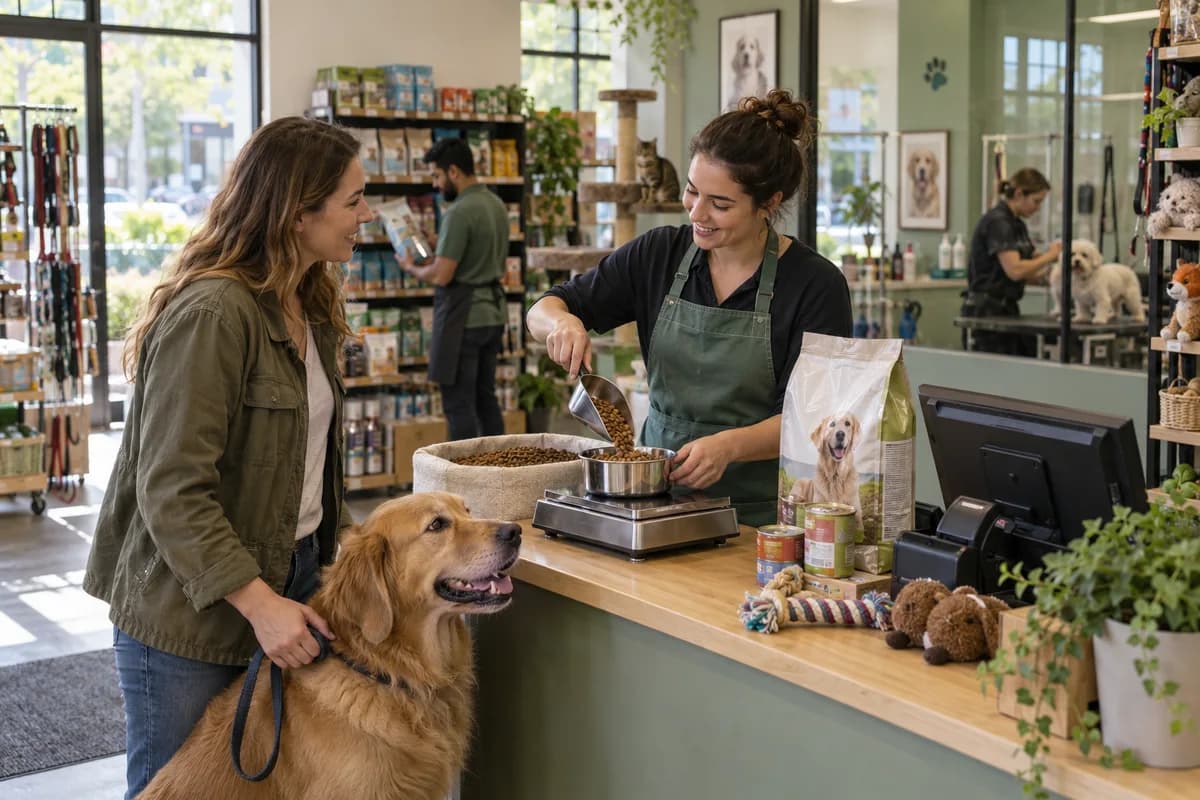
A run-out date, a note and a reply
A retriever on a large bag works through it at a rhythm the shop can estimate. The record keeps the estimate, the message and the reply side by side. Quiet owners show early. Together they show who is about to run out and who has gone quiet.
From the sale of a bag to its refill
A Labrador owner buys a large bag on a Saturday. Weeks later a note arrives in a messaging app, and the owner taps to confirm. Staff do three small things in between. They set the date, check the list and send the note.
Who sends, who replies, who reads the lapses
Each cycle starts at the counter and ends with an owner’s reply. In between, associates check the list, stock keepers watch bag sizes and owners read who has lapsed. Each reads the same history differently.
What to agree before reminders start
Notes reach into an owner’s phone, so they deserve care. Care comes first. Wording, timing and channel need settling with the owners’ agreement in mind. Settle these four before the first note goes out.
What reminders draw on and hand to
Reminders sit in the middle of the shop’s data. They take weight and contact from the pet card and bag size from billing, then hand confirmed orders to delivery. Reports on overdue and lapsed owners come from the same trail. Every step is traceable back to a sale.
- Pet and owner records supply weight and contact
- Counter billing sets the bag size and date
- Home delivery orders take the owner’s confirmation
- Loyalty and offers can reward a repeat refill
- Reports list owners overdue and owners lapsed
Where a reminder stops
A reminder estimates and prompts. It does not know how much a pet really eats, whether an owner switched brands or whether a bag was shared with another household. It cannot oblige anyone to reply. Message charges from SMS or messaging providers fall to the shop. Rules on consent for messages are for the owner to check with an adviser. A shop with a handful of regulars can simply phone them.
Frequently asked questions
How accurate is the run-out estimate?
The date comes from bag size and the pet’s recorded weight. It cannot see what a pet eats day to day. Staff can move the date after a conversation. The overdue list shows where estimates miss.
Can an owner opt out of reminders?
Reminders follow what owners agreed to receive. An owner who declines stays on the pet and sales records but is left off the list. The channel can also be changed to the one that owner prefers.
What does a reminder say?
A short note carries the owner’s name, the usual item and size, and a way to confirm delivery. Wording is set with the shop at implementation. The shop may add its own sign-off, such as the shop’s name.
What if two pets share one bag?
Choose which pet’s card carries the bag, and note the other pet beside it. Dates follow the card chosen. Adjust the date if the second pet eats a lot, since the run-out will arrive sooner.
Do reminders cover treats and accessories?
Estimates are built for food bags, where size and weight give a run-out date. Toys and accessories have no run-out. Reminder rules for treats are reviewed during implementation, with the shop’s own habits in mind.
How this feature fits the system.
Pet Store Management Software: the parts that work with this feature, the trades that use it and the ways to put it in place.
Food batches and best-before dates
Each carton’s batch and expiry are recorded on receipt, so a bag nearing its date can be found, moved forward or returned.
Batch and Serial TrackingLoose weight and pack-size sales
A sack is one item that sells by the gram or in smaller packs, so the scoop and the stock figure agree.
Product ManagementCounter billing and held bags
Food, toys and accessories are billed with mixed payments, and a bag held for pickup stays under the owner’s name.
Point of Sale BillingTell us what you need.
Tell us what your team does today, where work gets stuck and what you want to change.
What happens after you share your requirements
- We review your brief and the systems you already use.
- We clarify the workflow, missing information and the work to consider first.
- The proposed scope sets out the deliverables, responsibilities and dependencies.
- Review the scope and commercial terms before deciding whether to proceed.
Start with your requirements
Describe your current process, the people involved and the change you need. Start with the details you know; we can clarify the rest together.
Share your requirements