Plating work orders and line scheduling
Lots pile up at the loading end. Their due dates do not follow the order they arrived in. This feature turns received lots into work orders by due date and finish. Compatible lots are grouped, and each tank shows what is queued next. Planners see the whole line, and operators see the next tank.
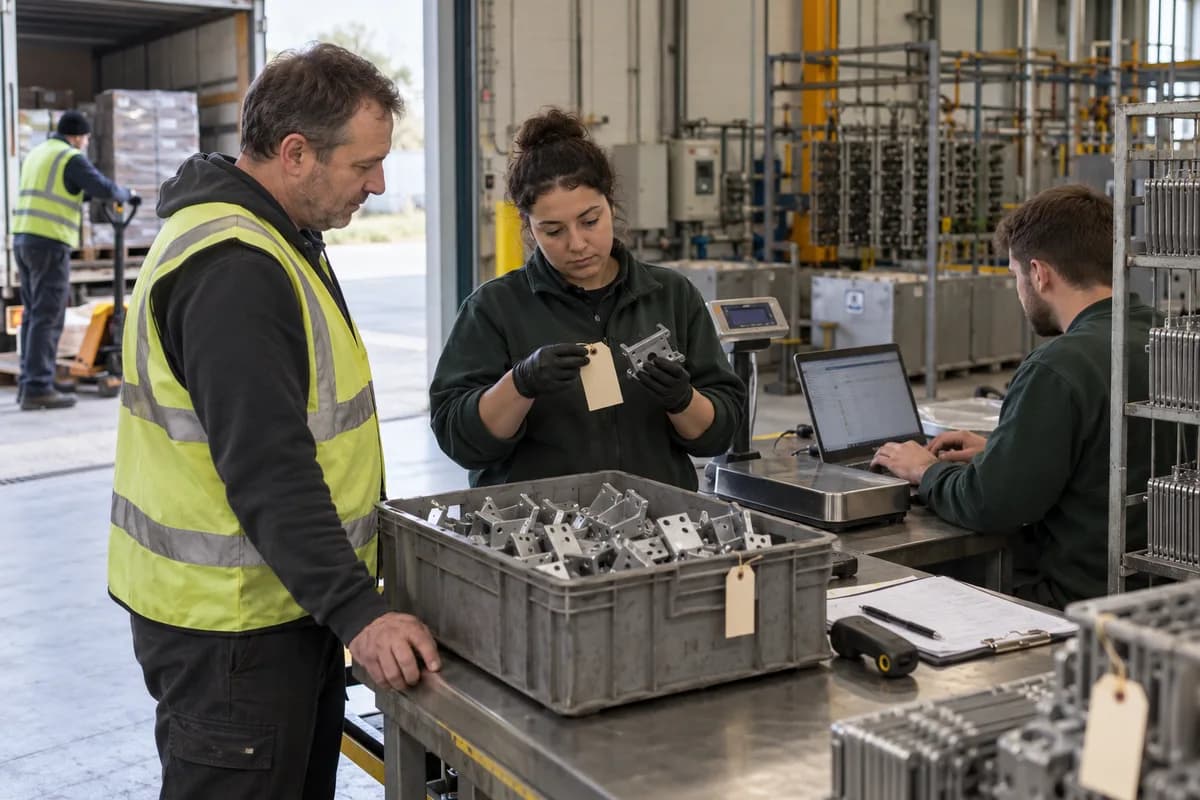
A morning of queues across the tanks
Lots wait at the loading end, and their due dates disagree with the order they arrived in. The day is sorted while the first rack is being made up. Operators need to see what each tank takes next. The office needs to see what is late.
Work order fields behind the schedule
A work order is the instruction that joins a received lot to a route and a date. It is short, and every field has a reader on the line. Operators read the queue. Planners read the dates. The office reads the status when a customer rings.
Four roles and one shared queue
The schedule is read in the office and on the line. The two groups want different things from it. One plans the day. The other works through it, tank by tank, and marks each step done.
What the queue takes from other features
The schedule depends on what the rest of the product knows. It reads received lots, copies routes and hands grouped lots to the loading step. Those links spare the planner from re-entering finish or customer. Orders are assembled from records already held in the system. No field is typed twice.
- Received lots feed the list of orders to issue
- Route steps come from specifications and process routes
- Grouped lots go on to rack and barrel loading
- Bath analysis due dates show beside each tank’s queue
- Finished orders move to inspection and then dispatch
Rules to agree before the queue goes live
A schedule is only as steady as the rules behind it. Shops differ on who may jump the queue and what counts as a compatible load. Settle these points with the supervisor. Do it before the first work order is issued.
The edge of the tank queue
The queue orders work. It does not work out how long a tank takes, the number of racks a bath holds or what the line can carry in a week. Those judgments stay with the planner and the supervisor. A one-tank shop with a short list of jobs can run a whiteboard. Size of the line decides.
Frequently asked questions
Can one work order cover several lots?
Compatible lots can be grouped under one run, and each lot number stays attached. Traceability survives the shared load. Each lot is still inspected and certified on its own, with its own count and results.
How does the planner choose which lots to group?
Grouping starts from the same finish and a thickness requirement that suits one load. The rule is the shop’s own. The screen lists lots by finish and due date so those pairs are easy to find.
What does an operator see at a tank?
The next lot queued for that tank, with its finish, count and customer reference if the shop wants it shown. The operator marks the step done. The lot then moves to the next tank on its route.
Can a rush order jump the queue?
The planner moves it up and the affected tanks show the change. The reason is noted. Orders pushed back keep their place in line behind it. The late list then reflects what really happened on the day.
Can the office see which orders are late?
Lots on the line are listed by stage and due date, and late orders stand out. The owner can read the list by customer. A customer’s call is answered from the same screen the supervisor uses.
How this feature fits the system.
Plating Company Management Software: the parts that work with this feature, the trades that use it and the ways to put it in place.
Customer lots and receiving
Every delivery is booked in as a numbered lot with count and weight, so the same parts can be traced from the gate to dispatch.
Batch and Serial TrackingWork orders and line scheduling
A work order carries the finish, thickness and due date, and each tank sees which lots are queued next on its route.
Work Order ManagementRacks, barrels and loading
Lots with a compatible finish are grouped onto racks or into barrels by count and surface area, before they enter the first bath.
Production PlanningTell us what you need.
Tell us what your team does today, where work gets stuck and what you want to change.
What happens after you share your requirements
- We review your brief and the systems you already use.
- We clarify the workflow, missing information and the work to consider first.
- The proposed scope sets out the deliverables, responsibilities and dependencies.
- Review the scope and commercial terms before deciding whether to proceed.
Start with your requirements
Describe your current process, the people involved and the change you need. Start with the details you know; we can clarify the rest together.
Share your requirements