Gait and Biomechanical Assessment for Podiatry Clinics
A gait or biomechanical review produces findings, notes on posture and, for some patients, a scan or cast file. This feature stores all of it on the patient’s record, dated and attributed. When a device is needed, the order is raised from the same assessment, so nothing is retyped.
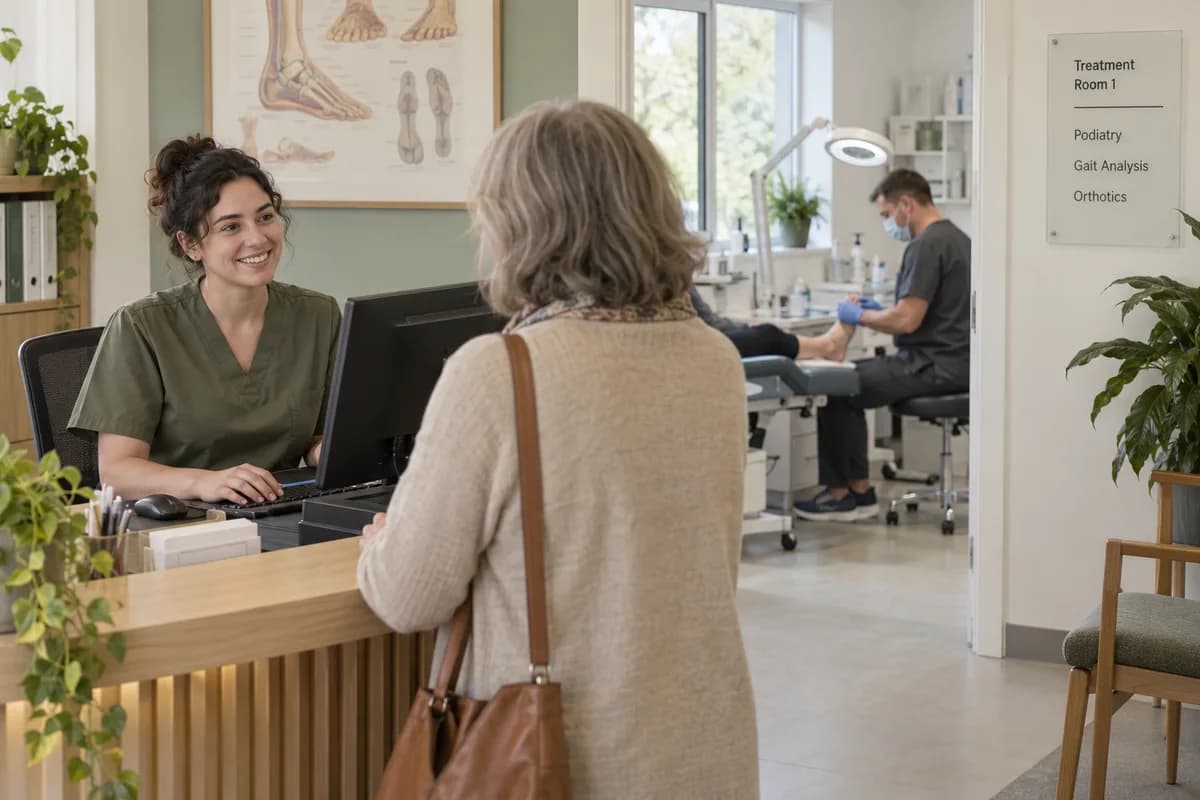
Gait findings as each person meets them
An assessment of gait starts in the consulting room and ends, sometimes, at a lab and a fitting. Different people pick it up along the way. Each needs one slice of it, and none should have to ask for it.
Gait findings, posture notes and cast files
One entry holds more than a paragraph. It joins what the podiatrist observed with what was scanned or cast. The parts stay together under one date. Because each is stored on the patient record, the next review starts from evidence and not from recollection.
A biomechanical review, step by step
A biomechanical review takes longer than a nail visit and leaves more behind it: notes, files and, for some patients, a device order. One review is followed through a clinic day. It runs from booking to the moment a device is asked for.
Gait set-up choices to agree with podiatrists
Gait work varies between clinics, and so do the forms it needs. Agree the fields, the files and the hand-off to the lab with the podiatrists who do the reviews. Do it early.
Boundaries of gait and biomechanical records
The feature stores findings and files. It does not read a scan, analyse a gait or design a device. Those tasks belong to the podiatrist and the lab. The clinic’s adviser sets the rules on consent and on how long scan files are kept. A clinic that never fits devices can do without it, and keep gait remarks in the treatment note.
From gait findings to a finished device
Gait findings start a longer chain. They arrive from the foot assessment, leave for the lab as an order, and return as a device to be checked and fitted. The diary holds the fitting visit. The bill follows the device, and the owner’s lists follow the bill.
- Takes history and findings from foot assessment and treatment notes
- Raises the order in orthotic and device orders
- Books the fitting visit through appointments by clinician and room
- Draws on the patient file for conditions and medicines
- Bills the assessment and device through billing and receipts
Frequently asked questions
Can scan or cast files be attached?
Yes, scan and cast files are attached to the gait assessment with the date they were taken. They stay linked to the patient and the visit. Formats are agreed at set-up. The clinic and its lab choose them together.
Does the software analyse gait by itself?
No, it stores what the podiatrist enters. It does not interpret a scan or score a walking pattern. The clinical reading stays with the person who examined the patient and who wrote the note, which is the way it should be.
How does an assessment become an order?
From the assessment the podiatrist opens an orthotic or device order. The findings and files carry across, and a due date is added. The order then follows its own path. That path leads to the lab and back.
Can an earlier assessment be compared with a new one?
Yes. Each assessment is dated and kept. A later review can be read beside an earlier one. Changes in walking pattern or posture notes show side by side, and nothing is overwritten by the new entry.
Do we need this if we fit no devices?
It may not be needed. A clinic that never raises orthotic or device orders can record gait remarks in the treatment note. This feature earns its place where scans, casts and lab orders are part of the work.
How this feature fits the system.
Podiatry Clinic Management Software: the parts that work with this feature, the trades that use it and the ways to put it in place.
Appointments by clinician and room
The desk books short and long visits against a podiatrist and a room, and the day reads by clinician, room or date.
Appointment SchedulingHome and care home visits
Visits away from the clinic are planned as routes for each podiatrist, so the day’s homes and care settings are listed in order.
Technician SchedulingOrthotic and device orders
A device order leaves for the lab with a due date, and the clinic follows it through receipt, checking and fitting.
Job Work ManagementTell us what you need.
Tell us what your team does today, where work gets stuck and what you want to change.
What happens after you share your requirements
- We review your brief and the systems you already use.
- We clarify the workflow, missing information and the work to consider first.
- The proposed scope sets out the deliverables, responsibilities and dependencies.
- Review the scope and commercial terms before deciding whether to proceed.
Start with your requirements
Describe your current process, the people involved and the change you need. Start with the details you know; we can clarify the rest together.
Share your requirements