Roof jobs and stages from tear-off to inspection
Roof jobs and stages runs each roof as a single job with its own stages, crew, scaffold, material and schedule. Work moves from tear-off and battening through underlay and covering to the final inspection. Crew leads update progress from a phone. Office staff and the owner read the same record.
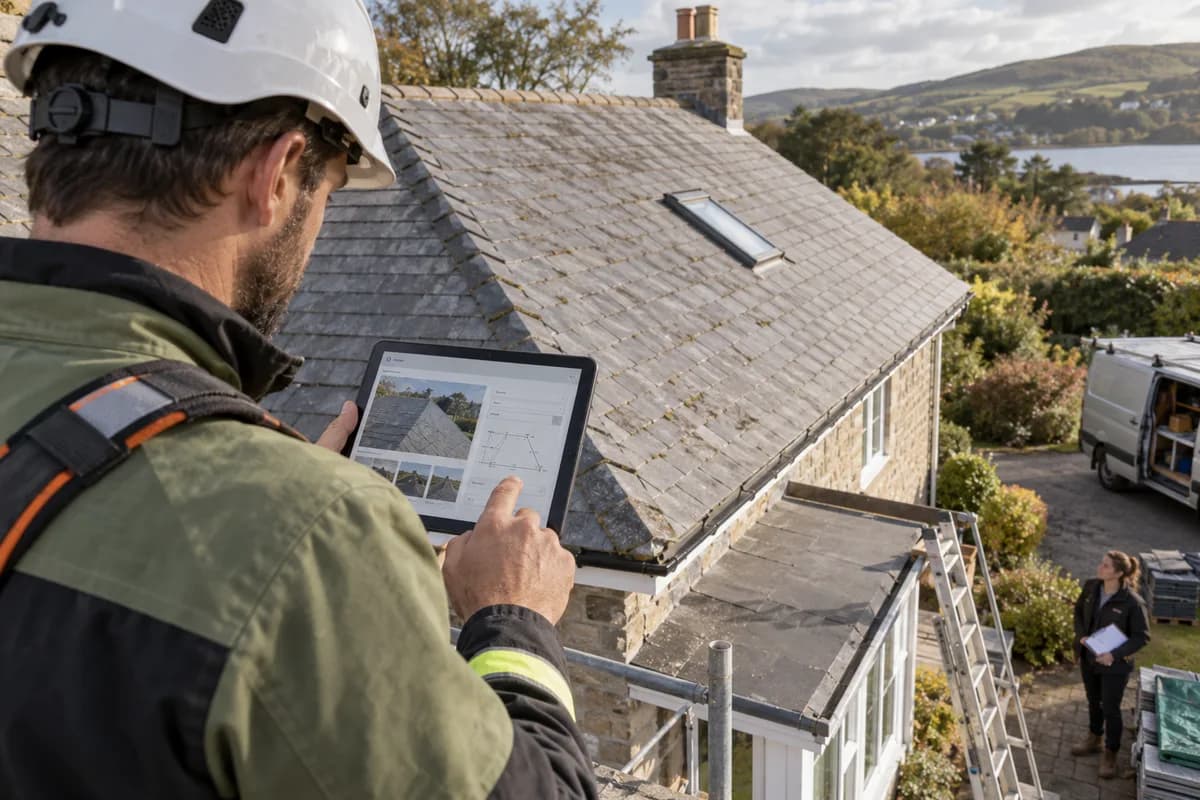
What a roof job record holds
A job opens when a client accepts a quotation. From that point on, the roof has one record that gathers the stages, the people and the dates. Nothing about the roof lives only on a whiteboard. Nothing rests on someone’s memory.
A roof job through its working days
A roof job runs over days that weather can rearrange. The moments below follow people at work on one roof, from the first dry morning to the final look at the ridge. Each uses the job record in its own way. Weather decides the order.
What each person sees on a roof job
A roof job has several readers, and each needs a different part of it. The record is shared. The view is cut to the role, which keeps the crew lead’s phone simple and the owner’s page broad.
Decisions to settle before jobs go live
Job stages are only useful if they match how your crews really work. Spend time on this at the first workshop, with a crew lead in the room. Real roofs make the discussion concrete. Bring a recent job.
How roof jobs connect to other features
The roof job sits at the centre of the product. It takes from the quotation and gives to nearly every later record. When a client accepts, the job opens. When the final inspection is recorded, the job hands over to billing and to the warranty file.
- Opens from an accepted quotation in Quotations and rate lists
- Draws orders from Material orders and deliveries
- Takes crew days from Crew scheduling and attendance
- Raises extra work through Variations and approvals
- Hands measured stages to Stage bills and invoices
Where roof jobs and stages stop
This feature tracks the work and who is doing it. It does not design a roof or certify the work. Structural advice stays with a qualified person. Any approval a building authority demands stays with the owner and the client. A firm with only a few small repairs a month can follow them in a diary. Several crews and roofs at once make a shared job record simpler.
Frequently asked questions
Can each roof have stages that differ by covering?
Stages are laid out as your contracts read, so a slate roof can run strip, batten, felt and cover. A flat roof follows its own steps. Each roof then shows its own list, in the order worked.
Does the job show where scaffold hire stands?
Scaffold dates sit on the job beside the crew plan. Staff can see when scaffold is due and whether a crew is booked against it. Crews never arrive before the scaffold does. Plans are checked.
What happens to a roof job when rain stops work?
The crew lead records the lost day. Back at the desk, staff move the plan, and later bookings and scaffold dates are adjusted from the same record. Days lost to rain are kept for later reading.
Can a crew lead update a roof job from the ladder?
On a phone, leads record area stripped and relaid, hours and photographs from the roof. The system runs online, so entries wait on the phone until a signal returns. Staff read them afterwards, once they sync.
Is the final inspection recorded on the same job?
The final inspection is a stage on the job, with photographs and notes. Once it is recorded, the roof goes forward to its last invoice and to handover. Covering and warranty terms are filed there.
How this feature fits the system.
Roofing Contractor Management Software: the parts that work with this feature, the trades that use it and the ways to put it in place.
Enquiries and inspections
Each enquiry is logged with its source and address, the inspection is booked, and measurements and photographs stay on the client record.
Lead ManagementQuotations and rate lists
Quotations are priced item by item from the firm’s covering, material and labour rates, and every revision is kept beside the open quotes.
Estimate/Quotation ManagementRoof jobs and stages
Each roof runs as a job with stages, crew, material and schedule, from preparation through to final inspection and handover.
Work Order ManagementTell us what you need.
Tell us what your team does today, where work gets stuck and what you want to change.
What happens after you share your requirements
- We review your brief and the systems you already use.
- We clarify the workflow, missing information and the work to consider first.
- The proposed scope sets out the deliverables, responsibilities and dependencies.
- Review the scope and commercial terms before deciding whether to proceed.
Start with your requirements
Describe your current process, the people involved and the change you need. Start with the details you know; we can clarify the rest together.
Share your requirements