Vintage and lot records for wineries
Vintage and lot records give every wine in the cellar one running record. Each lot is followed from the fruit that formed it, through fermentation, blending and ageing, with additions and lab results on the same page. Winemakers and cellar staff use it to trace any bottle back.
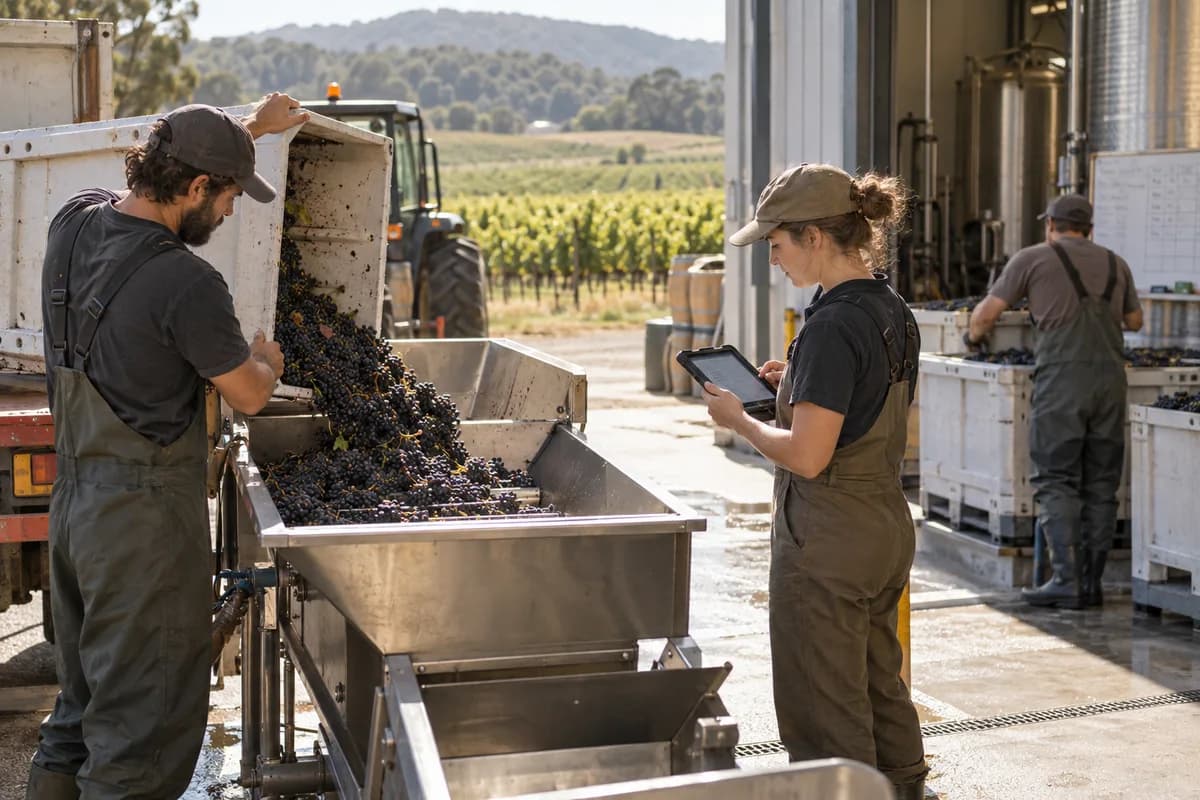
What a lot record keeps from pick to blend
One lot, one record. It starts with the blocks that supplied the fruit and grows as the wine changes. Additions, temperatures and lab results are added as they happen, so the record reads as the whole story of the wine.
A season in the cellar with lot records
Lots change slowly, then all at once. Each stage has its own pace. Fermentation brings daily entries, ageing brings quiet months, and blending brings a burst of decisions. Different people open the record at each stage, and each finds the last entry made.
What each person reads on a lot record
Lot records serve several jobs. The winemaker reads the whole history, the crew reads what to do next, and the cellar door reads the story of a wine. Each role below sees what it needs.
Decisions to settle before lot records begin
Names and rules matter. Their value depends on the names and rules behind them. Agree these points with the winemaker before the next vintage opens. They are quick to settle on paper and slow to fix after harvest.
How lot records connect to the cellar
Lots connect everything. One lot touches almost every other record in the winery. It takes its fruit from intake in the vineyard, takes its place from the vessel register, and hands its identity on to bottling. The links below name what feeds it and what it feeds.
- Takes its fruit from harvest intake by block and grower
- Takes its place from the tank and barrel register
- Shows cellar tasks due against the lot
- Takes analysis from the lab and quality records
- Hands its lot to bottling and work orders
Where lot records stop
These records keep what the winery did and measured. They do not decide how a wine should be made. They do not replace tasting. Legal labelling, duty and tax on a finished wine stay with the owner and an adviser. A producer with one wine and one tank may manage on a notebook for now.
Frequently asked questions
Can a blend be traced to its source lots?
A blend is recorded as its own lot. It lists each source lot and the volume taken from it. Each source lot points to its vineyard blocks, so the path can be followed in both directions.
Are additions recorded against the lot?
Yes, with a date. Additions sit on the lot record with the date and the person who made them. A change made after a lab result is kept beside that result. Anyone reading later can see why a decision was taken.
Can custom crush clients have their own lots?
Client lots are marked. Lots can be marked as belonging to a client. They keep their own records, tasks and invoices. The estate’s own wines are read separately, so one client’s history never mixes with another’s.
What does a lot record look like after bottling?
History is kept. The lot holds everything entered, and the bottling run is added to it. The record shows the bottles produced from the lot, which gives the owner a clear link from fruit to finished stock.
Can older vintages be loaded for blending?
Earlier vintages are loaded from your files or current software, in the form the winery already keeps. A check by the winemaker comes before harvest. Older lots in barrel then appear beside the new vintage when blends are planned.
How this feature fits the system.
Winery Management Software: the parts that work with this feature, the trades that use it and the ways to put it in place.
Vintage and lot records
Each lot keeps its blocks, additions and vessels, and blends record their source lots, so a bottle traces back through the cellar.
Batch and Serial TrackingTank and barrel register
Every tank and barrel is a location with contents, volume and history, so the cellar reads as a map of what sits where.
Warehouse ManagementCellar tasks
Racking, topping up, additions and lab checks get one owner and a due date, and overdue work is listed for the winemaker.
Task ManagementTell us what you need.
Tell us what your team does today, where work gets stuck and what you want to change.
What happens after you share your requirements
- We review your brief and the systems you already use.
- We clarify the workflow, missing information and the work to consider first.
- The proposed scope sets out the deliverables, responsibilities and dependencies.
- Review the scope and commercial terms before deciding whether to proceed.
Start with your requirements
Describe your current process, the people involved and the change you need. Start with the details you know; we can clarify the rest together.
Share your requirements