Build a retail chain system where head office and the counter see the same stock.
One shop is a counter and a shelf. Six shops is a different business. The question stops being what sold today and becomes why store four is out of flour while store two has eleven cases of it.
Most chains grow into three or four disconnected things. A billing program at each counter, a purchase register at head office, a spreadsheet for transfers, and a loyalty scheme running on a phone number written on the bill.
A system GullySystem builds for your chain would join them. Item masters and prices would be set centrally, indents raised by the store, and goods received against them. Stock would move between shops with a document, and head office could see the day close before the shutters come down.
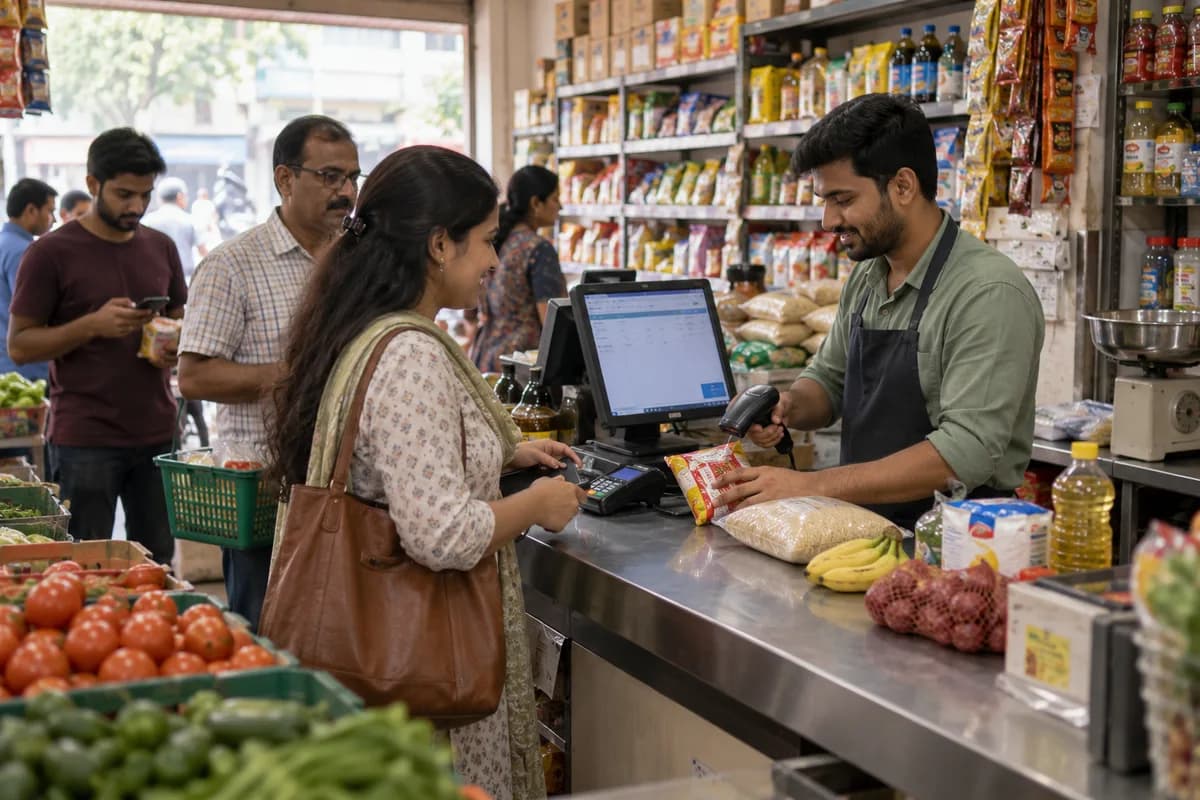
Retail businesses we can build for.
A three-store grocery chain and a forty-store apparel network buy, price and replenish in different ways. Yours decides how much a store should be allowed to settle for itself.
- Supermarket chains
- Grocery and convenience store chains
- Departmental stores
- Hypermarkets
- Apparel and fashion chains
- Footwear chains
- Pharmacy chains
- Mobile and electronics retail
- Home appliance showrooms
- Bakery and sweet shop chains
- Optical chains
- Stationery and book retail
- Hardware and paint retail
- Agri input retail chains
- Toy and gift retail
- Retail brands with some stores run by franchisees
- Cash and carry outlets
- Consumer brands running their own stores
- Chains adding a delivery business
The modules, and what each one covers.
Nothing here is a fixed package. Each module is built, left out or changed to match how your organisation already works.
Stores and formats
- Store code and name
- Address and area
- Format and size
- Counters and terminals
- Store manager
- Staff strength
- Operating hours
- Owned or franchise
- Assortment applicable
- Price list applicable
- Warehouse it draws from
The item master
One list, controlled centrally, because stores creating their own codes for the same soap is how a chain loses its numbers.
- Article code and description
- Category, sub-category and brand
- Pack size and unit of measure
- Barcode and alternate barcodes
- Tax category and rate
- Printed maximum price
- Purchase and selling price
- Shelf life
- Loose or packed
- Assortment by store
- New, active and discontinued
Barcodes and weighing
- Printed barcode scanning
- Own label printing
- Weighing scale labels for loose items
- Price-embedded barcodes
- Shelf label printing
- Reprint on price change
Talking to a weighing scale or a label printer depends on the model and what its manufacturer exposes. It is checked device by device before it is promised.
Pricing
- Central price list
- Store and region-wise pricing
- Printed price changes by batch
- Effective date of a price change
- Margin by category
- Landing cost
- Competitor price notes
- Price change approval
- Price history
Offers and promotions
Offers are announced centrally and have to apply at every counter the same way, including the one that has been closed for a week.
- Flat and percentage discounts
- Buy one get one offers
- Combo and bundle pricing
- Category-level offers
- Store-specific offers
- Offer period and timings
- Coupon codes
- Member-only prices
- Automatic application at billing
- Offer cost by store and category
The counter
The counter is often four customers deep at seven in the evening, so everything on the screen has to happen with one hand.
- Fast billing by scan or code
- Loose items by weight
- Quantity and price override with permission
- Offers applied automatically
- Loyalty number lookup
- Hold and resume a bill
- Split payment
- Tax invoice
- Print, WhatsApp or email the bill
- Cashier login and shift
Payments at the counter
- Cash
- Bank transfer or QR payment
- Card
- Wallet
- Gift voucher
- Loyalty points redeemed
- Credit for account customers
- Advance and token
- Split across modes
- Payment reconciliation at day close
Returns and exchanges
- Return against a bill
- Return without a bill under your policy
- Exchange for another item
- Refund mode
- Reason for return
- Approval for high-value returns
- Stock put back or written off
- Return history by customer
The return policy is yours. The system applies the rule you set and records every override with the name of whoever approved it.
Day close
The half hour after the last customer is when a chain keeps or loses its cash discipline.
- Sales summary by counter
- Cash denomination count
- Expected against actual cash
- Short and excess with reason
- Card and digital payment settlement figures
- Cash handover
- Bank deposit record
- Day close approval
- Report to head office
Store inventory
- Stock on hand by item
- Batch and expiry where it matters
- Backroom and shelf stock
- Stock movement history
- Negative stock flags
- Slow and non-moving items
- Overstocked items
- Days of cover
- Stock value
Stock transfers between stores
- Transfer request
- Approval
- Delivery note
- Dispatch
- In transit
- Receipt at the other store
- Short and damaged noted
- Stock updated
Stock that leaves one store and never formally arrives at another is the commonest hole in a growing chain. Transfers without a receipt should be visible on a screen, not discovered at stock count.
Warehouse and distribution
For chains that buy centrally and push to stores rather than letting each store order.
- Warehouse stock by item and batch
- Inward from suppliers
- Put-away and locations
- Store allocation
- Pick lists
- Dispatch to stores
- Vehicle and route
- Returns from stores
- Warehouse stock count
Replenishment
- Minimum and maximum levels by store
- Reorder suggestions from sales
- Automatic indent generation
- Store manager review of the indent
- Seasonal and holiday adjustments
- Fast mover priority
- Items short at the warehouse
- Substitutes
An automatic indent is only as good as the sales history behind it. The first months after go-live still need a store manager who overrides it.
Procurement
- Indent
- Consolidation
- Purchase order
- Approval
- Supply
- Goods receipt
- Vendor invoice
- Payment
Vendors and buying terms
- Vendor profile and tax ID
- Items supplied
- Purchase rate and scheme
- Credit period
- Delivery lead time
- Return and expiry policy
- Vendor performance
- Outstanding payable
- Vendor credit notes
Goods receipt
- Receipt against the purchase order
- Quantity received
- Short and excess
- Damaged on arrival
- Batch and expiry captured
- Rate variance against the order
- Barcode labelling
- Goods receipt note
- Invoice matching
Damages, expiry and shrinkage
- Near-expiry list by store
- Expired stock removed
- Damaged and broken items
- Vendor return for expiry
- Write-off with approval
- Shrinkage by category
- Shrinkage by store
- Internal investigation notes
Stock counts
- Full physical count
- Cycle count by category
- Count sheets on a phone
- Blind count option
- Variance against system stock
- Recount
- Adjustment with approval
- Count history by store
Loyalty
A phone number at the counter is worth having only if something is done with it.
- Member enrolment at billing
- Points earned by value or category
- Points redeemed
- Tiers and member prices
- Birthday and anniversary offers
- Member-only campaigns
- Points expiry rules
- Member spend history
- Members who have stopped coming
Customer records
- Phone number and name
- Home store
- Purchase history
- Basket size and frequency
- Categories bought
- Credit account balance
- Delivery addresses
- Complaints and feedback
- Consent for messages
Customer data belongs to your business and carries obligations. What is collected, how long it is kept and what is sent to it are decisions your company makes, with its own legal advice.
Home delivery and phone orders
- Orders by phone and WhatsApp
- Order from the store’s own app
- Item substitution
- Picking list for the store
- Delivery slot
- Rider assignment
- Payment on delivery
- Delivery confirmation
- Returns at the door
Your own online store
- Catalogue by store and delivery area
- Live stock and prices
- Offers and member prices
- Cart and checkout
- Payment gateway
- Order routed to the nearest store
- Order tracking
- Customer account
Store staff
- Staff records by store
- Shifts and rosters
- Attendance
- Cashier permissions
- Discount and override rights
- Sales by staff member
- Incentive calculation
- Leave and replacements
Store operations checklist
The things a head office asks about on a call and cannot otherwise verify.
- Opening checklist
- Cleanliness and display checks
- Shelf availability of top items
- Price tag audit
- Expiry check
- Closing checklist
- Photographs from the store
- Area manager visit report
Franchise stores
- Franchise agreement and terms
- Assortment and pricing control
- Supply from your warehouse
- Franchise stock and sales
- Royalty or margin calculation
- Franchise outstanding
- Performance against target
- Limited access for the franchisee
Buying and category analytics
- Sales by category and brand
- Margin by category
- Top and bottom items
- Dead stock value
- Stock cover by category
- Purchase against sales
- Vendor-wise performance
- Offer effect on sales
- Store comparison on the same category
Management dashboards
- Sales today by store
- Bills and average bill value
- Sales against target
- Stock value by store
- Out-of-stock top items
- Transfers pending receipt
- Shrinkage
- Loyalty enrolment and redemption
- Vendor payable
- Cash variance
- Staff productivity
- Store profitability
Accounts and tax
- Sales posting by store
- Purchase posting
- Sales tax or VAT summaries
- Vendor payables
- Expenses by store
- Cash and bank entries
- Export to your accounting software
The POS you already run
Most chains cannot replace every counter on day one, and should not try.
- Read sales from the existing POS
- Push item and price masters to it
- Reconcile stock against it
- Run new stores on the new counter
- Move old stores across in batches
- Retire the old system when it is safe
Whether your current POS can be read from or written to depends on what its vendor exposes. Some do it properly, some export a file at night, and a few offer nothing at all. We check yours before designing around it.
One connected workflow, end to end.
Every stage below can sit in one system, so nobody re-enters what the last stage already captured.
- Indent
- Purchase order
- Goods receipt
- Warehouse stock
- Store allocation
- Store stock
- Billing
- Payment
- Loyalty points
- Day close
- Replenishment
- Vendor payment
- Analytics
You do not have to replace everything at once.
Each phase is usable on its own, so the system earns its place before the next part is built.
- 1
Masters and the counter
Item master, pricing, offers, billing, payments and day close. The chain gets one list of items and one price behind it.
- 2
Stock across stores
Store inventory, transfers with documents, goods receipt, stock counts and the expiry and damage records.
- 3
Buying and the warehouse
Indents, purchase orders, vendors, warehouse stock, allocation to stores and replenishment suggestions.
- 4
Customers and analytics
Loyalty, home delivery, your own online store, category analytics and the dashboards a weekly review runs on.
How a build actually runs.
- 01
Understand
We stand behind a counter at the evening rush and then sit with the buyer the next morning. Both views are needed.
- 02
Map
Stores, formats, counters, item hierarchy, pricing rules, transfer habits, buying terms and every offer you ran last year.
- 03
Design
A counter screen a new cashier can learn in an hour, and head office screens built for someone with a keyboard.
- 04
Build
Masters, billing and stock first. Loyalty and analytics are worth nothing until the stock figure can be trusted.
- 05
Test
One store runs on it for a full month, including a stock count and a peak-season weekend, before any other store moves.
- 06
Deploy
Store by store, with cashiers trained on their own counter and the old system kept running until the new one is proven.
- 07
Improve
Replenishment rules, franchise access, the online store and whatever the category review starts asking for.
What you bring, and when.
The build moves at the speed of the answers. These are the things we ask for, in the order we ask.
- 01
Item lists, price files and day close sheets
Share the item master, latest price file, a promotion circular and a day close sheet. Add a store stock report. They show how stores differ.
- 02
A store manager and a merchandiser
Store managers know the counter. Merchandisers know the range. The head of retail decides when store habits collide with chain rules.
- 03
Offer rules and return policy
Offers, return rules and approval limits at the counter are settled as the build proceeds. Store staff try screens at a real counter. Early answers keep work moving.
- 04
Rollout plan and opening stock
Stores switch in an order you pick. Each store counts stock beforehand. The head of retail agrees each switch.
Systems we can put together for you.
- Retail chain management systems
- Point of sale software
- Central item and price management
- Multi-store inventory systems
- Stock transfer and warehouse systems
- Procurement and vendor systems
- Loyalty programmes
- Retail CRM
- Home delivery and ordering apps
- Online store platforms
- Franchise management systems
- Store operations audit apps
- Retail dashboards and analytics
- Multi-tenant retail SaaS platforms
Questions owners ask before starting.
What is retail chain management software?
It is the system that keeps one item master, one set of prices and one stock position across several stores, while each counter keeps billing at its own speed. Single-shop billing software does not do this.
We have three stores. Is a ready product enough?
Quite possibly. Our Grocery Management System handles billing, stock, customer credit and delivery for a shop or a small chain. Building makes sense when central buying, a warehouse or franchise stores enter the picture.
Can it work with the POS we already have?
Sometimes. It depends on what your POS vendor allows a second system to read or write. We check that first, because a chain rarely wants to replace every counter in one go.
Can prices and offers be controlled centrally?
Yes. Prices, assortments and offers are set at head office with an effective date, and each counter picks them up rather than being telephoned about them.
Can stores raise their own indents?
Yes. Indents can be suggested from sales history and then edited by the store manager, which is usually the arrangement that works in the first year.
Does it handle loose items sold by weight?
Yes. Rice, lentils and oil sold loose are billed at your rate per kilogram, alongside packed goods that are scanned, with the weighing scale connected where the model allows it.
Is a loyalty programme possible?
Yes. Enrolment at the counter, points by value or category, member prices, redemption and expiry rules are all configurable, with a list of members who have stopped visiting.
Can we keep using our accounting software alongside it?
Yes. Sales, purchases, expenses and payables post to your accounting software in the ledger structure your accountant already uses, agreed with them before go-live.
Can franchise stores be included?
Yes, with restricted access. A franchisee sees their own stock, sales and dues, and head office sees the network along with the royalty calculation.
Is selling online from the same stock possible?
Yes. Your own ordering app or website can read live stock and prices and route each order to the nearest store that can serve it.
Can we start with one store?
Yes. One store for a full month, including a stock count, shows how the build works better than planning does.
What will this not do?
It will not list your stores on quick commerce apps, and it will not stop shrinkage by itself. It shows you which store and which category it is happening in.
How we work with this trade.
Ready products for this work.
If one of these fits, it is cheaper and faster than building from scratch. We will say so.
Build the system your chain runs on, store by store.
A chain stops being a set of shops the day head office can answer a stock question without ringing anybody.
Call head office and ask how many of one item are in the chain right now. The length of the silence after that question tells you how much of this page applies to you.
Tell us how your retail chains runs today.
We will tell you what can be digitised, what can be connected, what is worth automating, and what you should leave alone.
What happens after you share your requirements
- A senior engineer reads your answers. Nobody phones first.
- Within one business day you get a written note: what we understood, what we would start with, and the questions we still have.
- If it fits, a proposal follows with the order of work, what we need from you and what you receive at each step.
- No call is booked and nothing is paid until you have read the note. Your details stay with us.
Start with your requirements
Seven short steps that tell us what you need. A senior engineer reads them before anyone gets in touch.
Share your requirements