Station checks and torque records for vehicle assembly
Station checks record what was fitted, how tightly and with which part, at every station on the line. Nutrunner torque and angle values, fitment ticks and scanned part labels are kept against the unit. A reading outside its limit holds the unit, from wheel nuts to the steering rack mounting.
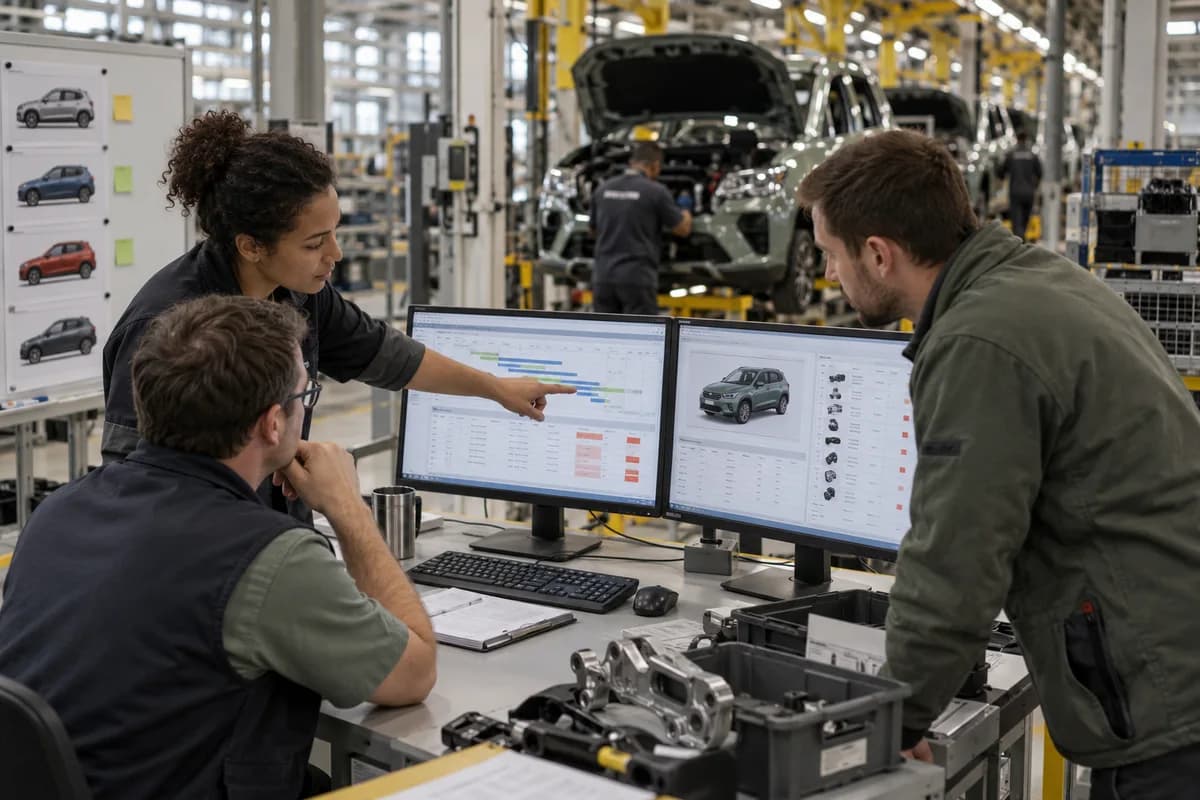
What a station check keeps for each unit
Every station has its own checklist. It is built from your line, not from a template. A station closes only when its checklist is complete. Four kinds of entry end up on the record of the unit. They are kept per unit, not per shift.
A shift at the stations of a vehicle line
Checks run all shift. Four moments carry the weight. An operator fits, a reading arrives, a supervisor decides and quality reads the exceptions. Each leaves a record that a query can find later. Together they show how a held unit is handled.
Who uses station checks and what each person sees
These records are used on the line but read in several offices. Operators and supervisors work from them live. Quality and stores read them afterwards. Each role sees the same record through a different question.
Decisions to settle before station checks go live
Station checklists copy your own line. Some choices are yours. Settle these four with the line supervisors and quality before any station screen is switched on. Each takes one short meeting.
How station checks connect to the vehicle record
A station record belongs to the unit. It takes parts from kitting and passes held units to rework. Later it feeds the end-of-line test and the recall query. These are the links a supervisor and a quality engineer use. Each is a record handed on, not a message sent.
- Variant bills set the parts a station expects to fit
- Station kitting supplies the parts whose labels get scanned
- Rework and defect tracking receives every unit that is held
- Warranty and recall traceability reads the scanned lot labels
- The end-of-line test picks up after the last station
Where station checks stop
Readings are what this feature records. It does not tighten a bolt, and it does not replace the nutrunner controller, which stays with your line equipment. Control of welding robots and paint booth conveyors also stays with programmable logic controller (PLC) equipment. Torque limits come from your engineers. A garage building one kit car a month can keep a build sheet instead.
Frequently asked questions
What if a nutrunner cannot send its readings?
The operator keys the torque and angle on the station screen. The same limits apply to a keyed value. Linking the controller later changes only how the reading arrives, not the check or the hold.
Who can release a unit that is on hold?
Whoever your plant has named. A supervisor may clear a minor joint, and quality may be required for a safety joint. The release is recorded with the person, the reading and the reason given for it.
Do the checks change with the variant on the unit?
Yes, they follow the build order. Station instructions and torque checks come from the variant on the order. A diesel estate and a petrol hatchback on neighbouring slots each show their own joints and limits at the same station.
Can paper sheets be dropped entirely?
The record on the unit replaces the sheet that travels with the vehicle. Operators record at the station. A query then does not wait for a cabinet. Your quality manager decides when the paper copy is retired.
Does it replace our nutrunner controller?
No, the controller still tightens the joint and decides its own cycle. This feature takes the result. It compares it with your limit and keeps it against the unit, where a query can find it.
How this feature fits the system.
Auto Manufacturer Management Software: the parts that work with this feature, the trades that use it and the ways to put it in place.
Variant parts master and bills of materials
Each model, trim, engine and market has its own bill, from subframe to wiper arm. A build order reads only the parts that its variant needs.
Bill of MaterialsBuild orders and slot planning
Dealer orders become build orders in weekly slots. Short axles, seats or glazing for a slot show before the order is released to stores.
Production PlanningStation checks and torque records
Each unit carries a work order through body shop, paint and trim lines. An operator closes a station only after its nutrunner checks are recorded.
Work Order ManagementTell us what you need.
Tell us what your team does today, where work gets stuck and what you want to change.
What happens after you share your requirements
- We review your brief and the systems you already use.
- We clarify the workflow, missing information and the work to consider first.
- The proposed scope sets out the deliverables, responsibilities and dependencies.
- Review the scope and commercial terms before deciding whether to proceed.
Start with your requirements
Describe your current process, the people involved and the change you need. Start with the details you know; we can clarify the rest together.
Share your requirements