Rate plans and seasons for campgrounds
Rate plans hold what each pitch type costs by the night, the week, the month and the season. Peak dates, minimum stays, pet fees and extra-vehicle charges sit beside them. A booking is priced from these rules, and the manager changes them in one place.
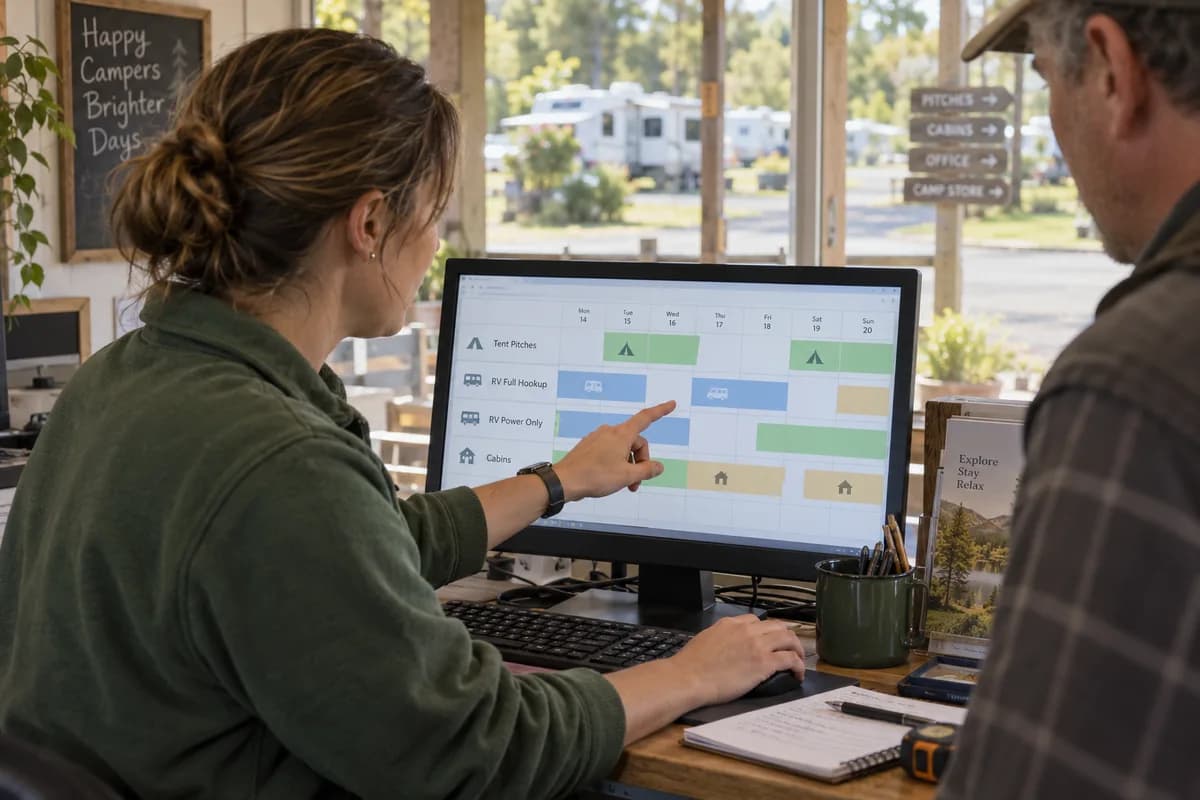
What a campground rate plan records
A rate plan is the price list a park prints in its booking terms, kept where every booking can read it. It lists each pitch type against each stay length and season. Rules sit beside the prices. A tent field and a full-hookup bay carry different rates.
From the off season to the peak weekend
A park’s prices change as the year turns. A quiet midweek in spring and a full midsummer weekend are priced by different rules. These moments show who works with the rate plan and when. Each moment below is a decision someone at the park makes with the plan open.
Who sets the rates and who quotes them
Prices touch every person at the park, but only one or two people should change them. Each role below sees the plan differently. One person sets it, and the others quote from it.
Decisions to settle before rates go in
Rates are what guests question first. Four decisions are best made with the manager before the plan is keyed in. Each is a choice about your own booking terms, not a default.
How rate plans feed the rest of the park
A price is quoted once. It then travels with the stay. The booking reads its nightly total from the plan, the folio carries the charges that follow and the long-stay account repeats the rent. Here is what it hands on and what it takes in from the other features.
- Prices each reservation from the pitch type and dates
- Reads peak dates held on the pitch calendar
- Adds pet fees and extra vehicles to the folio
- Sets pitch rent on seasonal and long-stay accounts
- Supplies the rate quoted in confirmation messages
Where the rate plan stops
The plan prices a stay from the rules you give it. It cannot set a fair peak price, advise on tax or report what a neighbouring park charges. Tax rates and currency are confirmed with you during installation, and the park’s accountant owns the tax treatment. A park with one flat price and no seasons can use a printed card.
Frequently asked questions
How is a weekly rate applied to a booking?
A booking for the week is priced at the weekly rate set for its pitch type, not as separate nights. The total shows before the booking is saved. The total is read back to the guest.
Where do pet fees and extra-vehicle charges appear?
Both are set in the rate plan and posted to the stay as separate lines. Each shows on the folio. The office explains any figure by pointing to its line and the rule behind it.
Who updates the rates when next season starts?
You send the new rate sheet and ask for the change. GullySystem staff then update the plan. Staff check a few sample bookings against the printed terms before the new season starts. Nothing changes until you ask.
Does the plan handle currency and tax on invoices?
Folios and invoices carry the currency and tax of the country the park sits in, confirmed with you during installation. Which tax applies to a charge is a matter for the owner and an accountant. The plan holds the figures you give it.
Can a minimum stay apply only to busy dates?
A minimum stay is attached to the peak dates, so quiet dates need not carry one. The rule applies when the booking is priced. A short request on a peak weekend meets the rule at that point, not at the gate.
How this feature fits the system.
Campground Management Software: the parts that work with this feature, the trades that use it and the ways to put it in place.
Reservations and online booking page
A web page shows free pitches for the dates a guest chooses, and the booking joins the calendar the gate staff read.
Online Booking PortalPitch calendar and availability
Each pitch, cabin and bay is held as a bookable resource with its supply type and length limit, so a rig meets a bay that fits.
Resource and Room BookingRate plans and seasons
Nightly, weekly and seasonal rates sit against each pitch type, with peak dates and minimum stays applied when the booking is priced.
Price Lists and SchemesTell us what you need.
Tell us what your team does today, where work gets stuck and what you want to change.
What happens after you share your requirements
- We review your brief and the systems you already use.
- We clarify the workflow, missing information and the work to consider first.
- The proposed scope sets out the deliverables, responsibilities and dependencies.
- Review the scope and commercial terms before deciding whether to proceed.
Start with your requirements
Describe your current process, the people involved and the change you need. Start with the details you know; we can clarify the rest together.
Share your requirements