Utility meters and readings for RV parks
Every pedestal has its own electricity and water meter, read on a phone during rounds. Each reading is stored with its date, and the units used between two readings are worked out. Seasonal guests and touring stays are billed from those units, and the manager reads usage by bay.
What a pedestal reading records
A reading is a number on a meter, but it means little without the pedestal, the date and the person who took it. Each entry keeps all of those. Between two entries sits the figure that matters, the units used.
A pedestal round on a working day
Rounds are a walk with a phone. They are not an office task. A warden or a grounds person stops at each pedestal, types the figure and moves on. These moments show how a round goes, and where it goes wrong.
Who takes readings and who reads the units
Readings are taken in the field and used in the office. Four people touch them along the way. Patterns matter to the manager, and faults matter to the crew. Here is what each does with a meter.
Decisions to settle before the first round
Meters are physical, so the choices are practical. Four decisions need settling before the first round is walked. Each affects how far a guest will trust a statement. Take them with the warden and the office together.
How meter readings feed other features
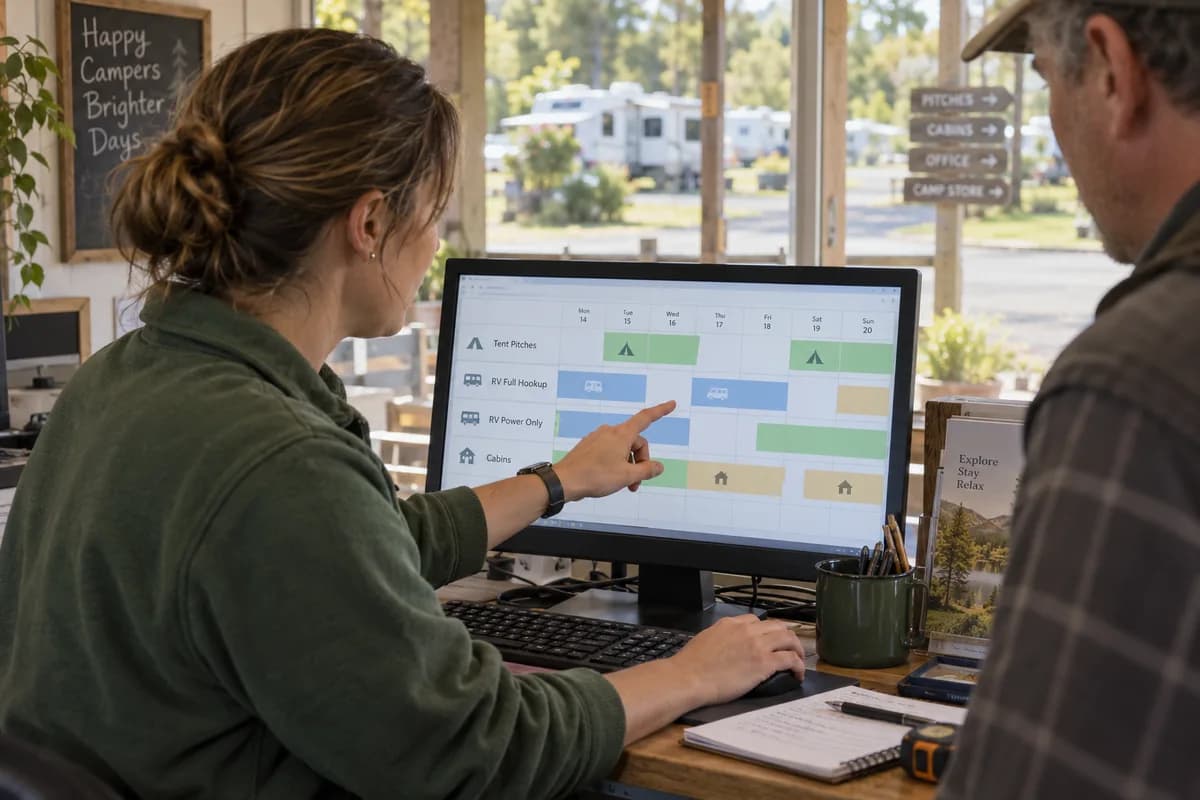
A meter reading has one job, which is to become units on an account. It takes its bay from the pitch calendar and hands its units on to billing. It also touches the task list, because rounds are jobs to be assigned and ticked off. The links follow.
- Takes bay and pedestal details from the pitch calendar
- Gives units to seasonal and long-stay statements
- Posts units to a touring guest’s folio
- Appears as a round on cleaning and grounds tasks
- Logs a faulty pedestal in the incident log
Where meter readings stop
The system stores figures and does the subtraction. It does not read a meter by itself. Someone still walks the round and types the number. A wrong figure stays wrong until a person corrects it. Meter calibration, pedestal safety checks and the park’s own utility bill stay with the owner and an electrician. A park with only two or three metered bays can use a notebook.
Frequently asked questions
Does the system read the meters by itself?
No. A person reads the dial and types the figure on a phone during the round. It is then stored with the date, and the units used since the last reading are worked out. Nothing connects to the meter itself.
What if a reading is entered against the wrong bay?
A named person corrects the entry, and the units are worked out again once the right figures are in place. A note records what was changed. Fix it before the statement goes out to the guest.
Are electricity and water read at the same time?
Both are read at one stop. Each has its own line, so electricity units and water units are worked out separately. A bay with no water meter has no water line to fill in on the round.
Can a guest dispute the units on a statement?
The guest can ask to see the earlier reading, the new reading and the date of each. The office reads them from the record. If a figure was wrong, a named person corrects it before the statement is settled.
Can several people share one meter round?
A round can be split between two people, one for each end of the park. Both save entries against the bay on their own phones. The entries land on the same accounts. Nobody merges two sheets by hand.
How this feature fits the system.
Campground Management Software: the parts that work with this feature, the trades that use it and the ways to put it in place.
Reservations and online booking page
A web page shows free pitches for the dates a guest chooses, and the booking joins the calendar the gate staff read.
Online Booking PortalPitch calendar and availability
Each pitch, cabin and bay is held as a bookable resource with its supply type and length limit, so a rig meets a bay that fits.
Resource and Room BookingRate plans and seasons
Nightly, weekly and seasonal rates sit against each pitch type, with peak dates and minimum stays applied when the booking is priced.
Price Lists and SchemesTell us what you need.
Tell us what your team does today, where work gets stuck and what you want to change.
What happens after you share your requirements
- We review your brief and the systems you already use.
- We clarify the workflow, missing information and the work to consider first.
- The proposed scope sets out the deliverables, responsibilities and dependencies.
- Review the scope and commercial terms before deciding whether to proceed.
Start with your requirements
Describe your current process, the people involved and the change you need. Start with the details you know; we can clarify the rest together.
Share your requirements