Camp store and stock for campgrounds
The camp store sells firewood, kindling, ice, propane and snacks at the counter. Every sale is paid at once or charged to a guest’s stay, and stock for each line falls as it is rung. Staff see which lines have dropped below their reorder level.
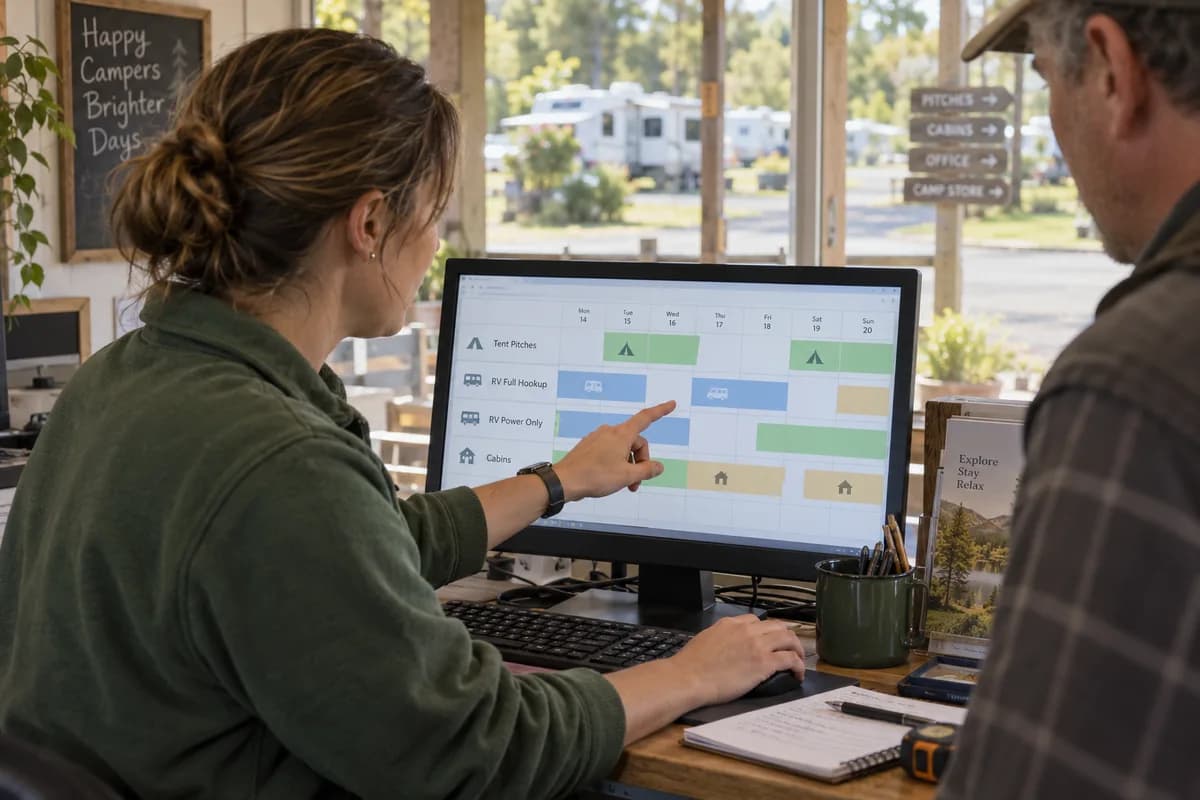
What the camp store keeps for each line
A camp store is a small shop. Firewood sells in bundles, propane in bottles and ice in bags. Price, stock on hand and the level at which to buy more need a record for each line. Sales are rung from those records.
A day behind the camp store counter
The counter is busy in the late afternoon, when campers want wood for the fire, ice for the cool box and gas for the stove. Sales are short. The queue is one family at a time. Here is how a day runs.
Who sells, who stocks and who reads totals
Staff for the store are shared with the gate. Counter work fits inside a day of other jobs. Each role below touches stock in a different way. Some touch only the till.
Decisions to settle before the store goes live
A small shop can drift into a stock list that nobody trusts, one forgotten sale at a time. Four decisions made early keep the list honest. Settle them with the person who runs the counter.
How the camp store links to the stay
The store is a counter, but its sales belong to the stay. Charged sales become folio lines, a paid sale joins the takings and low stock is flagged for the manager. Rates, meters and cleaning stay separate. Here is where the store touches the rest of the park.
- Posts charged sales to the stay’s folio
- Reads the guest and stay from reservations
- Shows paid sales in the day’s takings
- Passes a low-stock flag to the manager
- Sends store figures to the accounting export
Where the camp store stops
It records sales and counts stock. It does not order from suppliers or check delivery notes. Valuing stock for the accounts stays with the manager and the accountant. Rules for storing gas bottles and firewood stay with the owner and an adviser. A park that sells a few bundles from a shed can use a cash box and a notebook.
Frequently asked questions
Does stock fall when a sale is rung?
Stock for the line falls by the quantity sold as soon as the sale is saved. A charged sale reduces stock the same way as a paid one. The new count shows on the list.
Can a guest charge firewood to their pitch?
A guest can put it on the stay. The stay is picked, the sale is posted and the line joins the folio. Payment waits for checkout, along with the rest of the balance and the pitch charges.
How does the shop know when to reorder?
Each line has its own reorder level. The manager sets the level, and any line that drops below it is flagged on the day’s log. How much to buy, and from whom, is the manager’s call.
Does the store report cover cash and card?
Takings for a day are split by how each sale was settled, paid or charged to a stay. The office compares the paid total with the card payment report and the money in the till. Charged sales are checked on the folios.
Can the same screen sell gas bottles and snacks?
Every line sits on one counter list, from kindling and ice to propane bottles and snacks. Staff pick the line, enter the quantity and choose how it is settled. One sale can hold several lines.
How this feature fits the system.
Campground Management Software: the parts that work with this feature, the trades that use it and the ways to put it in place.
Reservations and online booking page
A web page shows free pitches for the dates a guest chooses, and the booking joins the calendar the gate staff read.
Online Booking PortalPitch calendar and availability
Each pitch, cabin and bay is held as a bookable resource with its supply type and length limit, so a rig meets a bay that fits.
Resource and Room BookingRate plans and seasons
Nightly, weekly and seasonal rates sit against each pitch type, with peak dates and minimum stays applied when the booking is priced.
Price Lists and SchemesTell us what you need.
Tell us what your team does today, where work gets stuck and what you want to change.
What happens after you share your requirements
- We review your brief and the systems you already use.
- We clarify the workflow, missing information and the work to consider first.
- The proposed scope sets out the deliverables, responsibilities and dependencies.
- Review the scope and commercial terms before deciding whether to proceed.
Start with your requirements
Describe your current process, the people involved and the change you need. Start with the details you know; we can clarify the rest together.
Share your requirements